






- Enterprise workflow management software is a centralized platform that automates, monitors, and optimizes complex business processes
- These tools connect departments, standardize workflows, and reduce manual tasks across large organizations efficiently
- AI-powered workflow systems improve decision-making, speed, and operational consistency across enterprise teams
- Choosing the right platform depends on integrations, scalability, usability, and total cost of ownership
- Omnichannel platforms combine workflow automation, CRM, and communication for end-to-end business process management
For growing enterprises, manual bottlenecks are more than just an inconvenience, they can be a direct drain on your bottom line.
As your business operations scale, the complexity of managing cross-departmental tasks demands a shift from static tools to intelligent systems that can orchestrate your business in real-time.
This shift doesn’t just speed up your response times; it fundamentally changes how your team delivers value by removing the friction of repetitive admin.
To help you find the right fit for your organization, the Mekari Qontak Blog has reviewed the 15 best enterprise workflow management tools designed to maximize your operational efficiency.





What Is Enterprise Workflow Management Software?
Enterprise workflow management software is a centralized digital platform that large organizations use to automate, monitor, and optimize business processes such as approvals, service requests, onboarding, and cross-department workflows within a unified system.
In simpler terms, these software connect teams and standardize processes to reduce manual tasks. This helps businesses operate much faster while maintaining consistent results and full compliance across every department.
Integrating these systems into your daily operations effectively eliminates the silos that often slow down large-scale organizations. This seamless connection ensures that every project moves from initiation to completion with minimal friction and maximum speed.
Best Enterprise Workflow Management Software For Faster Business Operations
1. Mekari Qontak
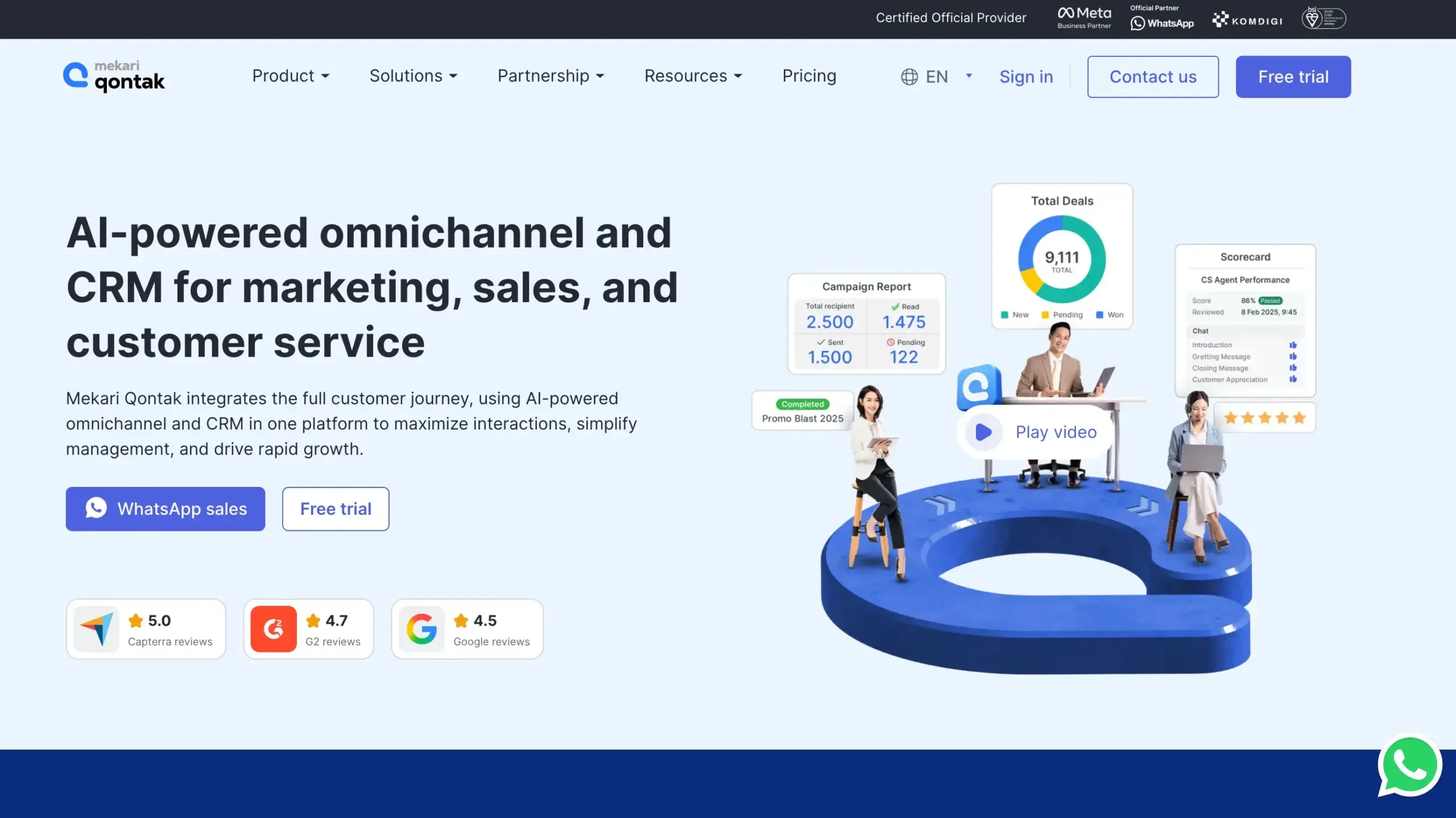
Mekari Qontak is an omnichannel CRM platform that combines workflow automation, customer engagement, and communication tools in one ecosystem.
It is built for customer-facing workflows across sales, marketing, and customer service, with native WhatsApp Business API integration and agentic AI that enables automated, intelligent interactions.
Mekari Qontak Pricing: Mekari Qontak subscription fees can be found via the following link.
Mekari Qontak Key Features:
- Workflow Automation: Automates repetitive workflows, task routing, and follow-ups to improve enterprise team productivity.
- Agentic AI Capabilities: Uses AI to summarize chats, suggest replies, and accelerate agent decision-making.
- WhatsApp Business API integration: Connects official WhatsApp Business API for scalable messaging, notifications, and customer engagement.
- Multi-channel inbox: Centralizes conversations from multiple channels into one inbox for faster response management.
- Native CRM integration: Syncs customer interactions with CRM data for better context, tracking, and pipeline visibility.
- Multi-Agent & Team Collaboration System: Enables teams to assign chats, collaborate internally, and manage workloads efficiently.
- Customer Data Platform: Unifies customer data across touchpoints for richer profiles and personalized engagement.
- Workflow Analytics & Performance Tracking: Tracks agent activity, workflow performance, and KPIs with real-time reporting dashboards.
Pros
- Strong omnichannel communication for sales, service, and operations teams
- Reliable WhatsApp-focused engagement for high-volume business communication
- Built-in automation helps reduce manual work and response delays
- Centralized customer data improves visibility across teams and workflows
- Real-time analytics support performance monitoring and process optimization
Cons
- Service focus is still primarily limited to the local market
Why Choose Mekari Qontak?
2. ClickUp
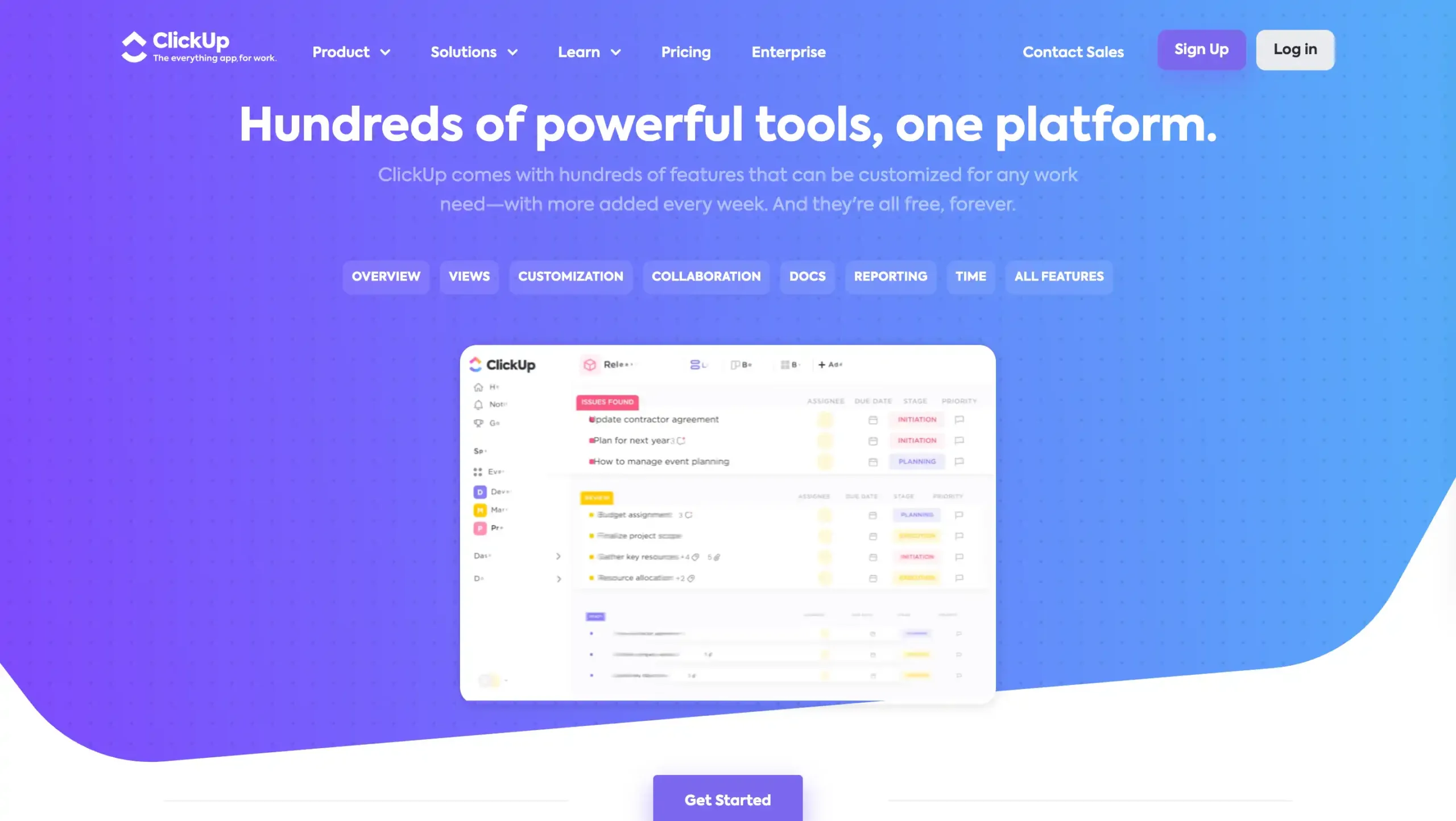
ClickUp is a versatile all-in-one platform that consolidates projects, workflows, documents, and real-time chat into a single interface.
This software is highly favored by organizations looking to replace multiple disconnected tools with one comprehensive workspace that can be customized to fit almost any team’s requirements.
ClickUp Pricing: Custom pricing
ClickUp Key Features:
- Task Management: Organize tasks, subtasks, priorities, deadlines, and statuses in one centralized workflow platform.
- Multiple Views: Switch between List, Board, Gantt, Calendar, and Timeline for clearer project visibility.
- Workflow Automation: Automate repetitive actions, approvals, and task updates to improve team efficiency.
- Goals and Dashboards: Track OKRs, project progress, workloads, and performance metrics with visual dashboards.
- Collaborative Docs and Chat: Create documents, share updates, and communicate in real time within workflows.
Pros
- All-in-one workspace reduces tool switching and keeps teams aligned
- Flexible customization fits many enterprise workflow management needs
- Multiple project views improve planning, tracking, and execution
- Built-in automation helps save time on repetitive processes
Cons
- Learning curve can feel steep for new users
- Some advanced needs may require higher-tier plans
- Interface may seem crowded for some teams
Why Choose ClickUp?
3. Jira Service Management

Jira Service Management is widely considered the industry standard for IT service workflows. It excels in advanced ticketing, SLA tracking, and incident management, especially for teams already deep within the Atlassian ecosystem.
However, its complex interface can be a significant hurdle for non-technical departments.
Jira Service Management Pricing: Contact Jira sales for detail pricing
Jira Service Management Key Features:
- Workflow automation: Automates repetitive service tasks, approvals, and routing to improve team speed and consistency.
- Incident management: Helps teams track, prioritize, and resolve incidents faster with structured response workflows.
- Asset management: Tracks devices, systems, and dependencies for better operational visibility and change planning.
- Self-service portal: Gives employees one place to submit requests and find answers independently.
- Analytics and reporting: Provides dashboards and service metrics to monitor performance and optimize workflows.
Pros
- Easy to automate recurring workflows and reduce manual service management work
- Strong integration with Atlassian tools for connected team collaboration and visibility
- Flexible configuration supports IT, HR, operations, and enterprise workflow management needs
- Scales well for growing teams and complex cross-functional service processes
Cons
- Initial setup can feel complex for new teams without Jira experience
- Advanced capabilities may increase total cost as requirements grow
Why Choose Jira Service Management?
4. Adobe Workfront
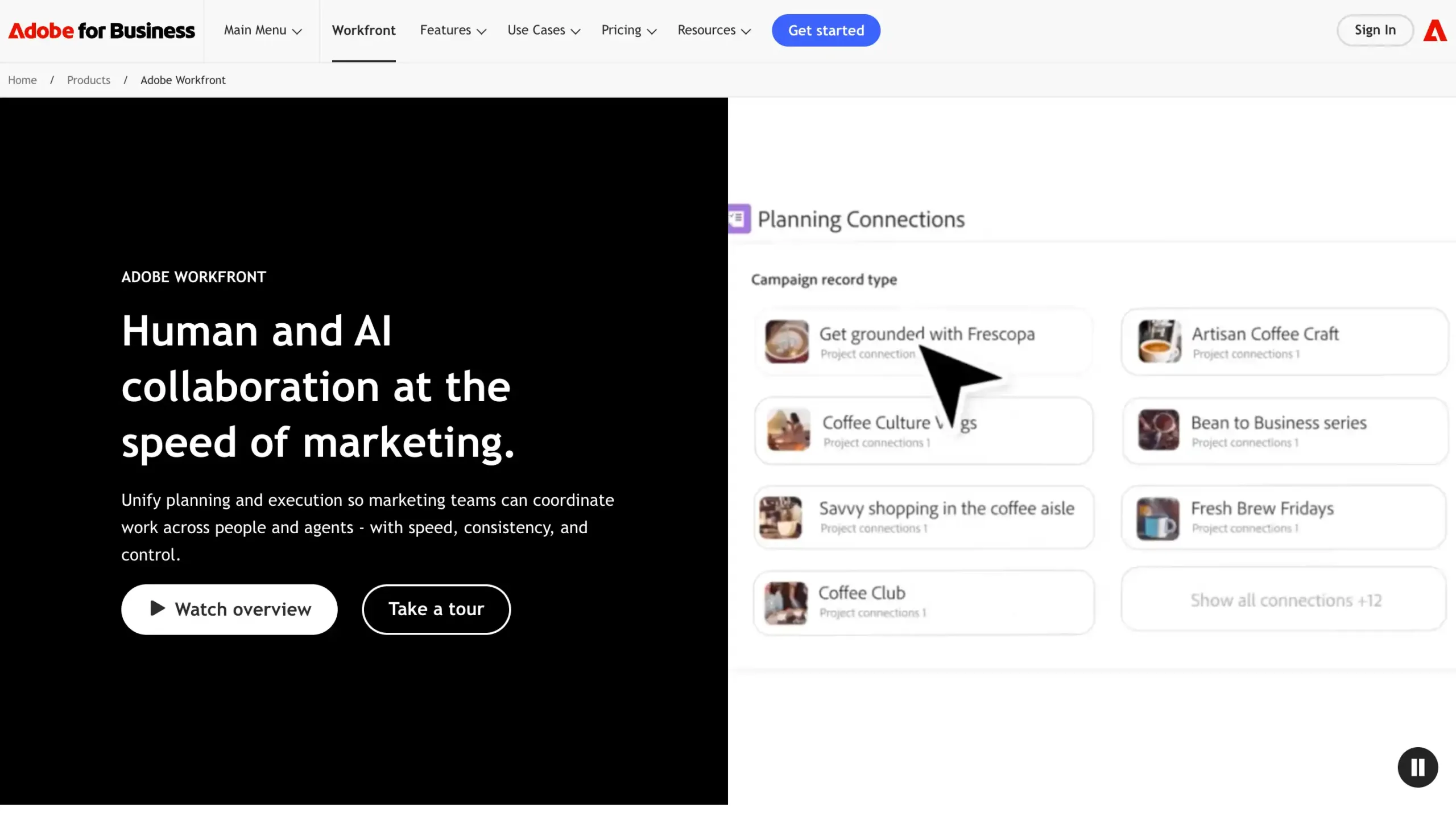
Adobe Workfront is purpose-built to manage complex marketing and creative workflows at a massive scale.
While it is unmatched for streamlining campaign approvals and creative assets, its specialized focus makes it less ideal for general business or administrative use cases.
Adobe Workfront Pricing: Contact Adobe Workfront sales
Adobe Workfront Key Features:
- Workflow Automation: Automates repetitive tasks, approvals, and routing to improve speed, consistency, and team productivity.
- Project Management: Organizes projects, tasks, deadlines, and dependencies for better visibility and execution control.
- Resource Management: Helps allocate people, workloads, and capacity efficiently across teams and business priorities.
- Reporting & Dashboards: Provides real-time dashboards and performance insights for faster, data-driven decision-making.
- Strategic Portfolio Planning: Connects business goals, project planning, and execution to align enterprise work priorities.
Pros
- Strong enterprise workflow management and project tracking capabilities
- Powerful resource planning for complex teams and large workloads
- Customizable workflows for different departments and processes
- Useful reporting and dashboards for operational visibility
Cons
- Can feel complex for new users during initial setup
- Pricing is not publicly available
Why Choose Adobe Workfront?
5. Monday.com
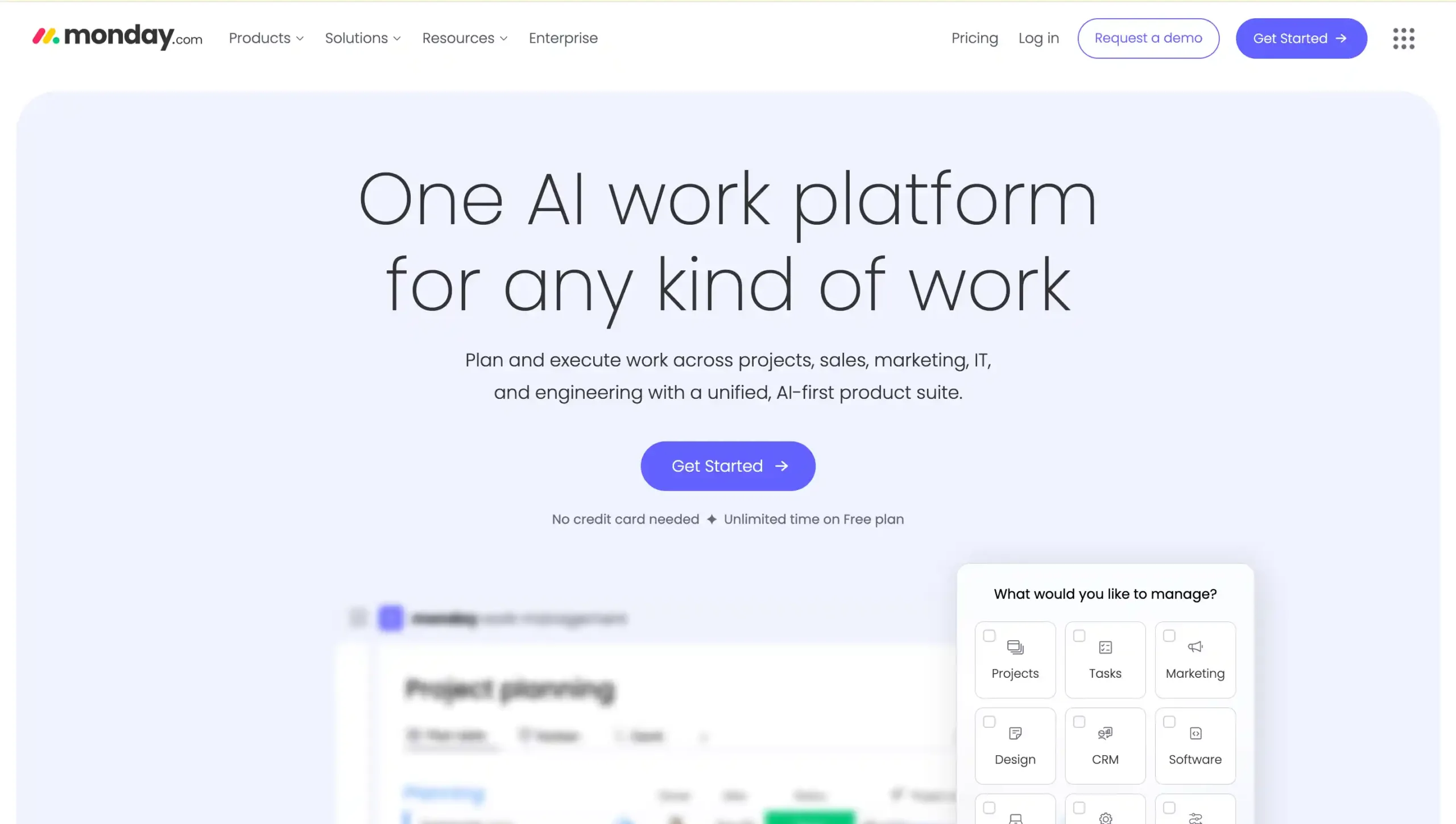
Monday.com is often the best choice for teams transitioning from manual spreadsheets to digital automation.
Its highly visual and intuitive boards make adoption easy for any department, though the cost can increase significantly as you scale the number of users and advanced features.
Monday.com Pricing: contact Monday.com sales
Monday.com Key Features:
- Visual Workflow Views: Manage enterprise tasks with Kanban, Timeline, Calendar, and Gantt views easily.
- No-Code Automation: Automate repetitive workflow steps using simple trigger-based rules without coding skills.
- Custom Dashboards: Track projects, workloads, and performance with real-time customizable reporting dashboards.
- Team Collaboration: Centralize updates, files, and task communication for faster cross-functional team alignment.
- Integrations: Connect workflows with 200+ business tools to streamline operations across departments.
Pros
- Easy to use and quick for teams to adopt
- Highly flexible workflows for different business processes
- Powerful automation and dashboard reporting capabilities
- Strong collaboration features for enterprise project visibility
Cons
- Advanced features require higher-priced plans
- Customization can feel limited in certain use cases
- Some users face a learning curve at setup
Why Choose Monday.com?
6. Pipefy
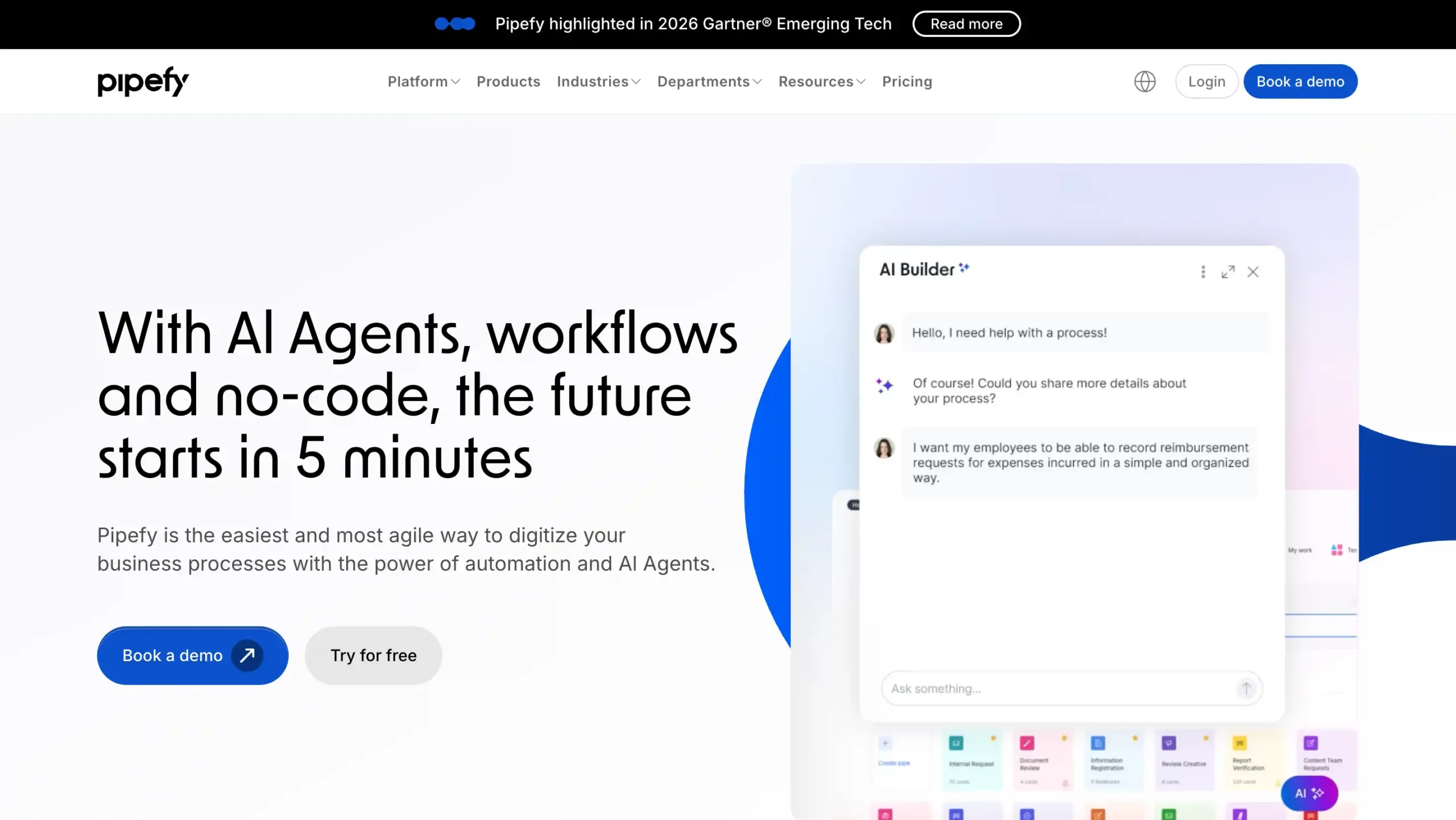
Pipefy focuses heavily on process-centric workflows such as approvals, HR onboarding, and procurement forms.
Its no-code automation empowers business users to standardize complex processes without needing help from IT, ensuring consistent outcomes across the organization.
Pipefy Pricing: Contact Pipefy sales
Pipefy Key Features:
- No-code Workflow Builder: Create and automate business processes quickly without coding skills or technical resources.
- AI-powered Automation: Reduce manual work using smart automation for approvals, routing, and repetitive tasks.
- Custom Forms and Portals: Collect requests with branded forms and service portals for smoother intake.
- Integrations and API Access: Connect Pipefy with ERP, CRM, and internal systems for unified operations.
- Analytics and Governance: Track performance with dashboards, audit logs, and role-based access controls.
Pros
- Easy to use and deploy across enterprise teams
- Strong workflow customization for many business processes
- Integrates well with existing business systems and tools
- Automation improves speed, consistency, and operational efficiency
Cons
- Higher-tier features can increase total software costs
- Mobile and app limitations may affect some teams
- Complex workflow setup may require time to learn
Why Choose Pipefy?
7. ServiceNow
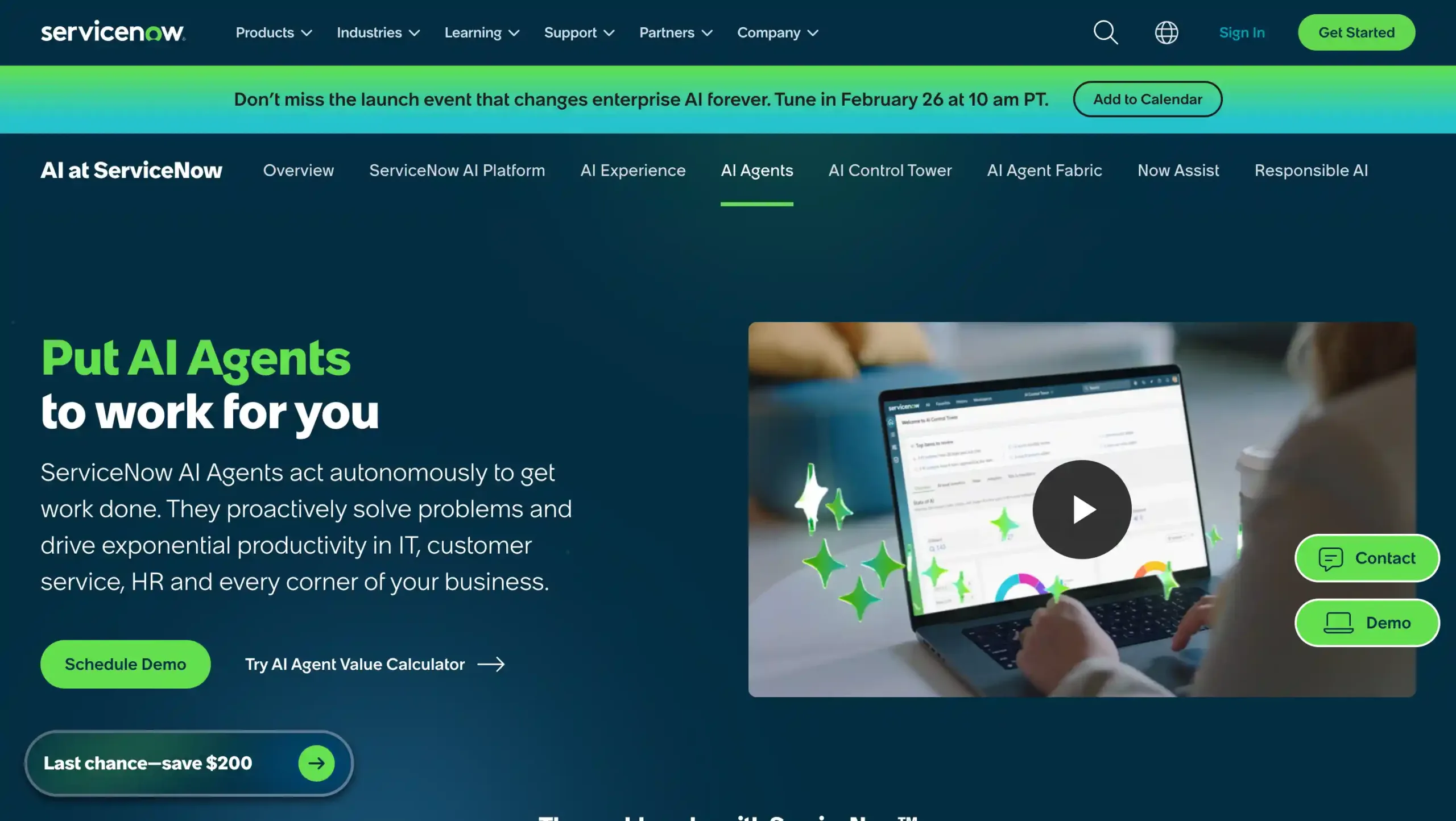
ServiceNow is a highly scalable enterprise platform known for IT service management, governance, and compliance workflows. This software offers extensive customization but typically requires technical expertise to implement and maintain.
ServiceNow Pricing: Contact ServiceNow sales
ServiceNow Key Features:
- Incident Management: Resolves IT issues faster with smart routing, prioritization, and automated ticket workflows.
- Change Management: Controls system changes with approvals, risk checks, and standardized workflow automation.
- Asset Management: Tracks IT assets across the lifecycle to improve visibility, compliance, and cost control.
- Virtual Agent: Answers common requests instantly through conversational self-service and automated support actions.
- Predictive Intelligence: Uses AI to classify, assign, and prioritize tasks for faster enterprise operations.
Pros
- Strong workflow automation for complex enterprise processes
- Powerful reporting, visibility, and process standardization
- Highly scalable for large teams and multi-department operations
- Broad platform capabilities across IT, HR, and business workflows
Cons
- Implementation can be complex for first-time enterprise buyers
- Pricing may be high for smaller organizations
Why Choose ServiceNow?
8. Nintex
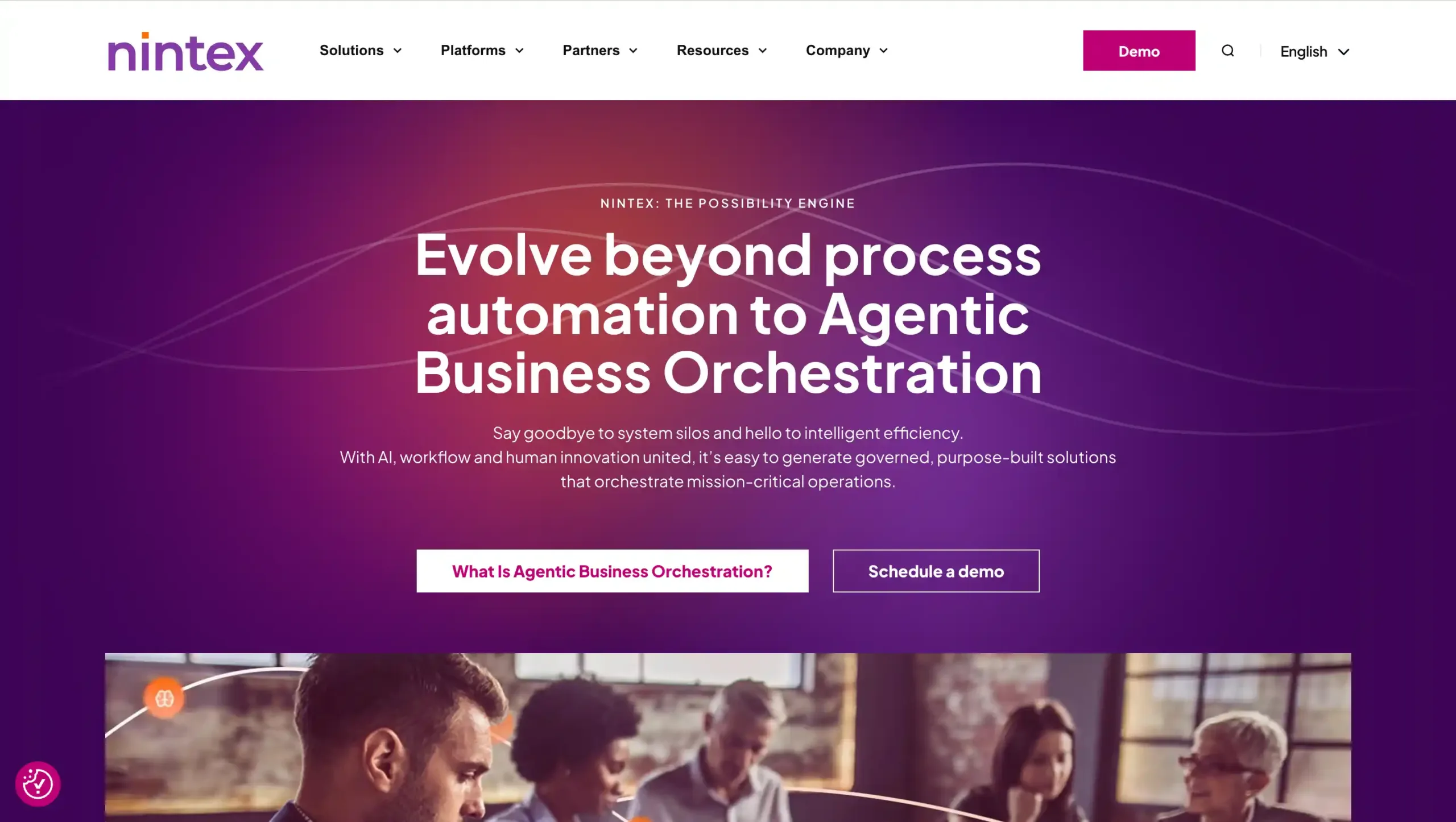
Nintex is a workflow automation platform that specializes in process automation and document management, helping organizations streamline approvals and repetitive administrative tasks.
Nintex Pricing: Contact Nintex sales
Nintex Key Features:
- Workflow Automation: Automates approvals, tasks, and complex business processes across teams, systems, and departments.
- Process Mapping: Visualizes workflows clearly to identify bottlenecks, improve efficiency, and standardize operations.
- Document Automation: Creates, routes, and manages business documents faster with fewer manual steps.
- eSignature: Enables secure digital signing to speed up approvals and reduce paperwork delays.
- RPA: Automates repetitive rule-based tasks to increase productivity and reduce operational errors.
Pros
- Easy drag-and-drop workflow builder
- Strong integrations with major business platforms
- Supports enterprise process standardization
- No-code tools for faster deployment
Cons
- Advanced features may take time to learn
- Complex workflow customization can be limited
Why Choose Nintex?
9. Salesforce Flow
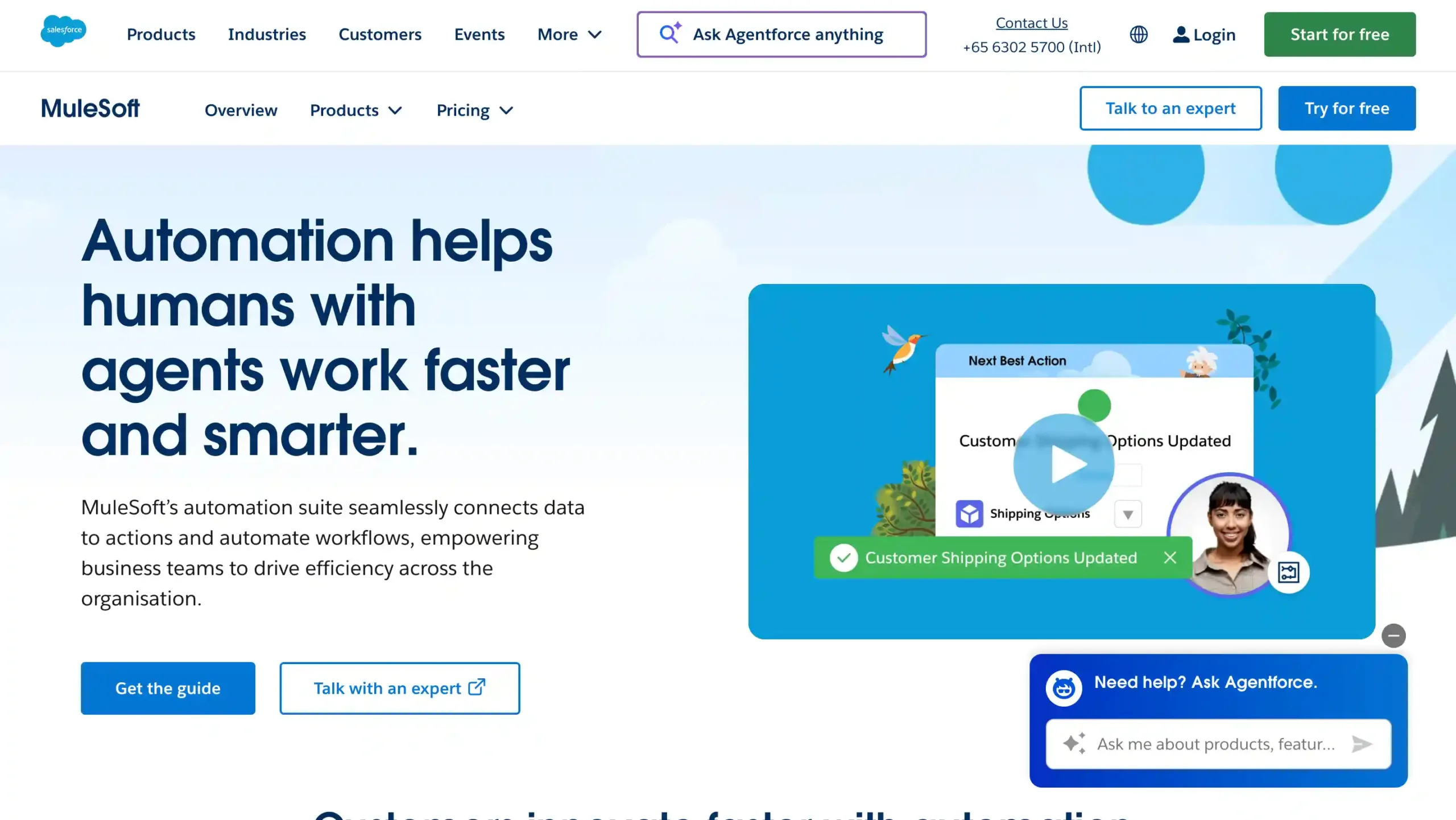
Salesforce Flow is a powerful automation engine built directly into the Salesforce ecosystem, making it ideal for streamlining sales-driven workflows.
While highly effective for existing Salesforce users, it often requires a more technical configuration to fully master its capabilities.
Salesforce Flow Pricing: Contact Salesforce Flow sales for detail pricing
Salesforce Flow Key Features:
- Visual Flow Builder: Build enterprise workflow automation with drag-and-drop tools, reducing coding and speeding process design.
- Record-Triggered Flows: Automate actions instantly when data changes, improving consistency across business workflows.
- Screen Flows: Guide users through structured steps with interactive forms for faster task completion.
- Scheduled Flows: Run recurring workflow processes automatically at set times for better operational efficiency.
- System Integration: Connect Salesforce data and external systems to streamline end-to-end enterprise process automation.
Pros
- Easy no-code workflow automation for business teams and admins
- Strong Salesforce ecosystem integration for unified process management
- Improves productivity by reducing repetitive manual tasks
- Supports complex enterprise workflows with flexible automation logic
Cons
- Can feel complex for beginners without Salesforce experience
- Large or complicated flows may require careful optimization
Why Choose Salesforce Flow?
10. Smartsheet
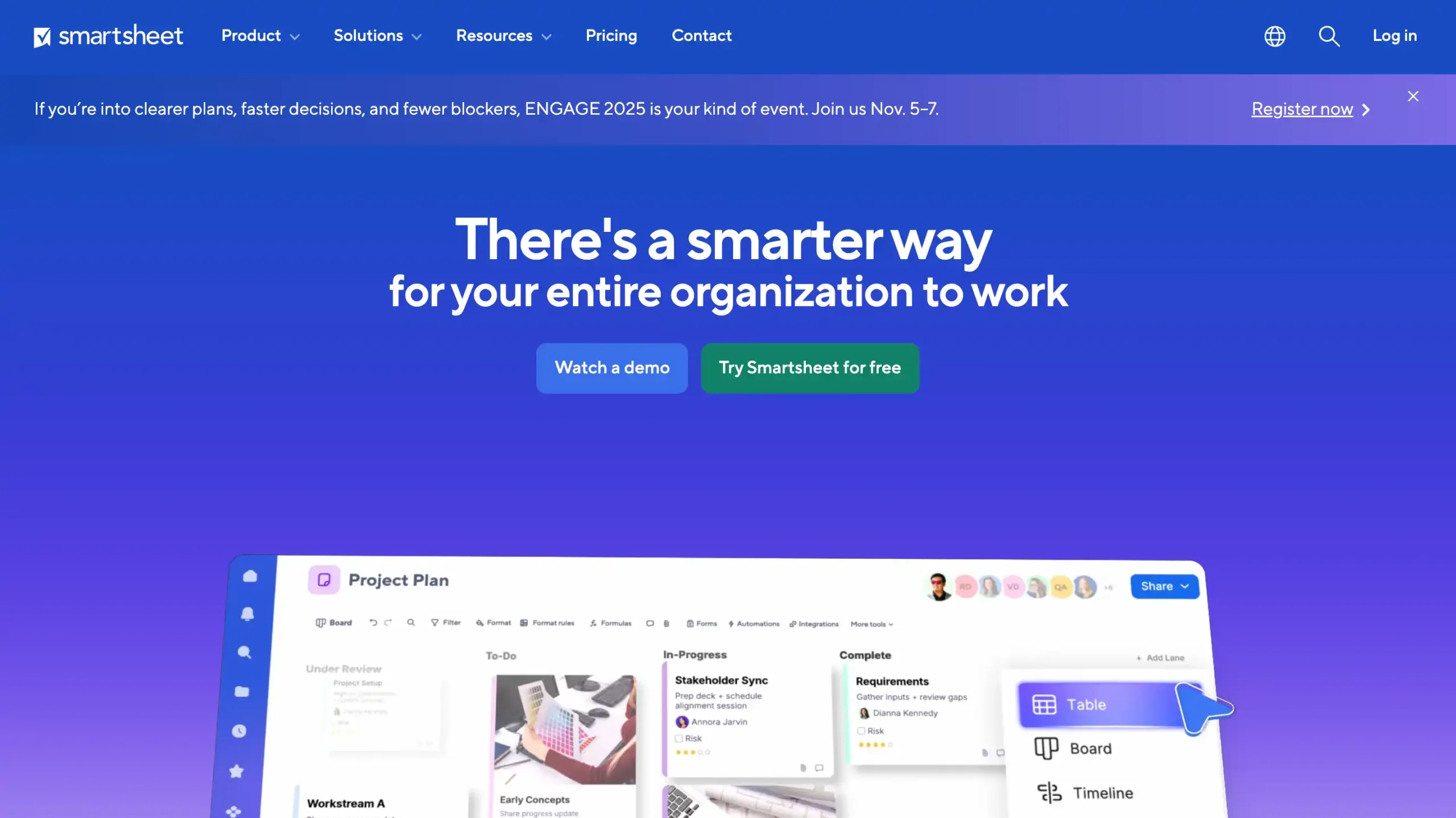
Smartsheet offers a familiar spreadsheet-style interface that can simplify the transition for teams accustomed to Excel.
While excellent for organization and tracking, it may lack the flexibility and depth needed for highly complex, multi-layered automations compared to more modern tools.
Smartsheet Pricing: Custom pricing
Smartsheet Key Features:
- Workflow Automation: Automates repetitive tasks, approvals, alerts, and updates to improve workflow speed and accuracy.
- Multiple Project Views: Supports grid, Gantt, board, calendar, and timeline views for flexible work management.
- Real-Time Collaboration: Enables teams to share updates, comments, files, and status changes instantly.
- Reporting and Dashboards: Builds live dashboards and reports for tracking progress, performance, and business visibility.
- Enterprise Integrations: Connects with Microsoft 365, Google Workspace, Slack, Teams, and other business tools.
Pros
- Easy to learn with a spreadsheet-style interface
- Scales well for growing teams and enterprise operations
- Strong workflow automation for repetitive business processes
- Excellent visibility across projects, teams, and tasks
Cons
- Some advanced functions require higher-tier plans
- Can feel less intuitive for highly complex workflows at first
Why Choose Smartsheet?
11. Wrike
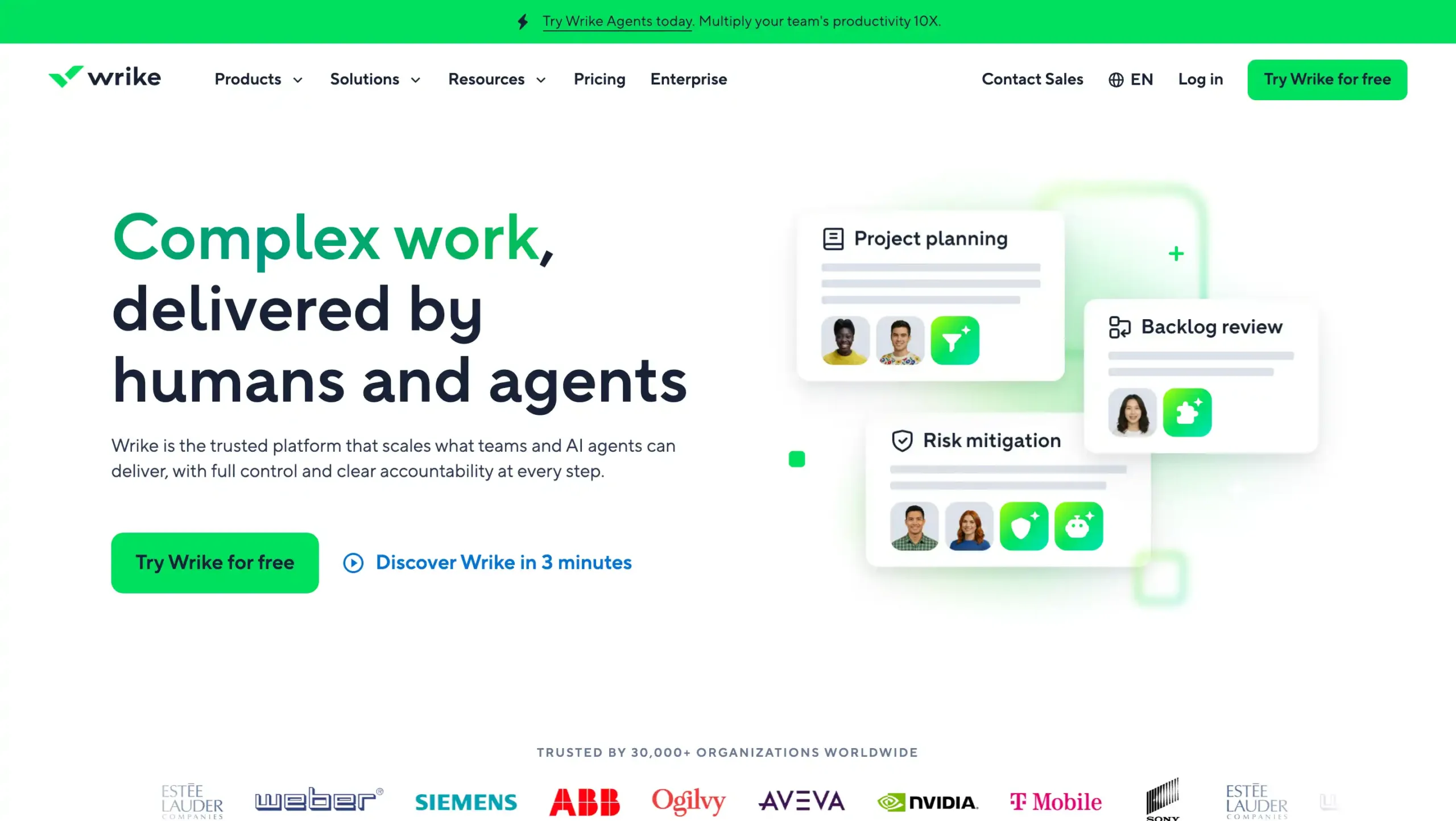
Wrike is a robust hybrid of project management and workflow automation designed to balance team collaboration with clear task visibility. It is an ideal choice for departments that need to maintain creative freedom while following a structured execution process.
Wrike Pricing: Contact Wrike sales
Wrike Key Features:
- Custom Workflows: Build tailored processes for teams, approvals, and enterprise workflow management at scale.
- Gantt Charts: Visualize project timelines, dependencies, and milestones for better planning and execution.
- Real-Time Collaboration: Share updates, comments, and files instantly to keep teams aligned everywhere.
- Advanced Reporting: Track performance, workload, and project progress with clear, actionable business insights.
- Resource Management: Balance team capacity, assign workloads, and improve enterprise productivity efficiently.
Pros
- Flexible workflow customization for different teams and business processes
- Strong project visibility with dashboards, reports, and timeline views
- Scales well for growing teams and enterprise-level operations
- Supports cross-functional collaboration in one centralized workspace
Cons
- Some advanced tools may take time for new users to learn
- Higher-tier plans can be costly for smaller businesses
Why Choose Wrike?
12. Freshservice
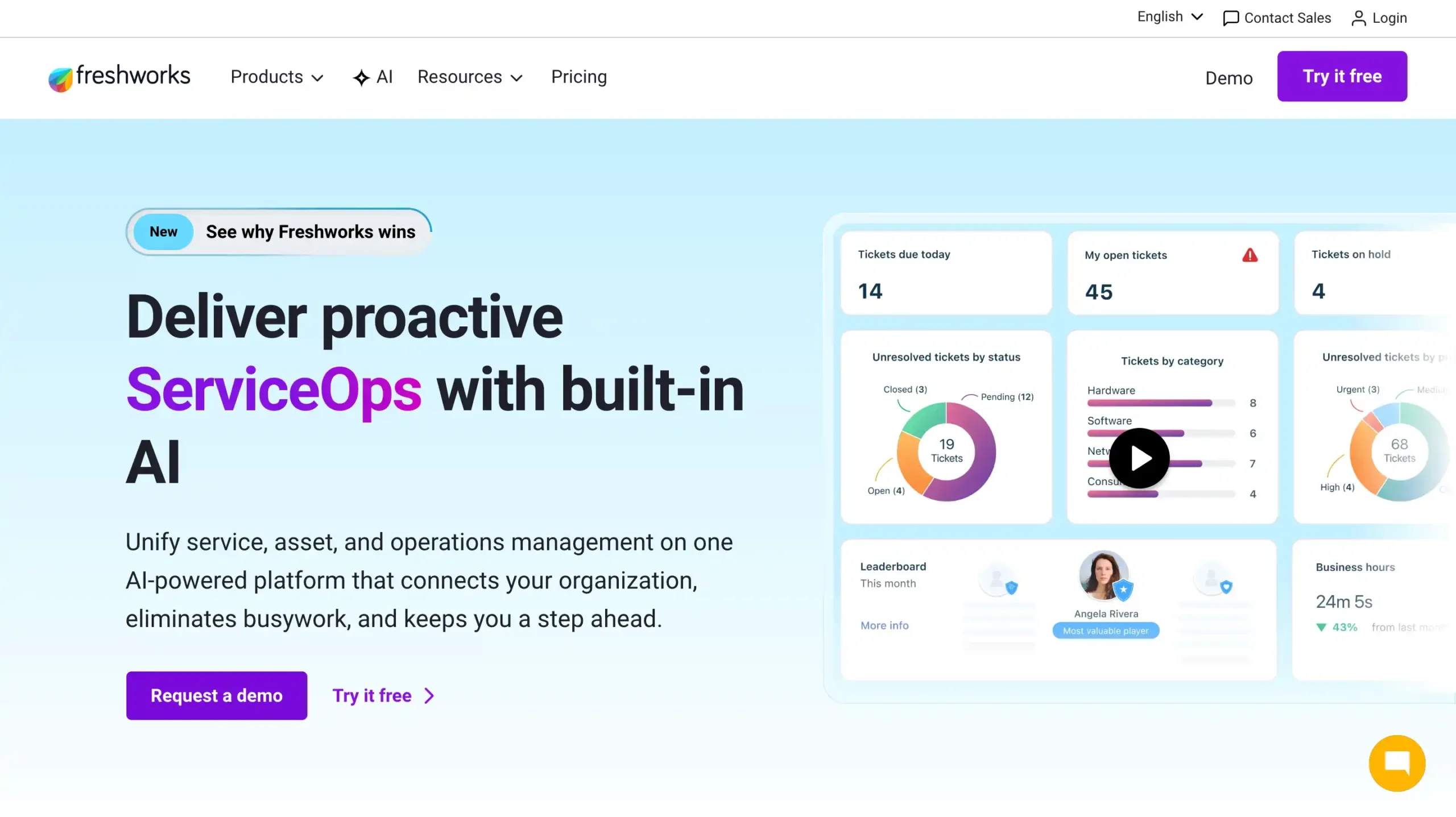
Freshservice is an ITSM-focused platform designed to simplify IT operations through intelligent workflow automation.
While it is exceptional at streamlining service desk requests and internal IT processes, it may offer limited utility for departments outside of the technology and support sectors.
Freshservice Pricing: Custom pricing
Freshservice Key Features:
- Freddy AI automation: Uses AI to speed up ticket resolution, automate requests, and improve workflow efficiency.
- Workflow Automator: Builds no-code workflows that reduce manual tasks and standardize service management processes.
- Unified ITSM platform: Combines incident, problem, change, and asset management in one centralized workspace.
- CMDB and asset management: Tracks assets and dependencies for better visibility, impact analysis, and operational control.
- Self-service portal and knowledge base: Helps employees solve common issues faster with guided support resources.
Pros
- Easy-to-use interface that simplifies complex enterprise workflow and service management tasks
- Strong automation capabilities that reduce repetitive work and improve operational productivity
- All-in-one platform for ITSM, asset management, and enterprise service operations
- Scalable pricing and feature tiers for growing teams and larger organizations
Cons
- Some advanced reporting needs may require deeper analytics capabilities
- Customization can feel limited for highly specific enterprise workflows
- Mobile app functionality may be less complete than the desktop experience
Why Choose Freshservice?
13. Asana
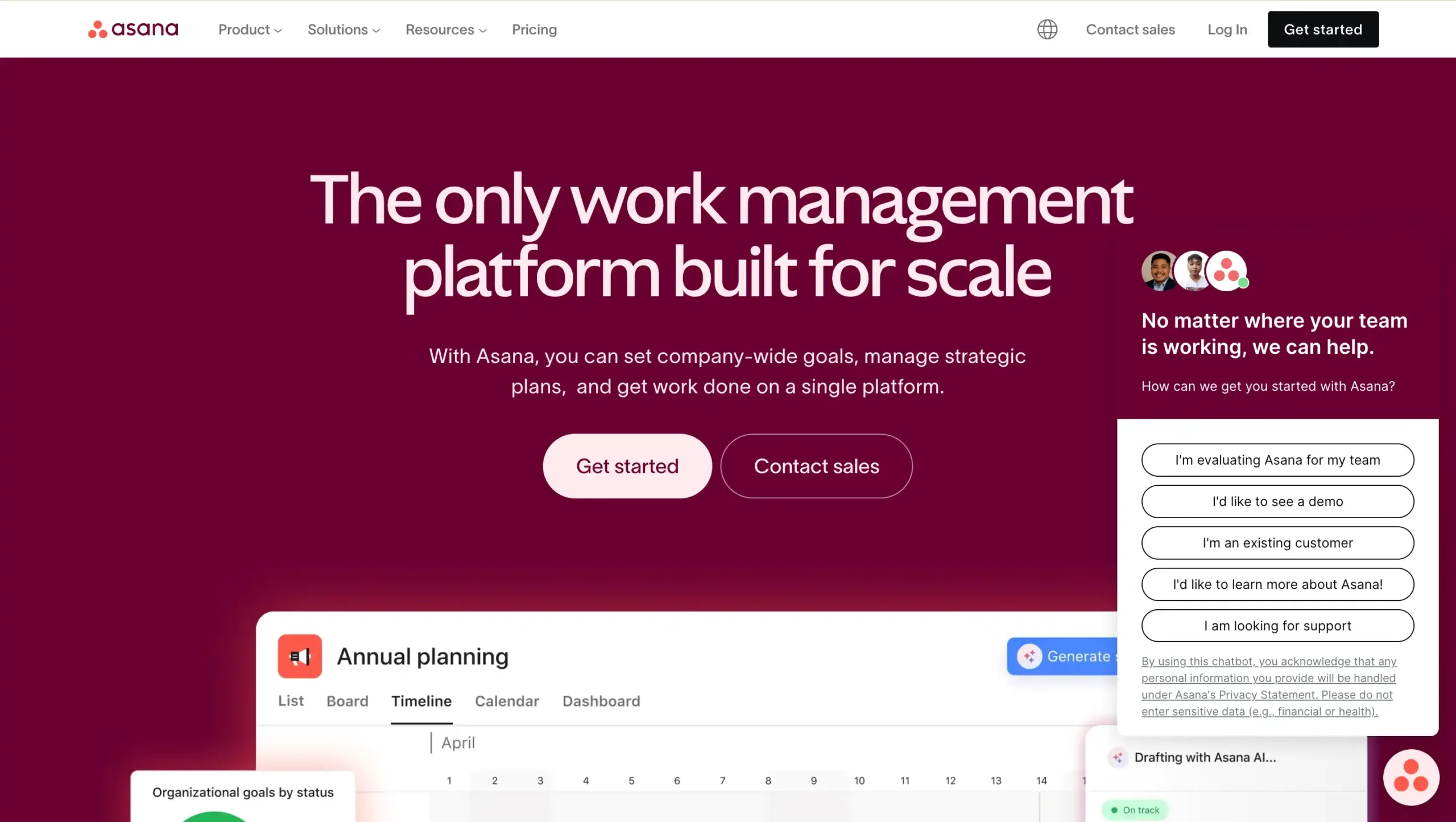
Asana focuses on making workflow automation accessible through the use of “Rules” and pre-built templates. It helps teams to manage tasks, approvals, and project workflows efficiently.
Asana Pricing: Contact sales for pricing
Asana Key Features:
- AI-powered workflow automation: Automates repetitive tasks, improves efficiency, and helps enterprise teams scale work faster.
- Multiple project views: Switch between list, board, calendar, and timeline for clearer workflow visibility.
- Custom fields and workflow builder: Standardize processes, capture critical data, and tailor workflows to team needs.
- Dashboards and universal reporting: Track progress, measure performance, and monitor enterprise workflows in real time.
- Goals and portfolio management: Connect daily tasks to strategic goals across departments and large-scale initiatives.
Pros
- Easy to use with a clean, intuitive interface
- Strong task and project tracking for cross-functional teams
- Useful reporting, dashboards, and goal alignment features
- Flexible workflow customization for enterprise process management
Cons
- Advanced features may require time to learn
- Higher-tier plans can feel expensive for smaller teams
Why Choose Asana?
14. Zapier
Zapier is widely known for cross-app automation, enabling businesses to connect thousands of applications and automate workflows, although it is better suited for integration rather than full workflow management.
Zapier Pricing: Contact Zapier sales for pricing
Zapier Key Features:
- Visual Editor: Build automated workflows quickly with a simple drag-and-drop, no-code interface for business teams.
- Multi-Step Zaps: Connect multiple actions in one workflow to automate complex cross-functional business processes.
- Paths: Add conditional logic to route tasks based on rules, triggers, or data values.
- Webhooks: Send and receive data between apps for flexible, advanced workflow automation scenarios.
- App Integrations: Connect thousands of business apps to streamline operations, data syncing, and team productivity.
Pros
- Easy to use for non-technical teams
- Supports thousands of popular business app integrations
- Scales from simple tasks to complex workflows
- Speeds up repetitive work with no-code automation
Cons
- Pricing can increase with higher task volume
- Advanced workflows may require a learning curve
Why Choose Zapier?
15. Workato
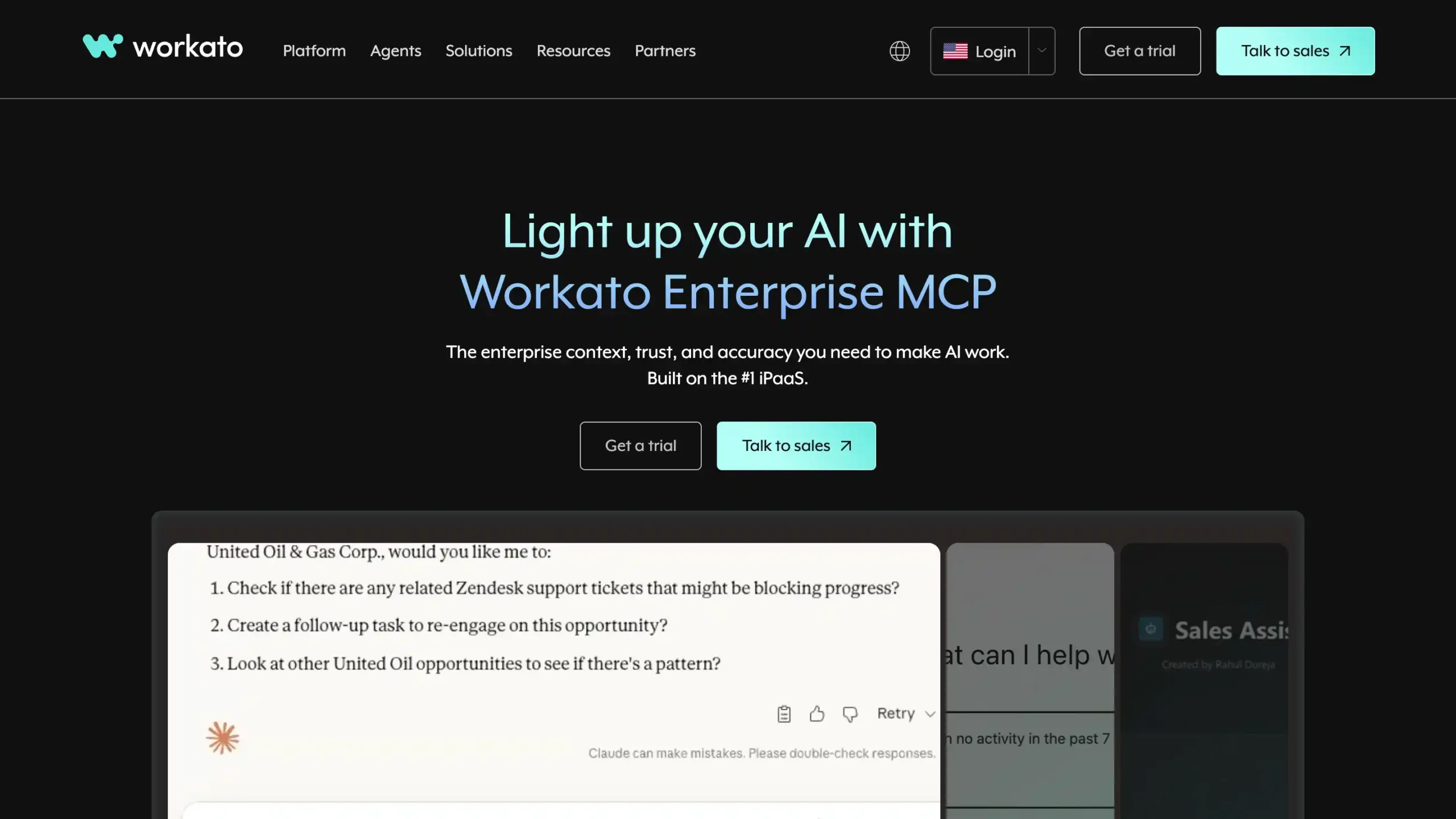
Workato is an enterprise-grade automation platform that supports complex, multi-step workflows with logic, loops, and data transformation. This software is connecting over 1,200 apps across SaaS, databases, and on-premise systems.
Workato Pricing: Contact Workato sales for the detail pricing
Workato Key Features:
- AI-powered workflow automation: Automates complex business processes with low-code tools, improving speed, accuracy, and cross-team efficiency.
- Large connector library: Connects thousands of apps, databases, and systems for seamless enterprise workflow integration.
- Real-time data orchestration: Syncs data instantly across platforms to support faster decisions and smoother operations.
- API management capabilities: Builds, manages, and secures APIs for scalable enterprise integrations and workflow automation.
- Governance and security controls: Supports enterprise compliance with access controls, audit logs, and secure automation management.
Pros
- Easy to build and manage enterprise automations
- Good governance features for secure process automation
- Strong integration capabilities across many business systems
- Scales well for complex enterprise workflow needs
Cons
- Can feel complex for first-time users
- Higher cost may not fit smaller budgets
- Advanced capabilities may require a learning period
Why Choose Workato?
Best Enterprise Workflow Management Software Comparison
Below is a comparison table of the top enterprise workflow management software to help you evaluate which platform fits your business needs best.
Use Left/Right arrow keys to scroll horizontally.
| Software Name | Key features | Target Business Size | Industries | Pricing |
|---|---|---|---|---|
| Mekari Qontak | Omnichannel workflow automation, CRM integration, agentic AI, WhatsApp API, multi-channel inbox | Small to enterprise businesses | Retail, e-commerce, financial services, insurance, healthcare | Start from Rp400.000 per user/month/. Check the pricing here. |
| ClickUp | Task management, workflow automation, dashboards, collaboration tools | Small to large enterprises | IT, marketing, professional services, education | Contact sales |
| Jira Service Management | Workflow automation, incident management, SLA tracking, reporting | Small to enterprise organizations | IT, SaaS, finance, telecom, healthcare | Contact sales |
| Adobe Workfront | Workflow automation, resource planning, project management, reporting dashboards | Mid-market to enterprise | Marketing, IT, finance, healthcare, manufacturing | Contact sales |
| Monday.com | Visual workflows, no-code automation, dashboards, integrations | Small to enterprise teams | IT, marketing, construction, manufacturing | Contact sales |
| Pipefy | No-code workflow builder, AI automation, forms, analytics | Mid-market to enterprise | HR, finance, procurement, IT, customer service | Contact sales |
| ServiceNow | IT workflows, incident management, AI automation, predictive intelligence | Mid-market to enterprise | IT, finance, telecom, healthcare, manufacturing | Contact sales |
| Nintex | Process automation, document management, eSignature, RPA | Mid-market to enterprise | Finance, healthcare, manufacturing, government | Contact sales |
| Salesforce Flow | Workflow automation, record-triggered flows, system integrations | Mid-market to enterprise | Finance, healthcare, retail, technology | Contact sales |
| Smartsheet | Workflow automation, dashboards, collaboration, project tracking | Small to enterprise organizations | Construction, healthcare, marketing, IT | Custom pricing |
| Wrike | Custom workflows, Gantt charts, reporting, resource management | Mid-size to enterprise | Marketing, IT, product development, services | Contact sales |
| Freshservice | IT workflow automation, ticketing, asset management, AI automation | Mid-market to enterprise | IT, finance, healthcare, education | Custom pricing |
| Asana | Task automation, workflow rules, reporting, project tracking | Mid-size to enterprise | Technology, marketing, services, healthcare | Contact sales |
| Zapier | Cross-app automation, integrations, no-code workflows | Small to enterprise | SaaS, marketing, e-commerce, education | Contact sales |
| Workato | AI-powered automation, integrations, real-time data orchestration | Mid-market to enterprise | Technology, finance, healthcare, retail | Contact sales |
How to Choose the Right Enterprise Workflow Management Software
Selecting the right platform is a strategic decision that impacts every level of your organization. To ensure you choose a solution that scales with your ambition, consider these five essential factors:
1. Assess Workflow Complexity and Department Needs
Every department has unique requirements, such as marketing needing creative approval loops while IT requires rigorous incident management.
By mapping your most critical processes first, you can easily identify whether your organization needs a specialized tool or a versatile, all-in-one platform capable of adapting to diverse team structures.
2. Check Integration Fit With Your Existing Business Stack
Rather than acting as another isolated silo, a workflow tool should serve as the “glue” that connects your entire digital ecosystem.
Prioritizing software with native integrations for your CRM, ERP, and communication tools (like Slack or Microsoft Teams) ensures that data flows seamlessly across platforms without the need for manual entry.
3. Make Sure the Software is AI-Based
In today’s landscape, AI has evolved from a “nice-to-have” feature into a core driver of competitive advantage.
Beyond simple automation, these modern AI-driven platforms provide predictive analytics and intelligent decision support, helping organizations remain agile and proactive in a rapidly shifting market.
4. Compare Usability for Both Admins and End Users
Even the most powerful software is useless if your team finds it too difficult to use. To ensure high adoption, you must balance robust controls for Admins with a simple, low-friction interface for End Users.
Ultimately, a tool’s true value is defined by how often your team actually uses it, not just by the complexity of its features.
5. Review Pricing Model and Total Cost of Ownership (TCO)
Don’t be fooled by a low sticker price, as the true cost of software often hides beneath the initial subscription. Beyond the monthly fee, you must account for implementation, training, and premium integrations to understand the Total Cost of Ownership.
Optimize Your Enterprise Workflows with Mekari Qontak!
Choosing the right enterprise workflow management software is no longer just about digitizing tasks, it is about building an agile, AI-driven engine that slashes resolution times and eliminates operational silos.
By prioritizing seamless integrations, user-centric design, and scalable pricing, your organization can transform even the most complex processes into a significant competitive advantage.
Mekari Qontak empowers your business with an end-to-end enterprise solution designed to bring your entire workflow into a single, intelligent ecosystem.
By working in tandem, our advanced Workflow Automation and Agentic AI seamlessly handle everything from routine tasks to high-level decision-making.
This powerful synergy ensures your team remains productive 24/7, maintaining peak efficiency without the need for constant manual oversight.
Stop letting manual bottlenecks hinder your growth. Explore Qontak 360 today to see how smart automation drives your business forward. Consult with us to find the perfect fit for your needs or start your free trial now!

Reference:
Frequently Asked Question About Best Enterprise Workflow Management Software (FAQ)
What is the difference between enterprise workflow management software and regular project management software?
What is the difference between enterprise workflow management software and regular project management software?
Enterprise workflow management software focuses on automating and optimizing end-to-end business processes across departments, including approvals, integrations, and compliance. In contrast, project management software primarily helps teams plan, track, and collaborate on tasks and projects without deeply automating cross-functional workflows.
How much budget should be prepared for implementing enterprise workflow management software?
How much budget should be prepared for implementing enterprise workflow management software?
The budget varies depending on the platform, number of users, and required features. Typically, enterprise solutions use custom pricing models, with costs including subscription fees, implementation, training, and integrations. Businesses should also consider long-term expenses such as maintenance and scaling.
How long does it take to implement enterprise workflow management software?
How long does it take to implement enterprise workflow management software?
Implementation time depends on complexity and customization needs. Simple deployments may take a few weeks, while enterprise-level implementations with integrations and workflow redesign can take several months to fully deploy and optimize.