





- Enterprise workflow automation software is an integrated platform to automate, optimize, and manage complex business processes
- Workflow automation tools improve conversions by streamlining operations, reducing manual work, and accelerating execution speed
- AI-powered automation enables smarter decision-making, real-time actions, and better coordination across multiple business systems
- No-code and low-code platforms allow teams to build workflows faster without heavy technical expertise
- Enterprise solutions integrate CRM, ERP, and communication tools to create unified, scalable business operations
Are manual tasks and repetitive chores slowing down your business? In today’s fast-paced market, workflow automation is no longer just a “nice-to-have” feature, it’s a powerful engine for growth.
By making this shift, you aren’t just saving time, you’re turning routine work into a massive revenue driver.
To help you navigate these options, Mekari Qontak Blog has rounded up the 15 best enterprise AI workflow automation software to streamline your operations and hit those record-breaking numbers. Let’s dive in!




What is Enterprise AI Workflow Automation Software?
Enterprise AI workflow automation software is an integrated digital platform used by organizations to manage and automate complex business processes (such as approvals, customer operations, data processing, and cross-department workflows) within a centralized system.
In simpler terms, this software connects your different tools and departments. It uses AI and smart logic to handle repetitive tasks and reduce human error without the need for manual work.
Unlike traditional automation tools, this type of software leverages artificial intelligence to analyze data, make decisions, and execute tasks automatically. It can connect multiple systems and ensure processes run more efficiently.
This system is often associated with solutions like Business Process Management (BPM), Robotic Process Automation (RPA), and intelligent automation platforms.
For your business, using this kind of tool means faster execution and better teamwork, allowing you to scale up efficiently without skyrocketing your costs.
Best Enterprise AI Workflow Automation Software Recommendations to Boost Conversion
Below are some of the best enterprise workflow automation platforms that help streamline processes and improve conversions.
1. Mekari Qontak
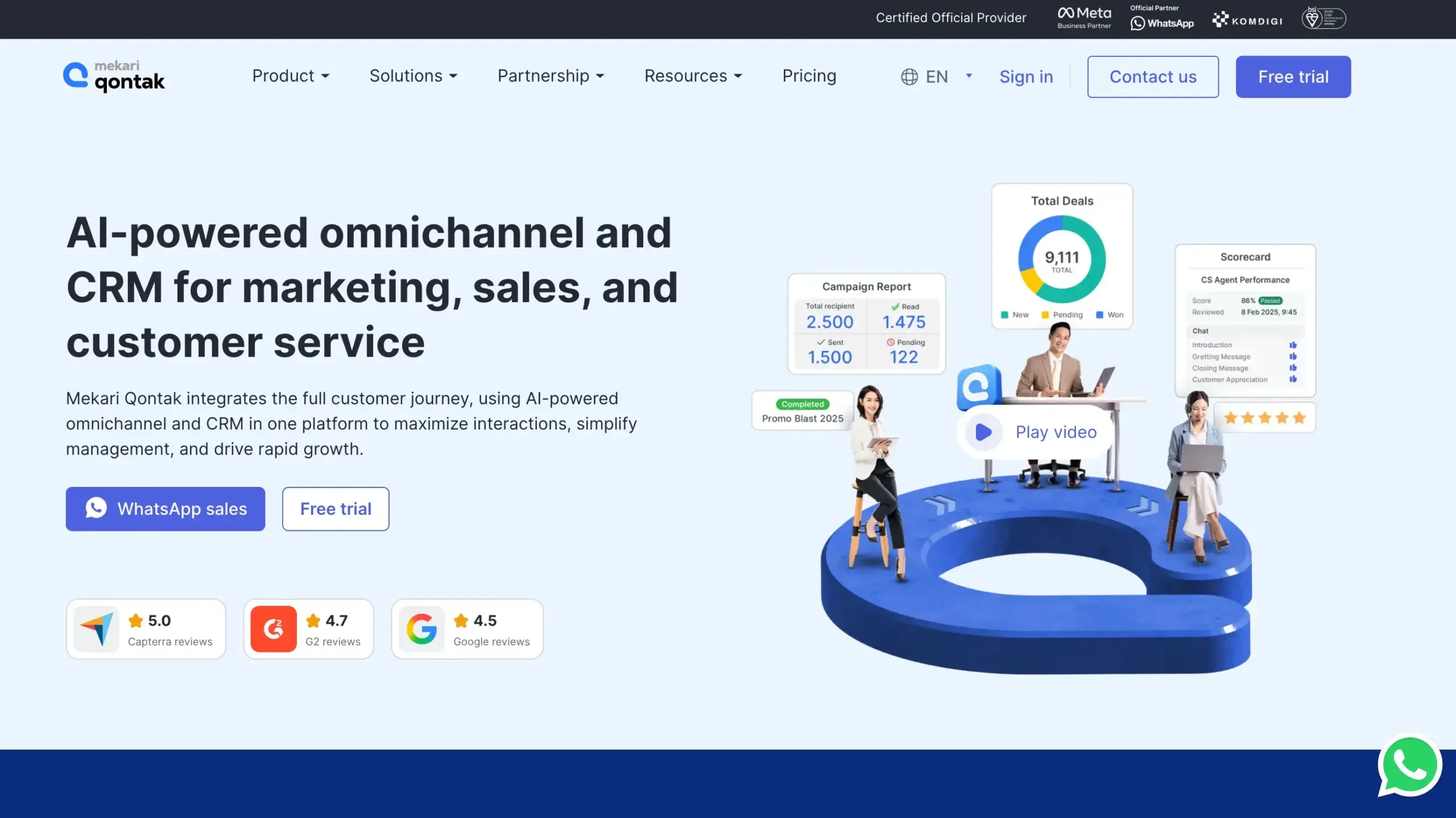
Mekari Qontak is one of the best enterprise AI workflow automation software designed for sales, marketing, and customer service teams.
It offers no-code automation that connects seamlessly with systems like ERP, CRM, and HRIS to streamline your business processes.
Simultaneously, it ensures enterprise-grade security through ISO/IEC 27001:2022 certification, GDPR compliance, and role-based access control.
Mekari Qontak Pricing: Starting from Rp400,000/user/month. To subscribe to Mekari Qontak, check the pricing here.
Mekari Qontak Key Features:
- No-Code Cross-System Workflow Automation: Build automated workflows across CRM, chat, and operations tools without coding complexity.
- Trigger-Based & Event-Driven Automation: Launch instant actions from customer events, updates, or team activities automatically.
- Agentic AI: Understands conversation context, takes actions, and resolves requests without constant human intervention.
- Native Omnichannel CRM Integration: Unify WhatsApp, Instagram, social media, voice, and CRM data in one platform.
- Enterprise-Grade Integration & API Ecosystem: Connect enterprise systems securely with scalable APIs for flexible workflow automation.
Pros
- Easy-to-use interface for daily business workflows
- Clear reporting for team productivity tracking
- Strong omnichannel communication capabilities
- Solid integration for sales and service operations
- Useful automation for enterprise process efficiency
Cons
- Dependent on the internet
Why Choose Mekari Qontak?
2. Zapier
Zapier is the top choice for non-technical teams to connect over 8,000 apps without coding. It now features AI-driven orchestration, allowing your business to build custom agents that automate complex tasks like personalized follow-ups.
Zapier Pricing: Start from US$29,99 per month.
Zapier Key Features:
- Workflow Automation: Connect apps and automate repetitive tasks to save time and reduce manual work.
- Multi-Step Zaps: Build advanced workflows with multiple actions for complex business process automation.
- App Integrations: Integrates with 8,000+ apps to unify tools across sales, marketing, and operations.
- Filters and Paths: Add conditional logic to run workflows only when specific rules apply.
- Visual Editor: Create and manage no-code automations quickly with an intuitive visual workflow builder.
Pros
- Easy to use for non-technical teams
- Large integration library across business apps
- Supports scalable multi-step workflow automation
- Helps reduce manual work and save time
Cons
- Pricing can rise with higher task volume
- Advanced features may require premium plans
Why Choose Zapier?
3. Microsoft Power Automate
Best for businesses in the Microsoft 365 ecosystem, this software combines cloud automation with RPA for legacy systems. It leverages AI Builder and Copilot to let you create intelligent workflows simply by describing them in plain English.
Microsoft Power Automate Pricing: US$150 for Power Automate Process package.
Microsoft Power Automate Key Features:
- Low-code workflow builder: Build automated workflows fast using visual tools, templates, and minimal coding effort.
- Cloud and desktop automation: Automate cloud apps and legacy systems through scalable digital and RPA workflows.
- AI Builder integration: Add intelligent automation for document processing, predictions, and data-driven business tasks.
- Extensive app integrations: Connect Microsoft 365, Dynamics 365, Salesforce, and hundreds of business applications.
- Process mining capabilities: Analyze workflows, uncover inefficiencies, and identify enterprise automation opportunities more effectively.
Pros
- Easy to use
- Strong Microsoft ecosystem integration
- Supports cloud and desktop automation
- Scalable for enterprise workflows
Cons
- Licensing can be complex
- Performance may feel slow sometimes
Why Choose Microsoft Power Automate?
4. Workato
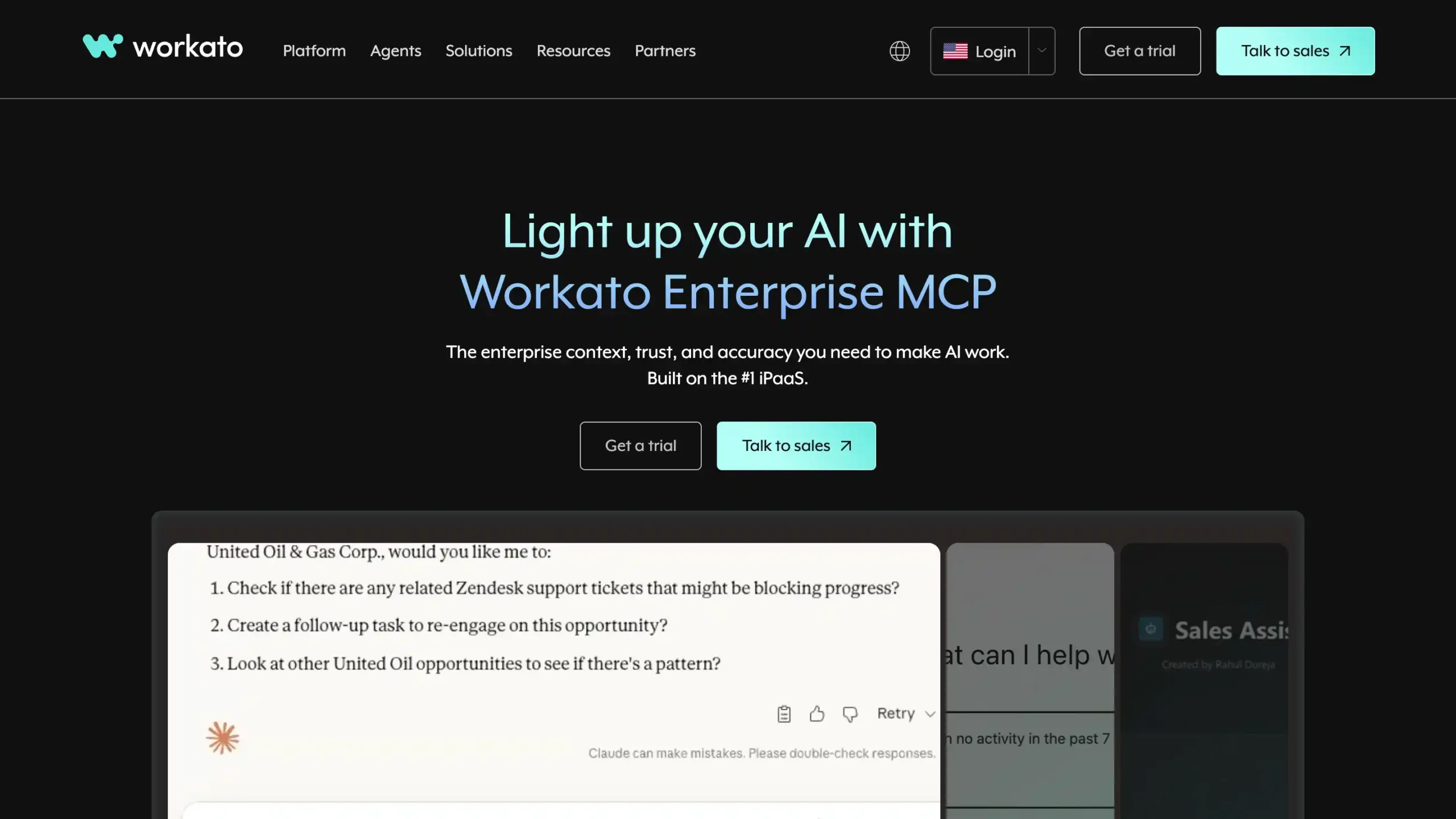
Workato is an enterprise-grade iPaaS that uses “recipes” to automate complex workflows and manage APIs across your entire organization.
It is designed for high-scale security and governance, making it perfect for large firms needing deep, reliable integrations between hundreds of apps.
Workato Pricing: Contact the Workato sales team for the pricing.
Workato Key Features:
- Low-code Automation Builder: Build complex enterprise workflows quickly using a visual interface with minimal coding effort.
- Pre-built Connectors: Connect thousands of apps and systems faster with ready-made integrations and automation recipes.
- Real-time Data Sync: Keep business data updated across platforms instantly for better accuracy and faster decisions.
- API Management: Create, manage, and optimize APIs to streamline enterprise integrations and system communication.
- AI-Powered Orchestration: Unify automation, integration, and AI actions securely across enterprise tools and processes.
Pros
- Easy to build enterprise-grade workflows with low-code tools
- Strong integration ecosystem with many pre-built connectors
- Real-time automation improves speed, accuracy, and operational efficiency
- Scales well for complex business processes and large organizations
Cons
- Pricing can feel expensive for smaller companies
- Some features require time to fully learn and optimize
- Initial setup may be complex for advanced workflows
Why Choose Workato?
5. UiPath
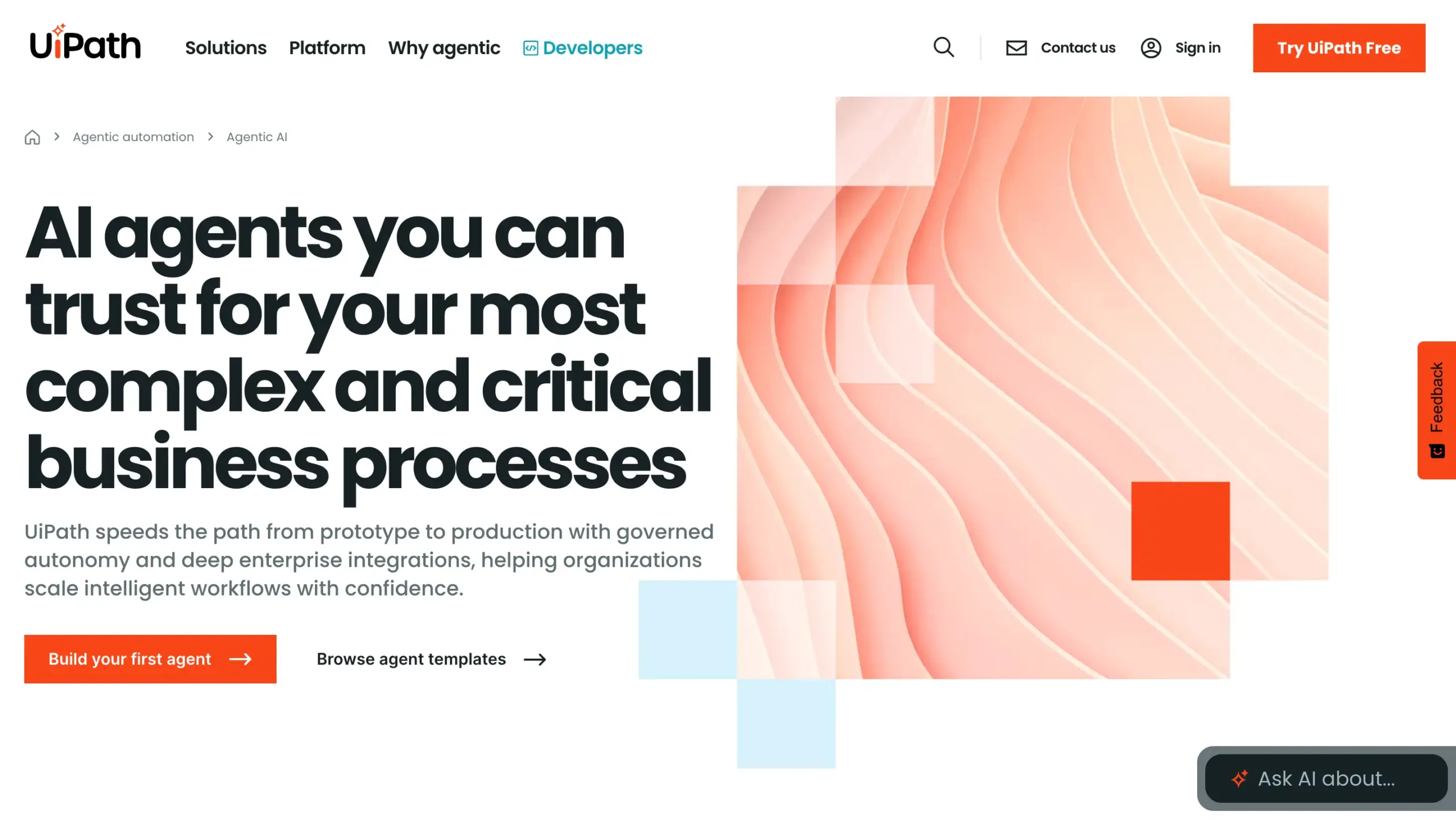
Originally an RPA leader, UiPath has evolved into an AI-powered platform that automates end-to-end business processes.
It excels at “reading” documents and mimicking human actions on desktops, allowing you to automate even the most manual and repetitive back-office tasks.
UiPath Pricing: Starting at US$25 per month.
UiPath Key Features:
- Agentic Automation: Combines AI agents, RPA bots, and people to automate complex enterprise workflows.
- UiPath Maestro: Orchestrates end-to-end processes across systems, teams, bots, and AI-driven tasks.
- Agent Builder: Helps teams build, customize, and deploy AI agents for workflow automation.
- Healing Agent: Detects interface changes and automatically adapts automations to reduce workflow disruptions.
- Process Intelligence: Monitors workflow performance, identifies bottlenecks, and improves operational efficiency continuously.
Pros
- Easy to scale across large enterprise workflow automation projects
- Strong automation capabilities for repetitive and complex business processes
- Flexible low-code and developer tools for different user skill levels
- Supports AI, RPA, and human-in-the-loop workflows in one platform
Cons
- Pricing can be high for some businesses
- Setup and workflow design can feel complex at first
- Advanced features may require a learning period
Why Choose UiPath?
6. N8n
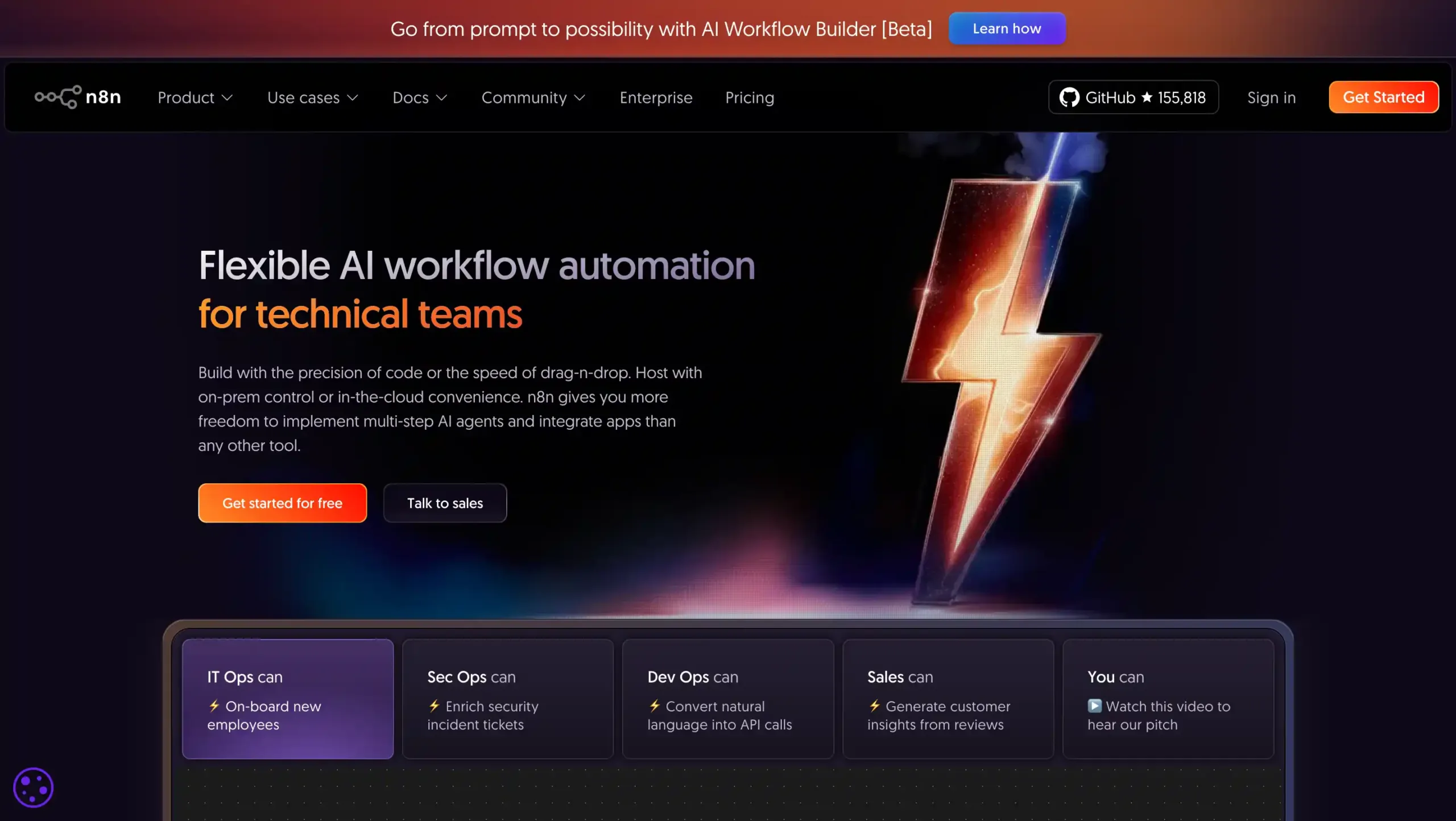
As a powerful open-source alternative, n8n offers a node-based visual editor that gives you full control over your data.
Because it can be self-hosted and provides full source code access, it is the ideal choice for technical teams prioritizing privacy and customization.
N8n Pricing: Start from US$24 per month.
N8n Key Features:
- Visual Workflow Builder: Drag-and-drop workflow editor for building complex automations quickly without heavy coding.
- 500+ App Integrations: Connects hundreds of apps, APIs, and databases for seamless business process automation.
- Custom Code Support: Add JavaScript or Python for flexible logic, advanced transformations, and custom automation.
- Self-Hosted or Cloud Deployment: Choose cloud convenience or self-hosting for stronger control, privacy, and compliance.
- AI-Powered Automation: Supports AI models, rule-based actions, and approval steps for smarter enterprise workflows.
Pros
- Highly flexible for complex workflow automation needs
- Strong integration library across apps and services
- Supports both no-code and code-based automation
- Self-hosted option gives more deployment control
Cons
- Setup can be difficult for non-technical users
- Advanced workflows may require coding knowledge
- Complex automations can increase the learning curve
Why Choose N8n?
7. SAP Build
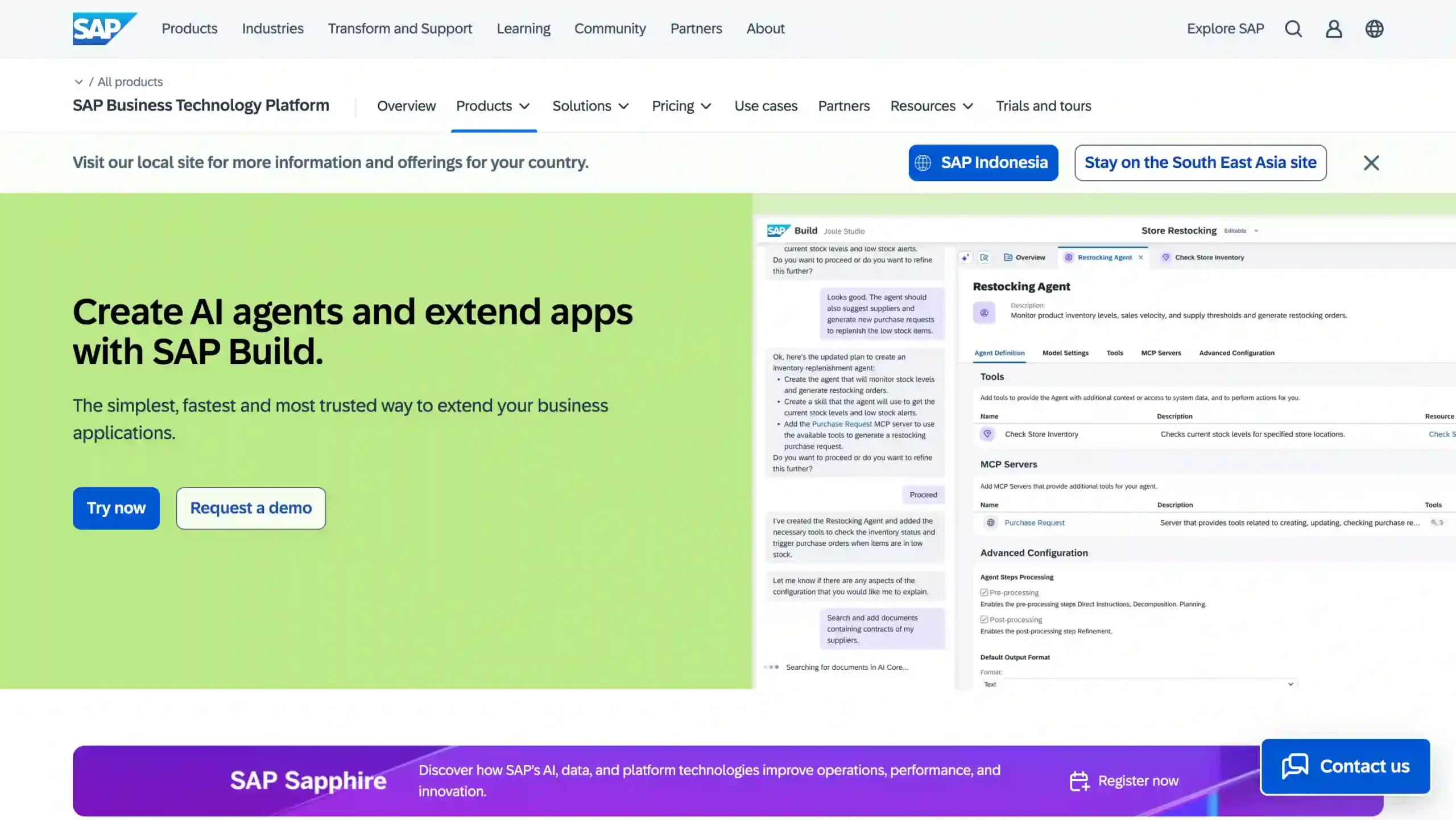
SAP Build is an enterprise workflow automation platform that helps businesses create apps, automate processes, and streamline operations with low-code tools.
It is especially valuable for organizations that want faster digital transformation, better process efficiency, and stronger integration with SAP systems.
SAP Build Pricing: Visit the official SAP Build website for complete pricing information.
SAP Build Key Features:
- Low-code app development: Build enterprise apps faster with visual tools, reusable components, and minimal coding effort.
- Workflow automation: Automate approvals, tasks, and multi-step business processes across enterprise teams efficiently.
- RPA capabilities: Reduce manual work by automating repetitive tasks with robotic process automation tools.
- SAP integration: Connect smoothly with SAP systems, business data, and core enterprise applications.
- AI-assisted development: Speed up development using AI-powered guidance for apps, workflows, and process automation.
Pros
- Easy-to-use low-code platform for faster enterprise workflow automation
- Strong SAP ecosystem integration for connected business operations
- Supports both business users and professional developers
- Combines app building, automation, and workspace tools in one platform.
Cons
- Limited customization for highly complex workflow requirements
- Some features may require training and onboarding time.
Why Choose SAP Build?
8. Salesforce Flow
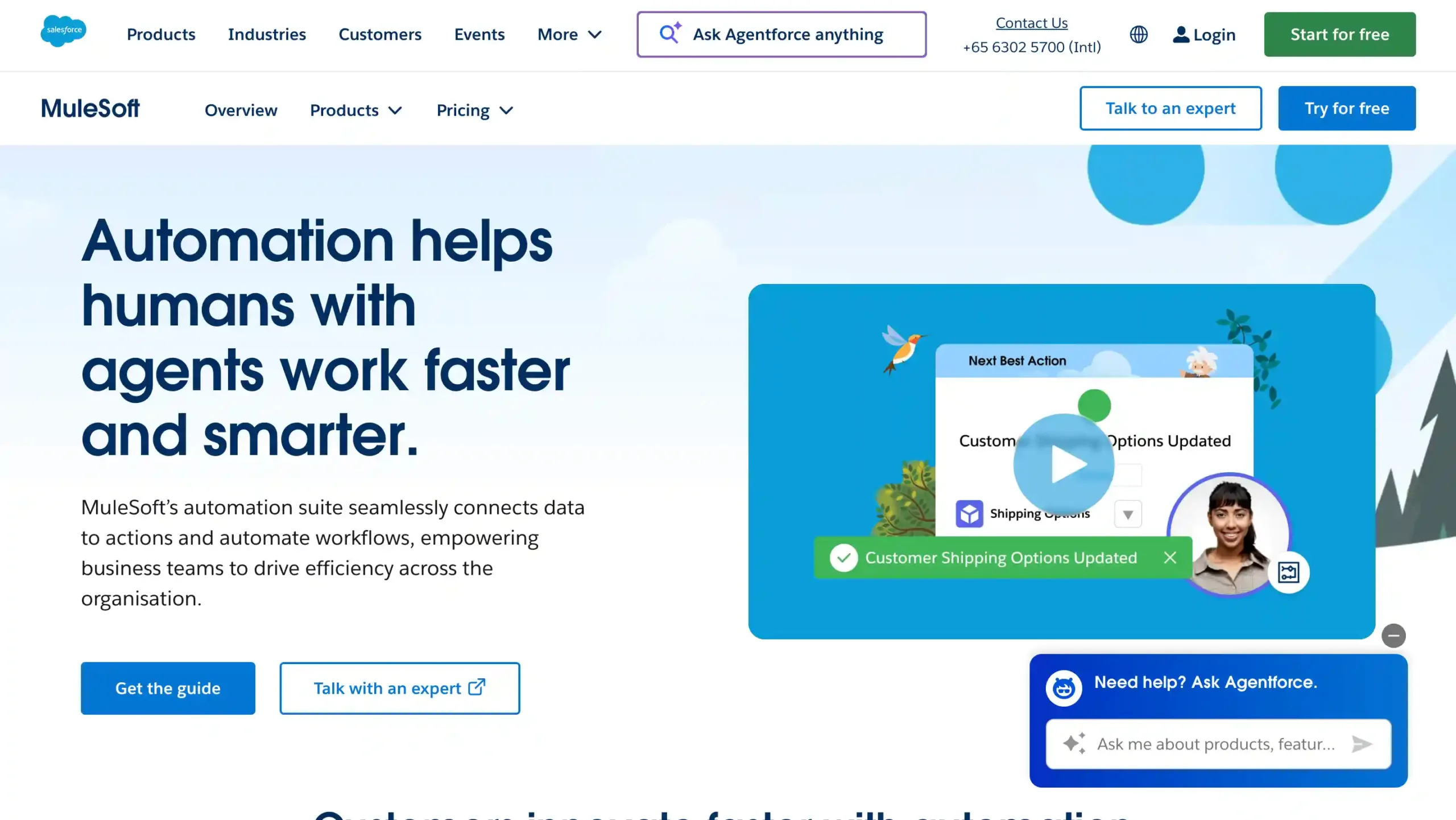
This is the ultimate solution for companies heavily invested in Salesforce that need CRM-native automation.
It allows you to build complex logic and automate customer-centric processes directly within your CRM, ensuring your sales and service teams stay perfectly synced without manual data entry.
Salesforce Flow Pricing: Contact the Salesforce Flow sales team for the pricing.
Salesforce Flow Key Features:
- Flow Builder: Create complex branching logic and automated workflows using a powerful drag-and-drop visual interface.
- Screen Flows: Design interactive user forms to collect data and guide employees through structured business processes.
- Scheduled Triggers: Launch automated tasks at specific times or intervals to manage recurring enterprise data updates.
- Platform Events: Connect internal and external systems by triggering flows based on real-time messaging and events.
- Error Handling: Use built-in fault paths to manage automation failures gracefully and maintain high data integrity.
Pros
- Direct, native integration with the world’s leading CRM platform and data
- Highly customizable logic that reduces the need for expensive custom Apex coding
- Powerful data manipulation capabilities across multiple related objects within a single automation
- Robust ecosystem with pre-built templates available on the Salesforce AppExchange
Cons
- Requires a solid understanding of Salesforce’s data architecture and governor limits
- The interface can feel overwhelming for beginners compared to simpler automation tools
Why Choose Salesforce Flow?
9. HubSpot

Built specifically for RevOps, marketing, and sales, HubSpot’s workflows turn your CRM data into an automated growth engine. It’s incredibly user-friendly, making it easy to automate everything from lead nurturing to internal deal handoffs.
HubSpot Pricing: Professional package for US$100/month/seat.
HubSpot Key Features:
- AI-powered ticket routing: Automatically assigns customer issues to the right teams for faster resolution workflows.
- SLA automation: Tracks response deadlines and triggers actions to keep service operations on target.
- Advanced reporting dashboards: Visualizes service performance, ticket trends, and team productivity in real time.
- Knowledge base management: Builds self-service content that reduces repetitive tickets and improves customer experience.
- Workflow customization: Creates scalable automated processes across support, CRM, and enterprise service operations.
Pros
- Strong workflow automation for enterprise service teams
- Seamless CRM integration across customer touchpoints
- Scalable tools for growing support operations
- Powerful analytics and performance visibility
Cons
- Higher pricing for advanced enterprise capabilities
- Setup can feel complex for first-time teams
Why Choose HubSpot?
10. ServiceNow
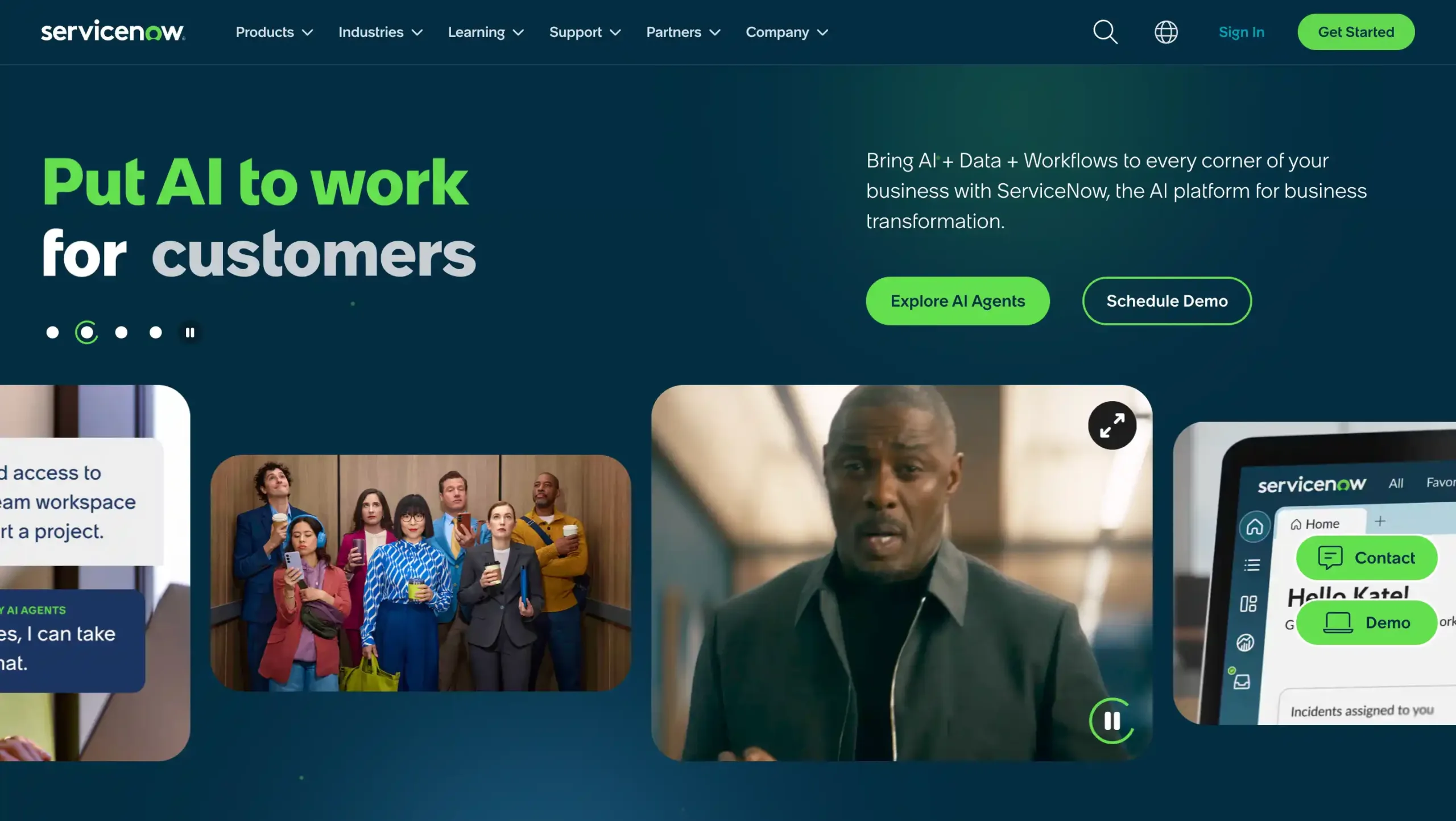
ServiceNow is the gold standard for IT Service Management (ITSM), offering a robust platform to automate enterprise-wide service requests. It has expanded that uses AI to connect silos, streamlining everything from HR onboarding to complex customer service workflows.
ServiceNow Pricing: Contact the ServiceNow sales team for the pricing.
ServiceNow Key Features:
- Workflow Automation: Automates repetitive enterprise tasks across departments, improving speed, accuracy, and operational consistency.
- Integration Hub: Connects ServiceNow workflows with external apps and systems using no-code integrations and APIs.
- Workflow Data Fabric: Unifies enterprise data from multiple sources for real-time visibility, context, and smarter workflows.
- Knowledge Graph: Links business data and relationships across systems to improve decision-making and process automation.
- AI-Powered Workflows: Uses AI to route tasks, prioritize work, and streamline enterprise service operations.
Pros
- Strong enterprise workflow automation across IT, HR, operations, and shared services
- Powerful integration capabilities with many business systems and external data sources
- Scalable platform built for complex processes, large teams, and cross-functional workflows
- Real-time data visibility helps teams act faster and make better decisions
Cons
- Initial setup can be complex for organizations with highly customized workflow requirements
- Pricing can become expensive when adding advanced modules and broader platform capabilities
Why Choose ServiceNow?
11. Creatio
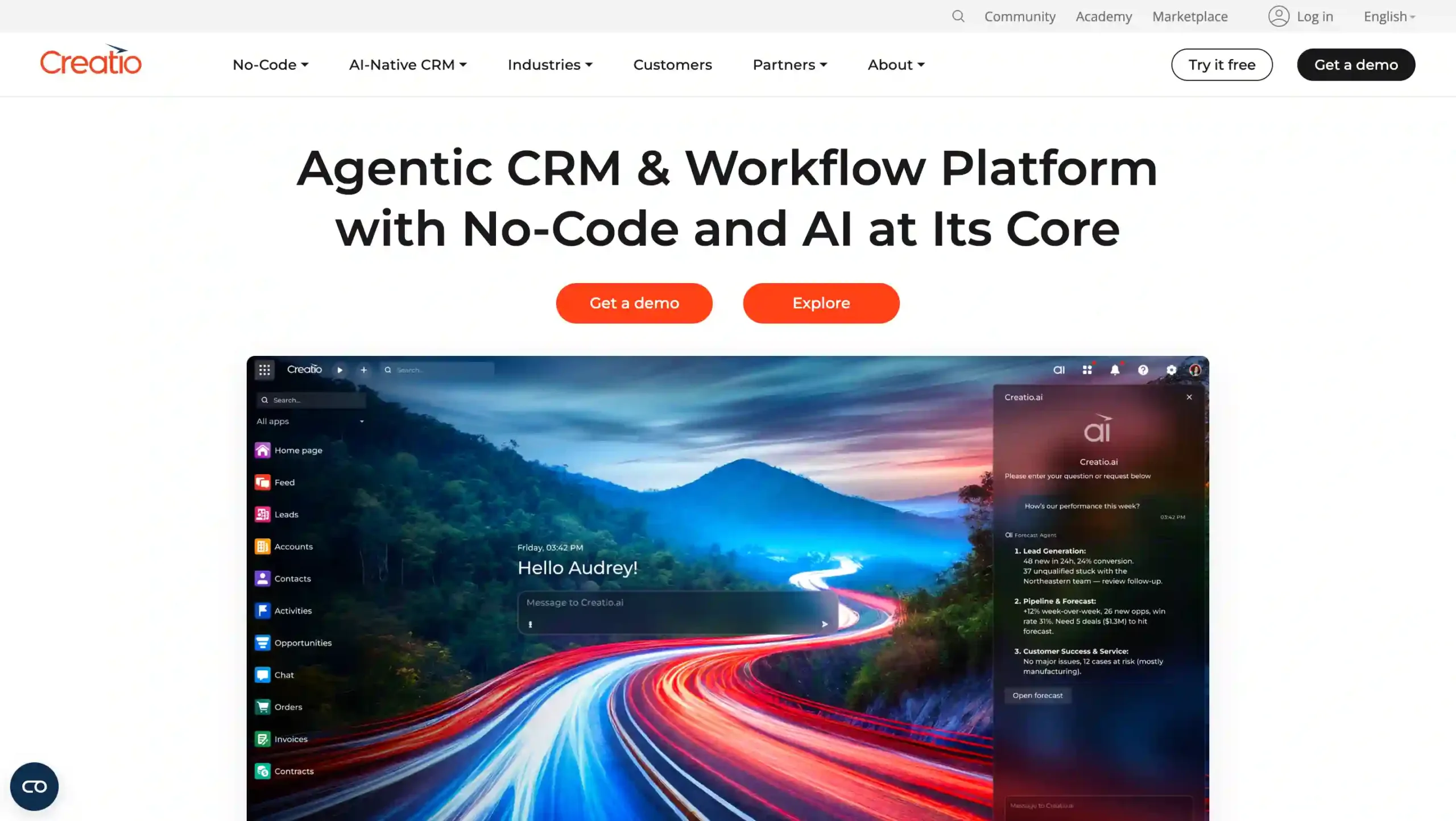
Creatio offers a unique “one platform” approach, combining CRM and Business Process Management (BPM) with a powerful no-code engine. It is ideal for sales, marketing, and service teams that require highly customized.
Creatio Pricing: US$55 per month.
Creatio Key Features:
- No-Code Platform: Enables creating applications without traditional coding skills.
- CRM Applications: Comprehensive tools for sales, marketing, and service automation.
- AI-Native Capabilities: Enhances workflow with automation and actionable insights.
- Industry Workflows: Pre-configured solutions for 20+ business verticals.
- Marketplace Add-ons: Extend functionality with a variety of apps and connectors.
Pros
- Cost-efficient and agile compared to legacy CRMs
- Rapid deployment, up to 70% faster
- Seamless integration with existing tools
- Extensive customization options without deep technical skills
Cons
- Challenging for users preferring traditional coding
- Initial setup may require thorough planning
- Limited offline capabilities
Why Choose Creatio?
12. Pega
Pega stands out with its intelligent automation with a world-class decisioning engine.
Its real-time “next-best-action” AI analyzes customer data on the fly to suggest the most effective move, making it a top choice for large enterprises focused on high-level customer engagement.
Pega Pricing: Contact the Pega sales team for the pricing.
Pega Key Features:
- Low-code development: Build enterprise workflow apps faster with visual tools, reusable components, and less coding.
- Case management: Manage complex business processes with dynamic cases, tasks, rules, and automated routing.
- AI-powered decisioning: Use real-time AI insights to improve automation, next-best actions, and business outcomes.
- Workflow automation: Automate end-to-end workflows across departments, reducing manual work and process bottlenecks.
- System integration: Connect enterprise systems, data sources, and APIs for smoother cross-platform workflow orchestration.
Pros
- Strong low-code platform for complex enterprise workflow automation
- Powerful case management for large-scale business processes
- Flexible automation with AI-driven decision-making capabilities
- Good scalability for organizations with advanced operational needs
Cons
- Can be expensive for smaller companies or limited budgets
- Implementation and customization may take significant time
- Has a steep learning curve for new users
Why Choose Pega?
13. Monday.com
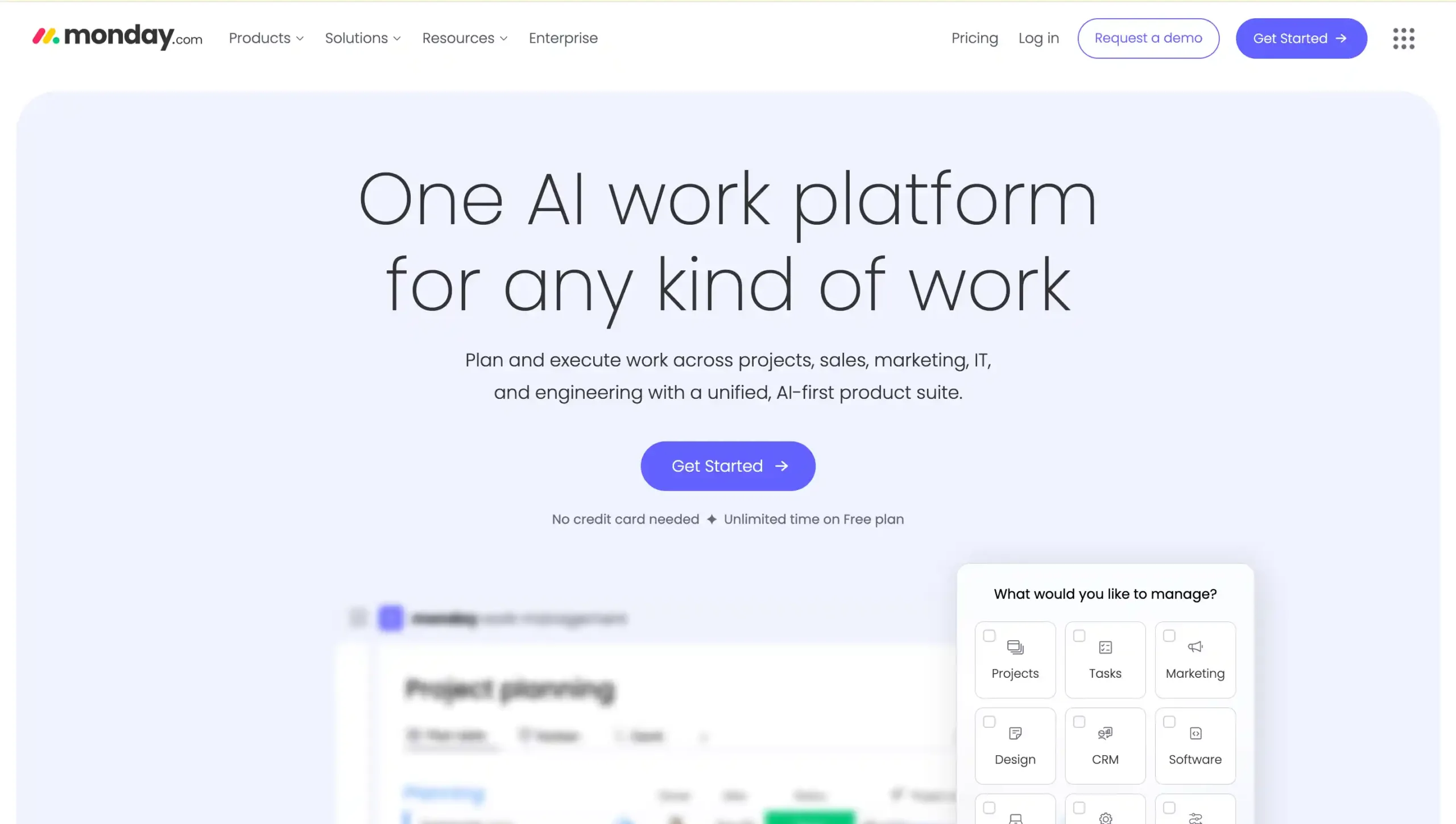
As a versatile Work OS, Monday.com blends project management with intuitive workflow automation.
Its visual interface makes it incredibly easy for teams to automate status updates and task handoffs, keeping collaborative projects moving without manual intervention.
Monday.com Pricing: Contact the Monday.com sales team for the pricing.
Monday.com Key Features:
- Workflow Automation: Automates repetitive tasks, approvals, notifications, and status updates to improve enterprise workflow efficiency.
- Custom Workflows: Builds flexible workflows with customizable boards, columns, and templates for different teams.
- Dashboards & Reporting: Tracks performance, workload, and project progress with visual dashboards and real-time reports.
- Integrations: Connects with popular business tools to centralize data and streamline cross-team operations.
- Enterprise Controls: Supports advanced permissions, governance, and security for large-scale workflow management.
Pros
- Easy to use with a clean, visual interface
- Strong workflow automation for recurring business processes
- Wide integration options for connected workflow management
- Flexible setup for different teams and enterprise use cases
Cons
- Advanced features often require higher-priced plans
- Some customization needs may be limited in complex scenarios
- Initial setup can feel overwhelming for new users
Why Choose Monday.com?
14. Nintex
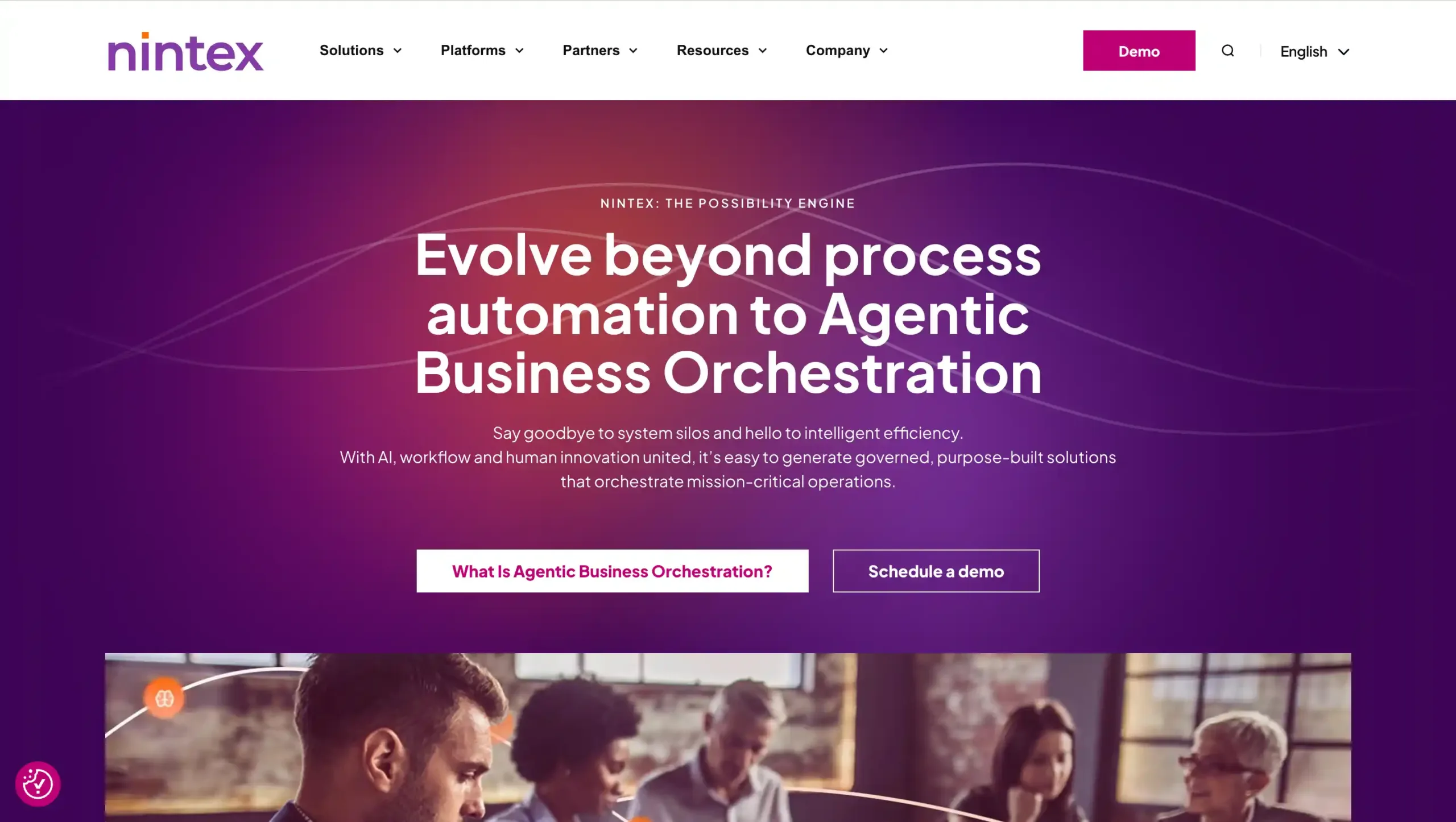
Nintex specializes in managing and automating the entire process lifecycle, with a strong focus on document generation and e-signatures.
This software is a preferred tool for organizations that handle complex approval chains and need to digitize paper-heavy workflows into seamless digital experiences.
Nintex Pricing: Contact the Nintex sales team for the pricing.
Nintex Key Features:
- Workflow Automation: Automates repetitive tasks, approvals, and business processes with a simple no-code visual designer.
- Document Generation: Creates contracts, forms, and business documents faster with accurate, automated data population.
- Process Mapping: Visualizes, documents, and improves workflows to support process standardization and operational efficiency.
- RPA Capabilities: Uses bots to handle manual, rule-based tasks across legacy systems and applications.
- System Integrations: Connects workflows with Microsoft 365, Salesforce, SAP, and other common business platforms.
Pros
- Easy-to-use drag-and-drop builder for faster workflow design
- Strong integration options for major enterprise business systems
- Helps reduce manual work and improve process consistency
- Supports no-code automation for business and operations teams
Cons
- dvanced workflows may require time to learn and optimize
- Pricing is less transparent for early-stage software evaluation
WHy Choose Nintex?
15. Bizagi
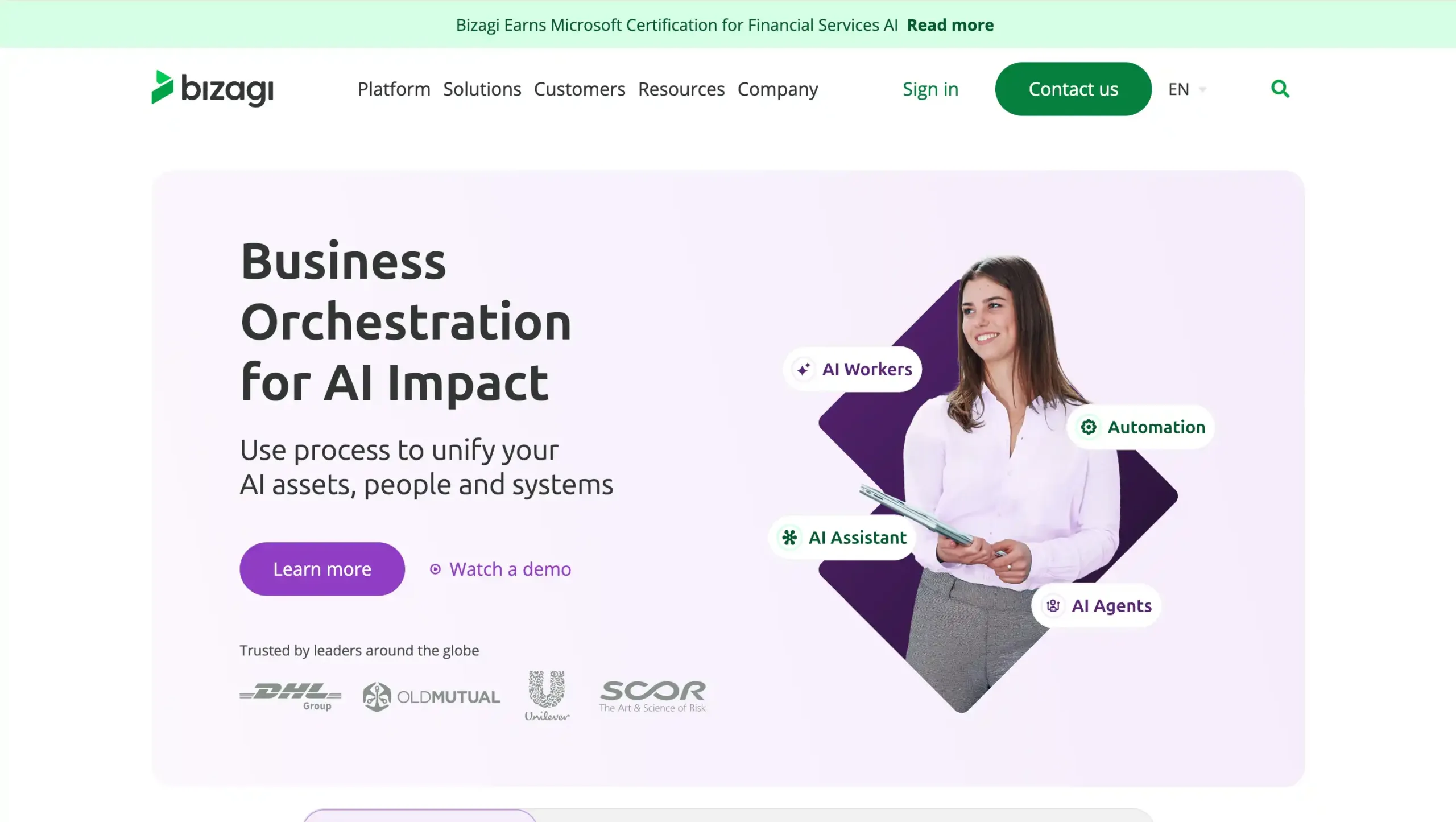
Bizagi is a Digital Process Automation (DPA) platform that excels in collaborative process modeling. This platform focuses on high-compliance automation that ensures every step of your operation meets strict regulatory standards while remaining agile.
Bizagi Pricing: Contact the Bizagi sales team for the pricing.
Bizagi Key Features:
- Visual Process Modeling: Drag-and-drop BPMN modeling makes complex enterprise workflows easy to design and explain.
- Low-Code Automation: Build workflow automation apps faster with less coding and easier process changes.
- System Integration: Connect enterprise systems, databases, and tools to unify workflows across departments.
- AI-Powered Automation: Use AI agents and workers to improve efficiency, decisions, and task automation.
- Process Analytics: Track workflow performance, identify bottlenecks, and improve business process efficiency continuously.
Pros
- Easy-to-use visual interface for process mapping and enterprise workflow design
- Strong low-code capabilities for faster workflow automation deployment
- Good integration options for connecting legacy systems and modern applications
- Scalable for complex, long-running, compliance-focused enterprise processes
Cons
- Advanced features can take time to learn for new users
- Performance may slow down with very large or complex process models
- Some reporting and customization areas may feel limited for specific needs
Why Choose Bizagi?
Best Enterprise AI Workflow Automation Software Comparison
Below is a comparison table of the best enterprise AI workflow automation software to help you evaluate each platform based on key features, business scale, industry fit, and pricing.
Use Left/Right arrow keys to scroll horizontally.
| Software Name | Key Features | Target Business Size | Industries | Pricing |
|---|---|---|---|---|
| Mekari Qontak | No-code workflow automation, omnichannel CRM, Agentic AI, ERP/CRM/HRIS integration | Small to enterprise | Retail, e-commerce, finance, education, healthcare | Start from Rp400.000 per user/month/. Check the pricing here. |
| Zapier | No-code automation, 8,000+ app integrations, multi-step workflows | Small to enterprise | SaaS, marketing, e-commerce, finance, healthcare | Starting from $29.99/month |
| Microsoft Power Automate | RPA + cloud automation, AI Builder, Microsoft 365 integration | Mid-market to enterprise | Healthcare, manufacturing, finance, retail | Starting from $150/package |
| Workato | Enterprise iPaaS, API management, real-time automation, recipe-based workflows | Mid-market to enterprise | IT, finance, healthcare, manufacturing, retail | Contact sales |
| UiPath | AI + RPA automation, document processing, process intelligence | Mid-market to enterprise | Banking, insurance, healthcare, manufacturing | Starting from $25/month |
| n8n | Open-source automation, node-based editor, self-hosted option | Small to enterprise | IT, e-commerce, finance, marketing | Starting from $24/month |
| SAP Workflow Management | SAP-native automation, workflow editor, process visibility | Enterprise | Manufacturing, finance, energy, healthcare | Contact sales |
| Salesforce Flow | CRM-native automation, flow builder, real-time triggers | Mid-market to enterprise | Fintech, SaaS, healthcare, consulting | Contact sales |
| HubSpot | CRM workflow automation, AI ticket routing, marketing automation | Mid-market to enterprise | SaaS, tech, e-commerce, healthcare | Starting from $100/month/seat |
| ServiceNow | Enterprise workflow automation, ITSM, AI-powered workflows | Mid-market to enterprise | IT, telecom, finance, healthcare | Contact sales |
| Creatio | No-code CRM + BPM, AI-native workflows, industry templates | Small to enterprise | Banking, telecom, manufacturing, public sector | Starting from $55/month |
| Pega | AI decisioning, case management, low-code automation | Mid-market to enterprise | Banking, insurance, telecom, government | Contact sales |
| Monday.com | Workflow automation + project management, dashboards, integrations | Small to enterprise | IT, marketing, HR, professional services | Contact sales |
| Nintex | Process automation, document generation, RPA, approvals | Mid-market to enterprise | Finance, healthcare, manufacturing, government | Contact sales |
| Bizagi | BPMN modeling, low-code automation, AI-powered workflows | Mid-market to enterprise | Banking, insurance, logistics, manufacturing | Contact sales |
- Feature details, pricing, and all information in this table are sourced from public data available on each platform’s official website.
- Please note that prices, packages, and features are subject to change at any time.
- We recommend checking the official websites directly for the latest updates and plan details that best suit your business needs.
How to Choose the Right Enterprise AI Workflow Automation Software for Your Business
Choosing the best enterprise AI workflow automation software is not just about features, it’s about finding a solution that can support complex operations and deliver real long-term value. Here are the key factors to consider:
1. AI-Powered Scalability and Performance at Enterprise Scale
In an enterprise environment, scalability isn’t just about adding more seats; it’s about how the system handles complexity. The ideal platform leverages AI to orchestrating seamless processes across departments while adapting dynamically to shifting workloads.
When evaluating a solution, look for these essential capabilities:
- AI-driven process optimization to improve efficiency automatically
- Predictive workload management to anticipate demand spikes
- The ability to handle millions of transactions or events
2. Seamless Integration and System Orchestration
Modern automation should do more than just connect apps, it must orchestrate your entire business ecosystem. The right platform acts as a central hub, linking everything from modern APIs to older legacy systems like your ERP, CRM, and HRIS.
By ensuring full compatibility with both cloud and hybrid setups, it can removes data silos and allows your complex workflows to run smoothly across the entire organization.
3. Development Flexibility for Enterprise Teams
Different teams have different technical capabilities, so flexibility in development is essential. The best tools support multiple levels of workflow creation while maintaining control and governance. Typically, this includes:
- No-code: for business users to automate simple processes
- Low-code: for power users to build scalable workflows
- Pro-code: for developers to handle complex logic, AI models, and custom integrations
This flexibility thrives when IT and business teams work together under a single governance framework. By using clear deployment rules and version control, your team can innovate fast while keeping the system stable and secure.
4. Enterprise-Grade Security, Compliance, and AI Governance
The best enterprise AI workflow automation software prioritizes security through ISO 27001 and GDPR compliance, supported by RBAC and strict encryption.
Beyond data residency, it must offer robust AI governance, including bias monitoring and explainability, to ensure all automated decisions are transparent.
5. Total Cost of Ownership and ROI of AI Automation
Instead of focusing only on upfront pricing, evaluate the total cost of ownership (TCO) and long-term return on investment by considering how the software impacts your bottom line through:
- Licensing models vs usage-based pricing
- Infrastructure and integration costs
- Savings from reduced manual labor, fewer errors, and faster processes
- ROI driven by AI-powered decision-making and efficiency gains
Supercharge Your Business Efficiency with Mekari Qontak Workflow Automation
Choosing the right enterprise AI workflow automation software is more than a technical upgrade, it is a strategic move to unlock massive growth and recover valuable time.
By aligning your choice with your team’s technical skills and your current IT ecosystem, you set the stage for a more productive, error-free future.
To help you lead this transformation, Mekari Qontak offers a robust Workflow Automation platform powered by Agentic AI.
Unlike traditional tools, these intelligent agents don’t just follow static rules, they understand your business goals and execute complex tasks autonomously to drive real results.
Ready to see the difference for yourself? Consult with us today to tailor the perfect solution for your enterprise, or start your free trial now to experience the future of automated efficiency firsthand.
Reference:
Frequently Asked Question About Best Enterprise Workflow Automation Software (FAQ)
How is enterprise workflow automation different from regular automation tools?
How is enterprise workflow automation different from regular automation tools?
Enterprise workflow automation is designed for large-scale, multi-step processes across departments, while regular automation tools typically handle simple, isolated tasks. Enterprise platforms also offer advanced integrations, AI capabilities, governance controls, and scalability needed for complex business operations.
What features should I prioritize when choosing a platform?
What features should I prioritize when choosing a platform?
Focus on integration capabilities, scalability, ease of use (no-code or low-code), AI features, and security compliance. These elements ensure the platform can support your business processes efficiently while adapting to future growth.
How does workflow automation improve business efficiency?
How does workflow automation improve business efficiency?
Workflow automation reduces manual tasks, minimizes human error, and speeds up execution. It also ensures consistent processes, improves collaboration across teams, and allows employees to focus on higher-value work instead of repetitive tasks.
What are the pricing plans for enterprise users?
What are the pricing plans for enterprise users?
Pricing varies depending on the platform, features, and usage. Some tools offer subscription-based pricing per user or per workflow, while others provide custom enterprise pricing based on scale, integrations, and support requirements.
Is it scalable for large teams or high-volume operations?
Is it scalable for large teams or high-volume operations?
Yes, most enterprise workflow automation platforms are built to scale. They can handle large user bases, high data volumes, and complex workflows, making them suitable for growing businesses and global operations.