





- AI workflow automation tools are software platforms that connect apps and execute tasks intelligently using AI
- These tools improve productivity by automating repetitive processes and enabling faster, data-driven business decisions
- Integration with systems such as CRM, communication tools, and APIs is essential for seamless end-to-end workflow automation
- Different platforms suit different needs, from no-code tools to advanced AI and developer-focused automation systems
- Scalable AI automation helps businesses optimize operations, reduce costs, and improve overall workflow efficiency
Are you still losing hours each day to repetitive tasks that drain your team’s creative energy? In a world where efficiency defines the winners, manual work is no longer just a problem, it’s a barrier to scaling your business.
To help you unlock these gains, Mekari Qontak Blog has curated the 11 best AI workflow automation tools designed to transform your operations from manual to miraculous. Let’s explore the solutions that will help you work smarter, not harder.




What is AI Workflow Automation Tools?
AI workflow automation tools are integrated software platforms used by businesses to connect applications, analyze data, and automatically execute tasks such as customer communication, lead management, and internal processes within a centralized system.
While traditional automation relies on rigid and fixed rules, AI-driven software takes it a step further by using artificial intelligence to understand context and make smart decisions.
This allows the system to not only perform tasks but also continuously optimize your workflows, ensuring your operations become faster and more efficient over time without manual intervention.
In practice, these tools turn standard workflows into self-improving systems by:
- Analyzing data
- Generating content automatically
- Triggering actions seamlessly
- Orchestrating AI agents
Best AI Workflow Automation Tools for Every Business Need
1. Mekari Qontak
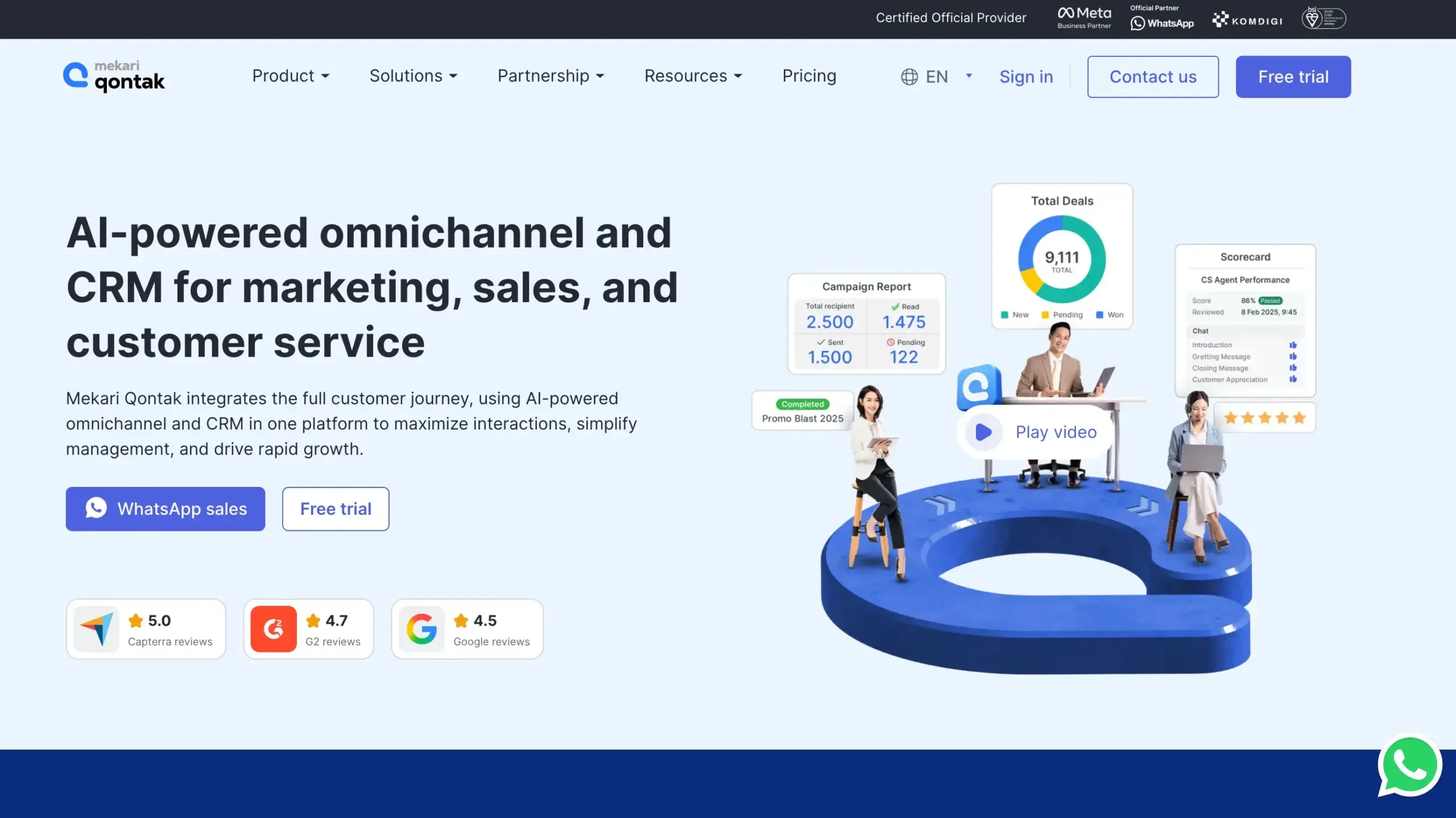
Mekari Qontak is a comprehensive CRM and automation platform designed to revolutionize how businesses engage with their customers.
It features native Agentic AI that understands customer context, executes actions autonomously, and operates 24/7 across multiple communication channels, making it ideal for end-to-end business automation.
Mekari Qontak Pricing: Mekari Qontak subscription fees can be found via the following link.
Mekari Qontak Key Features:
- AI Agent: AI-powered virtual agent that handles inquiries, automates responses, and improves customer engagement efficiency.
- Workflow automation: Centralized workflow automation dashboard to manage tasks, approvals, and customer processes efficiently.
- Omnichannel CRM: Unified omnichannel CRM for managing conversations, leads, and customer journeys across multiple channels.
- Chatbot AI: AI chatbot that automates conversations, captures leads, and provides fast, consistent responses.
- Airene AI Summarizer: AI summarizer that converts conversations into concise insights for faster follow-ups and decisions.
- Smart Routing & Agent Handover: Smart routing automatically assigns conversations to the right agent for faster issue resolution.
- Agent Scorecard: Agent scorecard tracks productivity, response quality, and performance metrics in one place.
- SLA Management: SLA management helps teams monitor response deadlines and maintain service performance standards.
- Customer Data Platform: Customer data platform centralizes customer profiles for better segmentation, personalization, and workflow automation.
- Analytics Dashboard: Analytics dashboard provides real-time insights into team performance, workflow trends, and outcomes.
Pros
- Centralizes CRM, messaging, and workflow automation in one platform
- Supports omnichannel communication for better customer engagement
- Automates repetitive tasks to improve team productivity
- Offers useful analytics for monitoring operational performance
- Scales well for growing businesses and enterprise workflows
Cons
- Dependent on the internet
Why Choose Mekari Qontak?
2. n8n
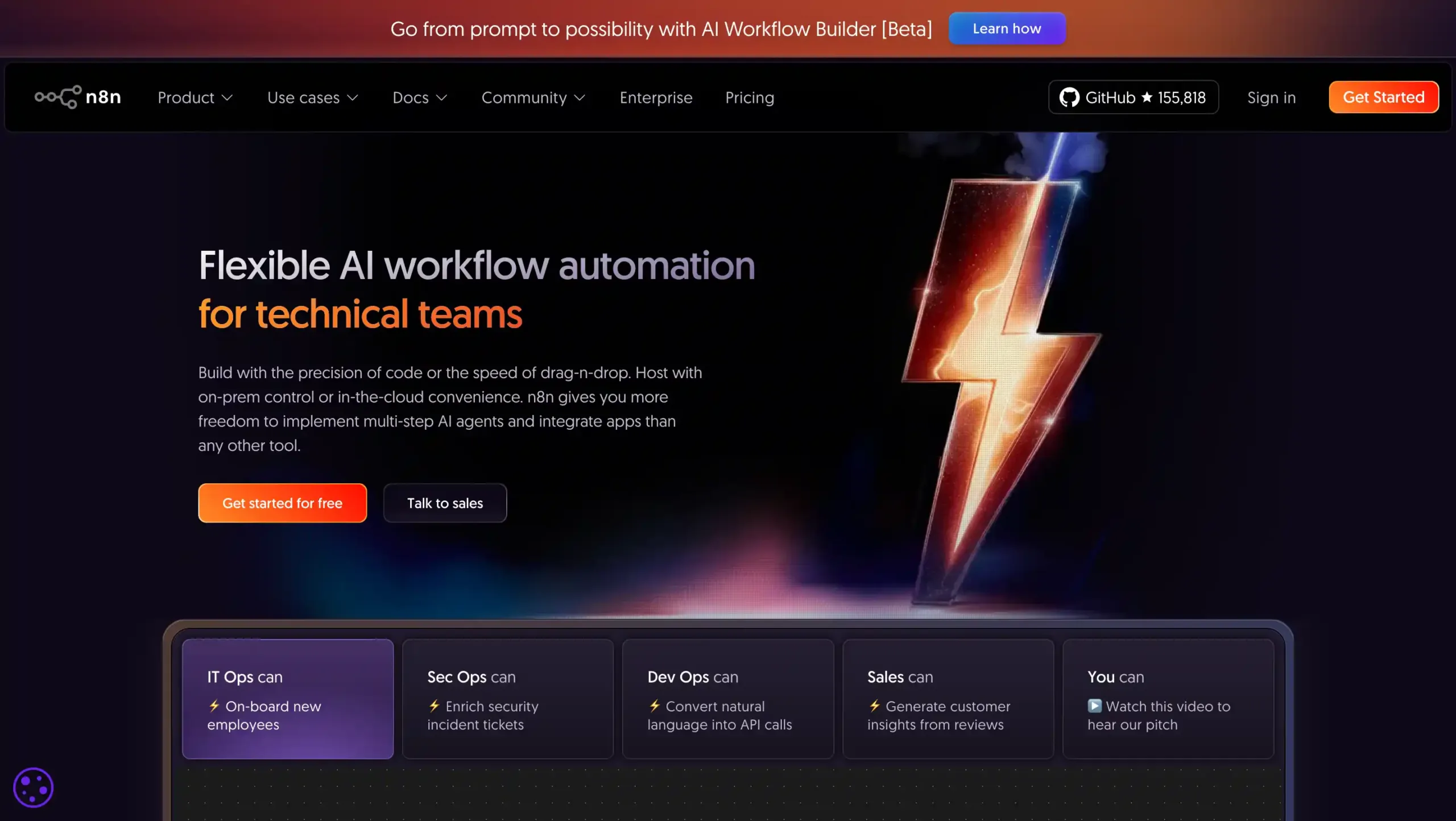
n8n is the top choice for technical users and enterprise teams requiring maximum flexibility. Its node-based editor allows for highly customizable AI integrations while keeping full control over your data and infrastructure.
n8n Pricing: Start from US$24 per month.
n8n Key Features:
- Visual Workflow Builder: Build AI workflow automation visually with drag-and-drop nodes and clear process mapping.
- Extensive Integrations: Connect 500+ apps, APIs, and databases for seamless cross-platform workflow automation.
- Custom Code Flexibility: Add JavaScript or Python for advanced logic, custom actions, and data handling.
- Self-Hosting Option: Deploy on your own infrastructure for better control, privacy, and compliance needs.
- AI-Ready Automation: Combine AI tools with business workflows to create production-ready intelligent automations.
Pros
- Easy to build powerful workflows quickly
- Strong integration ecosystem for automation
- Flexible for both no-code and code-heavy use
- Self-hosting supports data control needs
Cons
- Learning curve for non-technical users
- Some advanced features need higher plans
- Interface can feel complex at first
Why Choose N8n?
3. Zapier
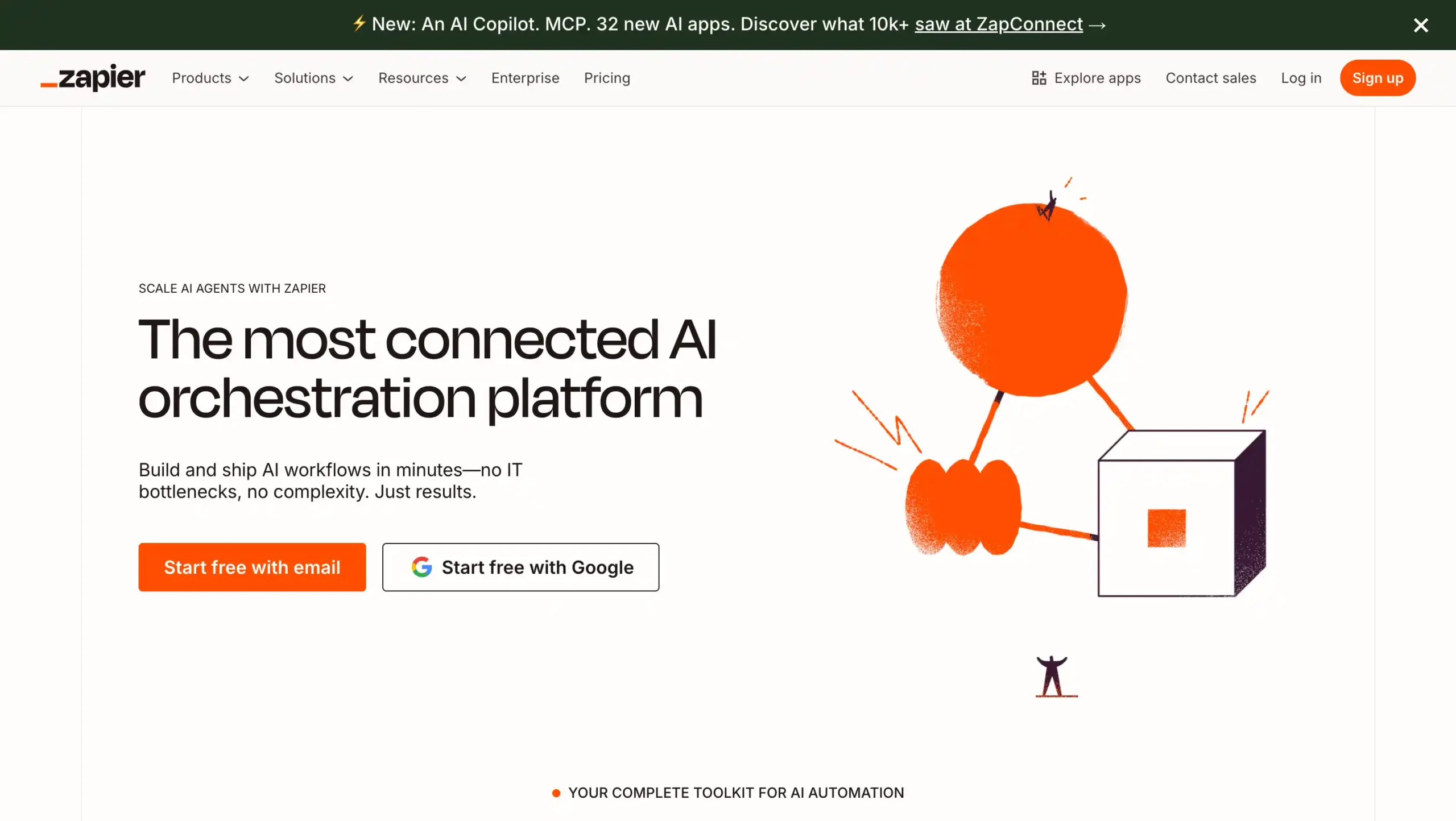
Zapier is the gold standard for non-technical users, offering an AI copilot that helps you build workflows simply by describing them. This tool is one of the largest app integration ecosystems that can simplify your workflow creation.
Zapier Pricing: Start from US$29,99 per month.
Zapier Key Features:
- AI-powered workflow builder: Creates smart automations faster with natural language prompts and simplified no-code setup.
- Multi-step Zaps: Connects triggers and actions across apps to automate complex business processes efficiently.
- Massive app integrations: Links thousands of popular apps, making cross-platform workflow automation simple and scalable.
- Filters and Paths: Adds conditional logic so workflows follow different actions based on rules.
- Webhooks and built-in tools: Supports custom automation with webhooks, formatting, and data handling features.
Pros
- Easy to use for beginners and non-technical teams
- Supports thousands of app integrations in one platform
- Scales well from simple workflows to advanced automation
- Speeds up repetitive tasks and improves team productivity
Cons
- Pricing can get expensive as task volume increases
- Advanced workflows may require time to learn properly
Why Choose Zapier?
4. Make
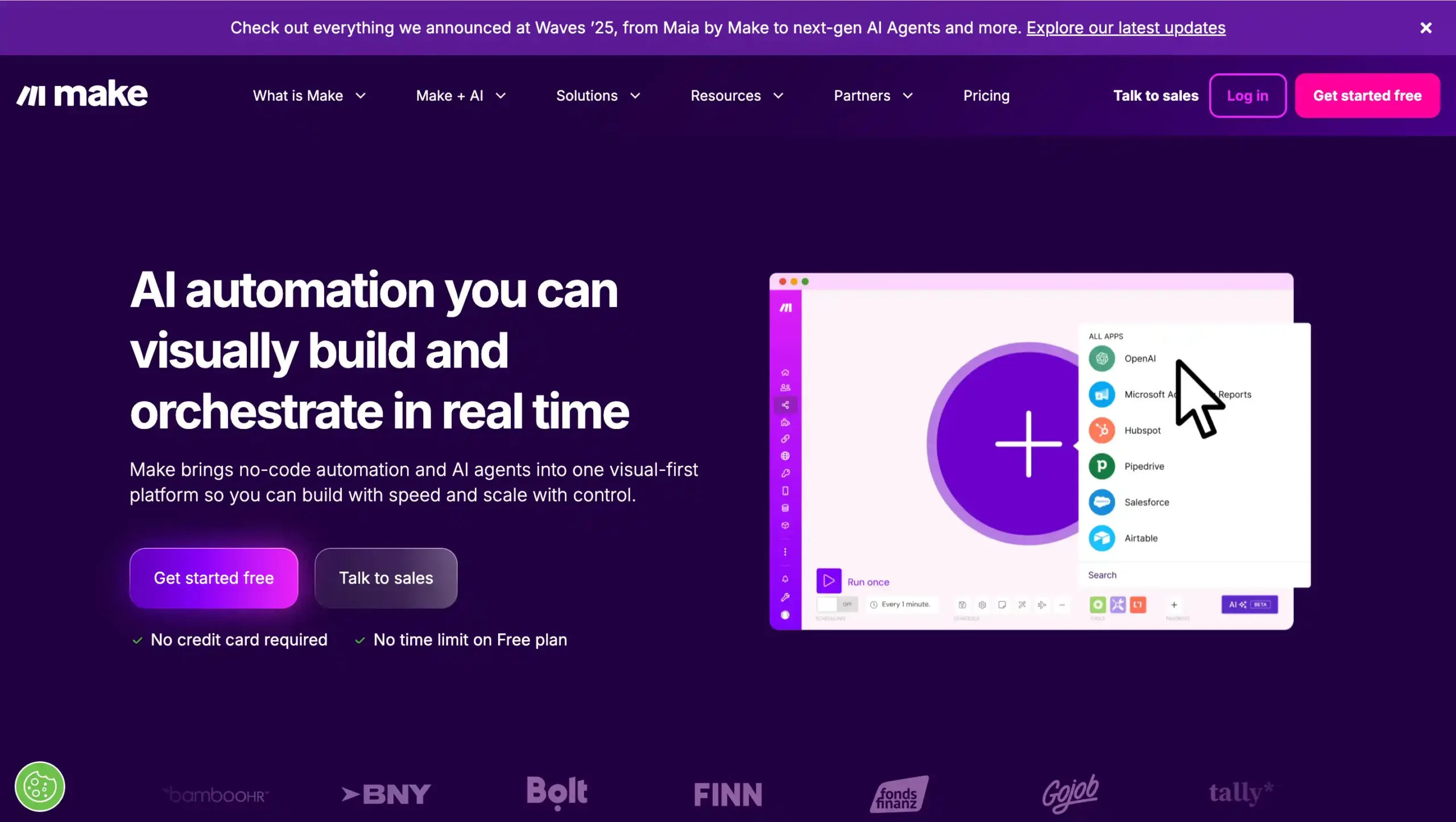
Make offers a powerful visual workflow builder with advanced data transformation and conditional branching for complex automation scenarios.
Make Pricing: Visit the official Make website to find out the price details.
Make Key Features:
- Visual Scenario Builder: Create multi-step AI workflows visually with drag-and-drop modules, filters, and branching logic.
- 3,000+ App Integrations: Connect popular business apps, AI tools, and APIs for seamless workflow automation.
- AI Agents and AI Tools: Build AI-powered workflows using AI agents, web search, content extraction, and MCP.
- Real-Time and Scheduled Execution: Run automations instantly, on schedule, or in real time for faster operations.
- Advanced Data Handling: Transform data, route tasks, manage conditions, and monitor execution logs efficiently.
Pros
- Easy visual workflow builder for complex automations
- Strong integration library with 3,000+ connected apps
- Useful logs and monitoring for workflow visibility
- Flexible logic for advanced multi-step processes
Cons
- Advanced features can feel difficult for beginners
- Costs may increase quickly with high-volume usage
Why Choose Make?
5. Salesforce
Salesforce combines deep CRM integration with Einstein AI and Data Cloud, enabling AI agents to handle customer queries and automate workflows intelligently across the customer lifecycle.
Salesforce Pricing: Start from US$25 per month.
Salesforce Key Features:
- AI Workflow Automation: Automates repetitive sales tasks, approvals, and follow-ups to improve speed and productivity.
- Lead and Opportunity Management: Tracks leads, deals, and pipeline stages in one organized sales workspace.
- Sales Forecasting: Uses AI insights and data trends to predict revenue more accurately.
- Custom Reports and Dashboards: Visualizes sales performance, workflow metrics, and KPIs for smarter decision-making.
- App Integrations and Ecosystem: Connects with business apps to streamline workflows across teams and systems.
Pros
- Strong AI automation tools for sales workflow optimization
- Highly customizable for different processes and team structures
- Wide integration ecosystem for connected business workflows
- Scalable for growing companies and enterprise operations
Cons
- Higher pricing than many competing CRM platforms
- Advanced features can take time to learn
Why Choose Salesforce?
6. Microsoft Power Automate
Microsoft Power Automate is a low-code AI workflow automation tool that integrates seamlessly with Microsoft 365 apps like Excel, Teams, Outlook, and SharePoint.
With Copilot Studio, businesses can build AI-powered workflows and agents to automate internal processes efficiently.
Microsoft Power Automate Pricing: Start from USUSD$15 per month.
Microsoft Power Automate Key Features:
- AI Builder: Add AI models to workflows for document processing, predictions, and smarter task automation.
- Robotic Process Automation (RPA): Automate legacy systems and desktop tasks with attended or unattended bots.
- Prebuilt Connectors: Connect Microsoft 365, SAP, Salesforce, and many other business apps quickly.
- Process Mining: Discover workflow bottlenecks, analyze business processes, and identify automation opportunities faster.
- Low-Code Workflow Builder: Create automated workflows with drag-and-drop tools, templates, and minimal coding effort.
Pros
- Easy to use for building automated workflows with a low-code interface
- Strong integration with Microsoft 365, Dynamics 365, and other Microsoft tools
- Supports both cloud automation and desktop RPA for broader business process coverage
- Large connector library helps teams automate tasks across many business applications
Cons
- Advanced features and higher-scale usage can become expensive for some businesses
- Complex workflows may require more setup time and technical understanding
Why Choose Microsoft Power Automate?
7. UiPath
UiPath is a leading AI + RPA (Robotic Process Automation) platform designed to automate complex workflows, including legacy systems. It is ideal for enterprises that need scalable automation across departments.
UiPath Pricing: Start from $25 per month.
UiPath Key Features:
- Agent Builder: Create AI agents that automate complex workflows with flexible low-code and pro-code development.
- Maestro Orchestration: Coordinate AI agents, RPA bots, and people across long-running business processes.
- Healing Agent: Adapt automations automatically when apps, interfaces, or workflow conditions change unexpectedly.
- Autopilot: Use conversational AI to speed tasks, decisions, and workflow interactions across teams.
- Task Mining: Discover repetitive work patterns and identify high-impact workflow automation opportunities quickly.
Pros
- Strong AI workflow automation for complex enterprise processes
- Combines AI agents, RPA bots, and human-in-the-loop execution
- Robust governance, security, and compliance capabilities
- Flexible low-code and pro-code development options
Cons
- Can be expensive for full-scale enterprise deployment
- Steeper learning curve for new users and advanced implementations
Why Choose UiPath?
8. Gumloop
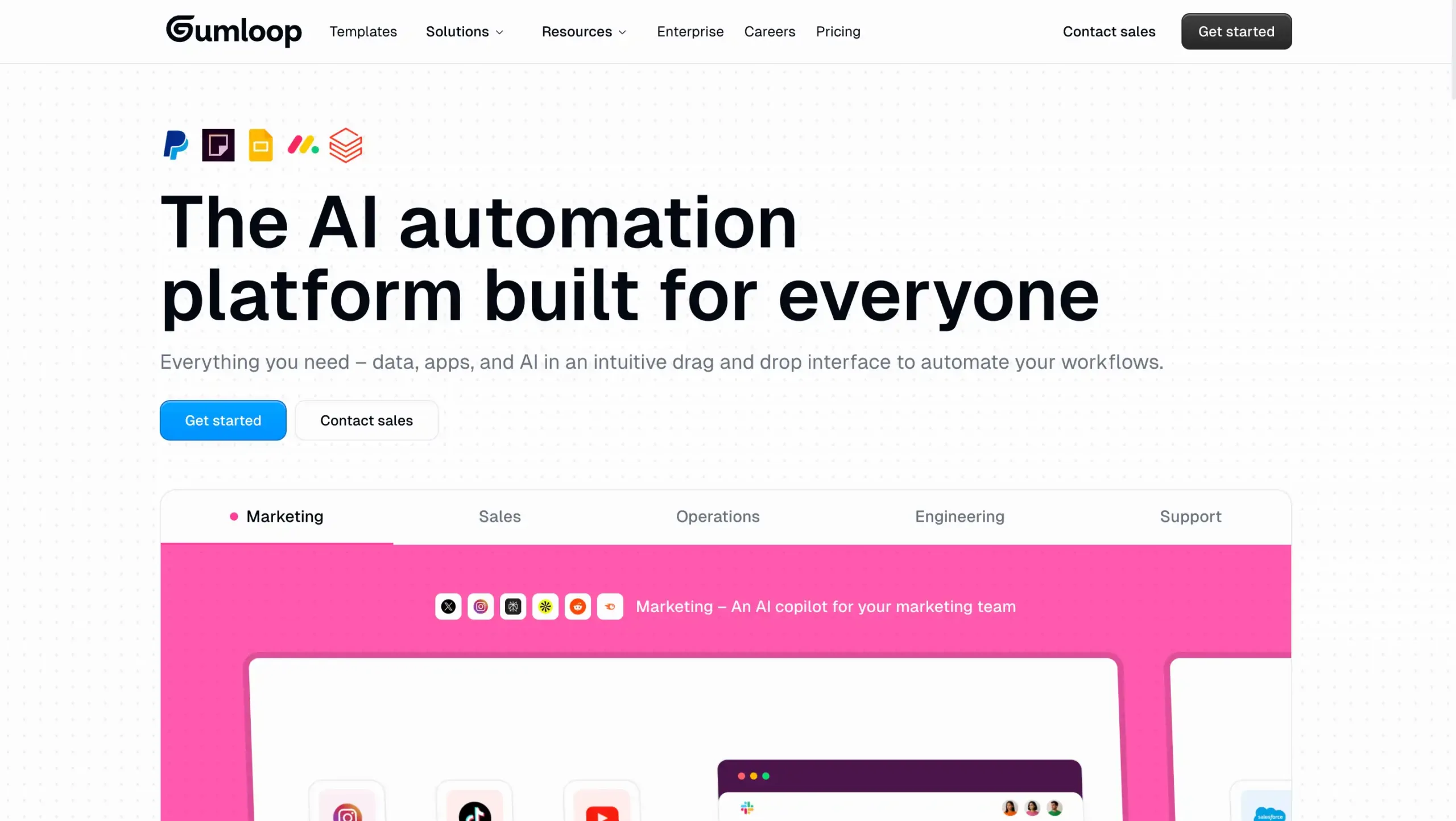
Gumloop is an AI-first workflow automation platform that provides ready-to-use templates and MCP support. It simplifies building intelligent workflows without requiring deep technical expertise.
Gumloop Pricing: Start from US$37 per month.
Gumloop Key Features:
- Visual Workflow Builder: Build AI automation workflows quickly using a simple drag-and-drop no-code interface.
- Multi-Model AI Integration: Connect OpenAI, Anthropic, and Gemini to power smarter automated workflows.
- Pre-Built Automation Templates: Launch common AI workflow use cases faster with ready-made templates.
- Flexible Triggers and Integrations: Start workflows from Slack, email, webhooks, and connected business apps.
- Scalable Parallel Execution: Run multiple automation tasks simultaneously for faster processing and better efficiency.
Pros
- Easy no-code builder for fast AI workflow automation
- Strong integrations with popular business tools and platforms
- Helps reduce manual work and improve team productivity
- Supports multiple AI models for flexible automation use cases
Cons
- Pricing may feel expensive for smaller teams
- Advanced workflows may require some learning
- Credit-based usage can be limiting over time
Why Choose Gumloop?
9. CrewAI
CrewAI is a specialized platform where multiple AI agents collaborate as a digital team to solve complex, reasoning-heavy problems. This tool might be fit for developers building advanced multi-agent systems.
CrewAI Pricing: Contact the CrewAI sales team for the pricing.
CrewAI Key Features:
- Role-Based Agents: Create specialized AI agents with defined roles, goals, and task responsibilities.
- Multi-Agent Collaboration: Enables multiple AI agents to communicate, coordinate, and solve workflows together.
- Task Orchestration: Automates sequential and parallel task execution for efficient AI workflow management.
- Tool Integration: Connect agents with APIs, external tools, and data sources easily.
- Flexible Workflow Control: Supports structured, event-driven flows for scalable AI automation projects.
Pros
- Easy to use for building structured multi-agent AI workflows
- Strong automation capabilities for complex business process execution
- Flexible agent roles improve task specialization and workflow efficiency
- Useful integrations support broader AI workflow automation use cases
Cons
- Can feel complex for beginners or non-technical users
- Some integrations may be limited depending on workflow needs
Why Choose CrewAI?
10. Freshdesk
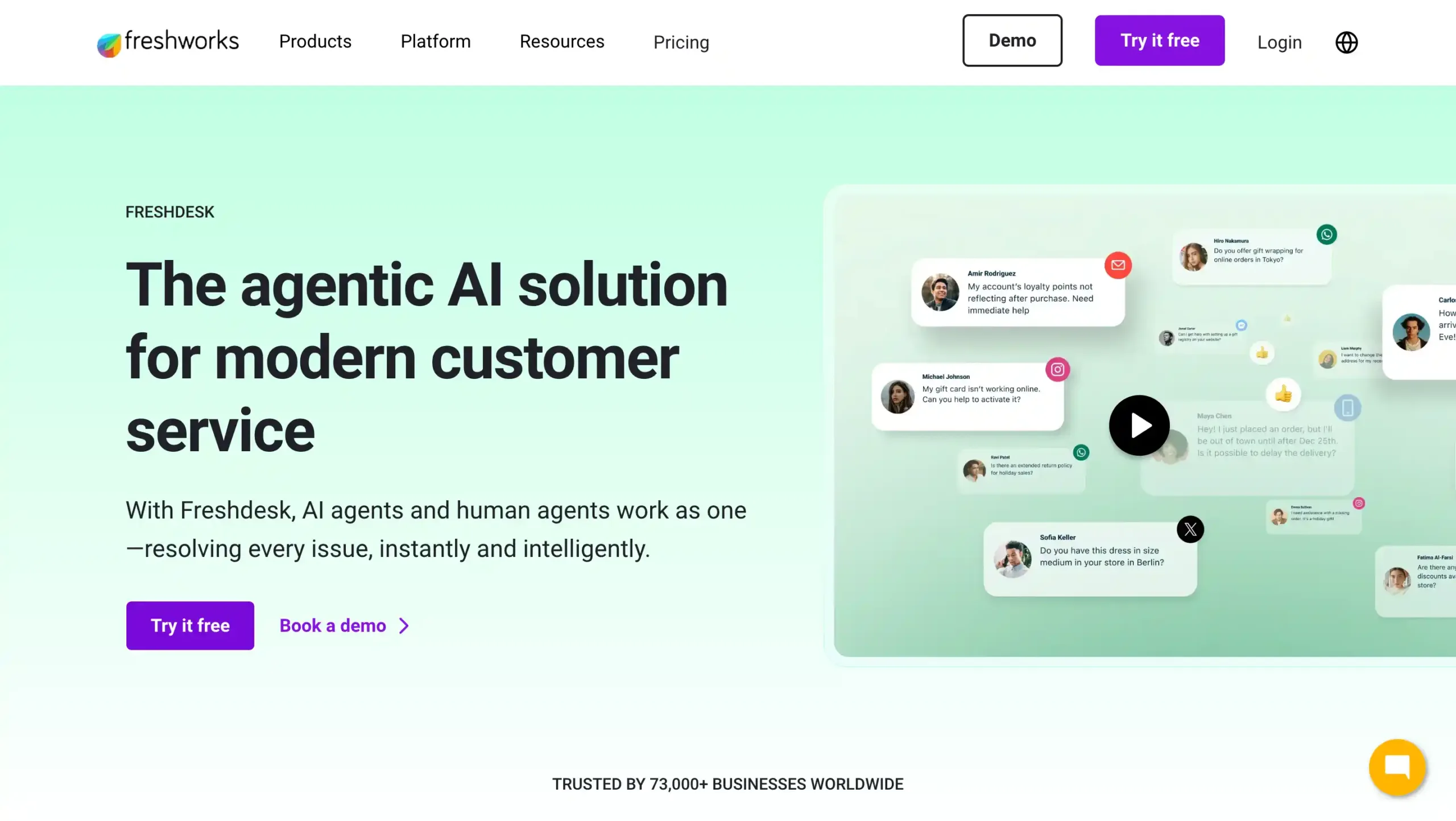
Powered by Freddy AI, Freshdesk focuses on boosting agent productivity through smart ticket automation and customer self-service.
It helps support teams handle high volumes by automatically summarizing conversations and suggesting the best next steps for every inquiry.
Freshdesk Pricing: Start from US$66 per month.
Freshdesk Key Features:
- AI-Powered Ticket Automation: Automates ticket routing, prioritization, and responses to reduce manual work and delays.
- Omnichannel Inbox Management: Centralizes email, chat, messaging, and web requests in one unified workspace.
- Freddy AI Copilot: Assists agents with suggested replies, summaries, and faster issue resolution workflows.
- Workflow Automation Rules: Builds smart automation for assignments, escalations, SLA tracking, and repetitive tasks.
- Self-Service Knowledge Base: Enables customers to find answers quickly through searchable help articles and portals.
Pros
- Easy to set up and use
- Strong AI workflow automation capabilities
- Scales well for growing teams
- Unified omnichannel ticket management
Cons
- Advanced features can get expensive
- Some customizations have limitations
Why Choose Freshdesk?
11. Pipedream
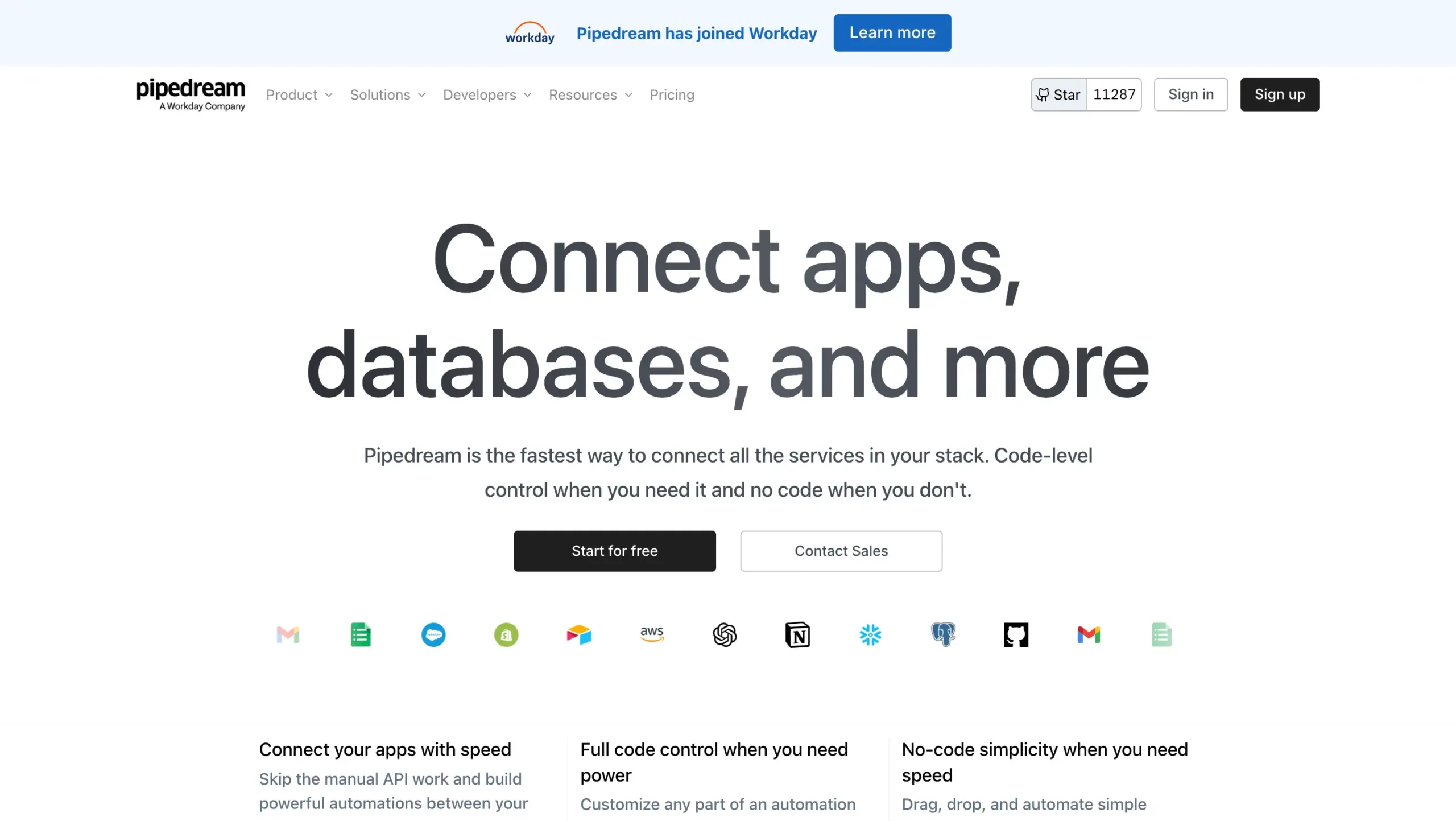
Pipedream is a developer-friendly, code-first automation platform that allows users to connect APIs and build complex workflows using serverless execution. It’s ideal for teams that need flexibility and full customization.
Pipedream Pricing: Start from US$45 per month.
Pipedream Key Features:
- Visual Workflow Builder: Build AI automation workflows faster with a flexible visual editor and custom logic.
- Multi-Language Code Support: Run Node.js, Python, Go, or Bash for advanced workflow automation tasks.
- Managed App Authentication: Connect thousands of apps securely without manually handling API authentication complexity.
- Event-Driven Triggers: Automate workflows using webhooks, schedules, and real-time app-based event triggers.
- AI and API Integrations: Combine AI tools, APIs, and databases to create powerful intelligent automations.
Pros
- Supports both low-code and developer-first automation workflows
- Strong API connectivity across thousands of apps
- Generous free plan for testing real use cases
- Flexible for AI workflow automation and custom integrations
Cons
- Less beginner-friendly for non-technical users
- Some advanced capabilities require higher-tier plans
- Compute-based pricing may be harder to predict
Why Choose Pipedream?
Best AI Workflow Automation Tools Comparison
Use Left/Right arrow keys to scroll horizontally.
| Tools Name | Key Features | Target Business Size | Industry | Pricing |
|---|---|---|---|---|
| Mekari Qontak | Omnichannel CRM, AI Agent, workflow automation, chatbot AI, analytics dashboard | Small to enterprise businesses | Retail, E-commerce, Financial Services, Insurance, Healthcare | Start from Rp400.000 per user/month/. Check the pricing here. |
| N8n | Visual workflow builder, self-hosting, custom code, AI integrations | SMB to enterprise, technical teams | SaaS, Marketing, Finance, Healthcare | From $24/month |
| Zapier | No-code automation, AI copilot, multi-app integrations, conditional workflows | Individuals to enterprise | Marketing, Sales, E-commerce, SaaS | From $29.99/month |
| Make | Visual automation builder, AI tools, data transformation, 3000+ integrations | SMB to enterprise | Marketing, SaaS, Media, E-commerce | Custom pricing |
| Salesforce | AI-powered CRM automation, lead management, forecasting, reporting | SMB to enterprise | Technology, Healthcare, Finance, Retail | From $25/month |
| Microsoft Power Automate | Low-code automation, AI builder, RPA, Microsoft 365 integrations | SMB to enterprise | IT, Finance, Manufacturing, Retail | From $15/month |
| UiPath | AI + RPA automation, task mining, orchestration, agent builder | SMB to enterprise | Banking, Insurance, Healthcare, Manufacturing | From $25/month |
| Gumloop | No-code AI workflows, multi-model AI integration, templates | SMB to enterprise | Marketing, SaaS, Finance, E-commerce | From $37/month |
| CrewAI | Multi-agent AI workflows, task orchestration, role-based agents | Startups to enterprise | SaaS, Consulting, Finance, Healthcare | Custom pricing |
| Freshdesk | AI ticket automation, omnichannel inbox, workflow rules, knowledge base | SMB to enterprise | SaaS, Retail, Education, Finance | From $66/month |
| Pipedream | Code-first automation, API integration, serverless workflows, AI support | Startups to enterprise | IT, SaaS, Marketing, Finance | From $45/monthr |
- Feature details, pricing, and all information in this table are sourced from public data available on each tool’s official website.
- Please note that prices, packages, and features are subject to change at any time.
- We recommend checking the official websites directly for the latest updates and plan details that best suit your business needs.
How to Choose the Right AI Workflow Automation Tool for Your Business
Choosing the right AI workflow automation software is not just about features, but also how well it fits your business processes and long-term goals. Here are key factors to consider:
1. Prioritize Tools with True AI Execution Capabilities
Modern AI has shifted workflows from simple manual triggers to intelligent systems. When evaluating tools, look for those that don’t just follow static instructions but can understand context and provide proactive recommendations to customers.
This ensures your system can adapt to real-world scenarios rather than breaking when a process deviates from the norm.
2. Ensure Native Integration with your Existing Business Ecosystem
Your automation tool must act as a bridge, not a new silo. Choose a platform that offers native, seamless integration with the software you already use daily such as your CRM, ERP, or communication tools to ensure data flows accurately and instantly across your entire organization.
3. Match the Tools Complexity to Your Teams Technical Skill Level
Not every business needs a highly technical solution, so it is essential to align the platform’s interface with your team’s actual capabilities. To ensure faster adoption and a better ROI, you should evaluate where your team sits on the technical spectrum:
- No-code tools (like Zapier or Make) are ideal for non-technical teams
- Low-code tools (like Power Automate) suit hybrid teams
- Code-first platforms (like Pipedream) are better for developers
4. Evaluate End-to-End Automation Coverage Across Business Functions
Look for platforms that can automate multiple functions, such as sales, marketing, customer service, and operations. This allows your business to centralize workflows instead of using multiple disconnected tools.
5. Consider Scalability, Security, and Governance
As your business grows, your automation platform should scale with it. Make sure your choosen tool offers:
- Enterprise-grade security and compliance
- Role-based access control
- Workflow governance and monitoring
- Ability to handle high-volume operations
Streamline Your Business Workflows with Mekari Qontak AI-Powered Automation
Embracing AI workflow automation is the fastest way to bridge the gap between stagnant operations. By choosing the right tool, you can reclaim up to 30% of your team’s productivity and focus on what truly matters: growth.
To lead this digital transformation, Mekari Qontak provides an Agentic AI-Powered Workflow Automation solution that does more than just move data.
Mekari Qontak understands customer intent and executes complex tasks autonomously across your entire business ecosystem. Whether it’s managing leads or providing 24/7 support, Qontak 360 ensures your operations are always optimized and error-free.
Ready to see how intelligent automation can redefine your success? Consult with us today to build your custom AI strategy, or start your free trial now to experience the power of Agentic AI firsthand.

Reference:
Pertanyaan yang Sering Diajukan Tentang Best AI Workflow Automation Tools (FAQ)
What is the difference between an AI assistant and an AI agent in workflow automation?
What is the difference between an AI assistant and an AI agent in workflow automation?
An AI assistant primarily helps users by providing suggestions, generating content, or assisting with specific tasks based on input. In contrast, an AI agent can act autonomously, make decisions, and execute workflows without constant human intervention, making it more suitable for end-to-end automation.
How is enterprise workflow automation different from regular automation tools?
How is enterprise workflow automation different from regular automation tools?
Enterprise workflow automation handles complex, multi-step processes across departments, integrating multiple systems and data sources. Regular automation tools are usually limited to simple, rule-based tasks and lack advanced scalability and cross-functional capabilities.
What features should I prioritize when choosing a platform?
What features should I prioritize when choosing a platform?
Focus on AI capabilities, integration with existing systems, scalability, security, and ease of use. These factors ensure the platform can support long-term business growth and operational efficiency.
How does workflow automation improve business efficiency?
How does workflow automation improve business efficiency?
It reduces manual work, minimizes errors, speeds up processes, and ensures consistent execution. This allows teams to focus on higher-value tasks while improving overall productivity.