






- Enterprise workflow automation software helps organizations streamline complex, cross-departmental processes and reduce manual operational bottlenecks
- Automation platforms can improve productivity by automating approvals, CRM updates, ticket routing, and campaign workflows across multiple tools
- Modern enterprise automation tools combine AI, low-code workflow builders, and large integration ecosystems to support scalable business operations
- Solutions like Mekari Qontak, ServiceNow, and Microsoft Power Automate enable companies to unify workflows across sales, service, marketing, and IT operations
- Choosing the right platform requires evaluating integration capabilities, scalability, security compliance, and usability for both technical and non-technical teams.
Many growing companies face a similar problem: business processes become more complex as teams scale. When these tasks rely on manual work, productivity will slow down and it becomes harder to see what is actually happening across the company.
For example, waiting for manual approvals can delay projects for days. In sales, manual lead routing often leads to slow follow-ups and lost deals.
Marketing teams often waste time moving data by hand between emails, CRMs, and ad tools, while support teams struggle to track tickets and meet deadlines manually.
Believe it or not, these small inefficiencies quickly create big bottlenecks.
This is why many businesses are investing in enterprise workflow automation software. By automating repetitive tasks and connecting different systems, businesses can eliminate delays and gain real-time insights.
In this Mekari Qontak Blog, we will explore the best enterprise workflow automation software to help your business streamline operations, improve collaboration, and drive better business results.




What is Enterprise Workflow Automation Software?
Enterprise workflow automation software is a digital platform that automates complex business processes across multiple teams and systems.
Instead of relying on manual actions like sending approval emails or transferring data between apps, these platforms trigger workflows automatically based on specific rules.
For example, an enterprise automation system can:
- Automatically route sales leads to the correct representative
- Trigger follow-up emails after customer interactions
- Assign support tickets based on priority or expertise
- Sync customer data between CRM, marketing, and support tools
By automating these steps, your businesses can reduce errors and also boost overall productivity. In large companies where workflows span many departments, this automation is essential for maintaining efficiency and consistency.
Best Enterprise Workflow Automation Software
To help you choose the right solution for your business, here is our curated list of the best enterprise workflow automation software available today.
1. Mekari Qontak
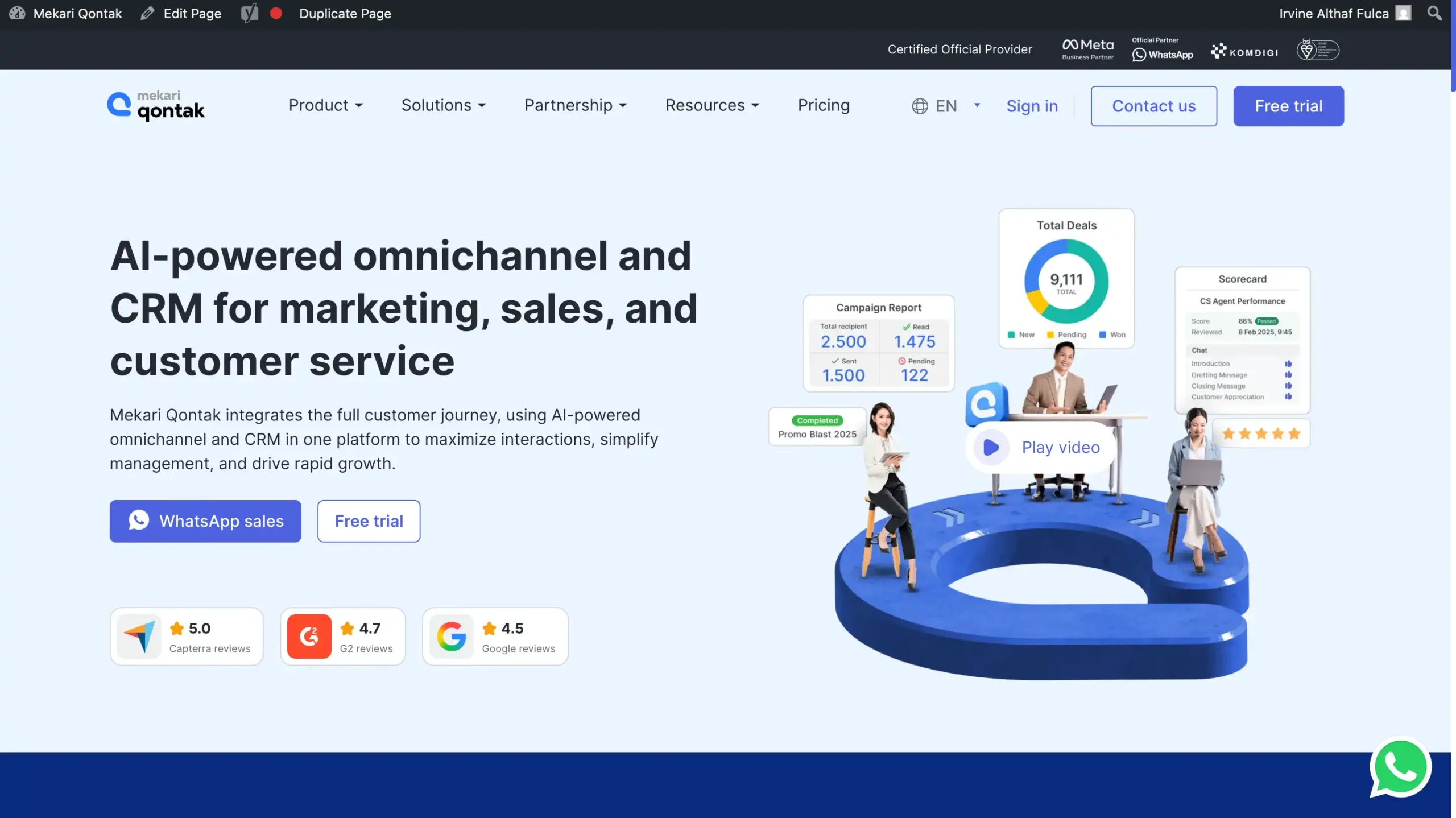
Mekari Qontak is part of Mekari’s integrated software ecosystem, designed to streamline CRM operations and workflow automation in a unified platform.
The platform is ISO/IEC 27001:2022 certified, officially registered as PSE (Komdigi RI), and recognized as a Meta Business Partner.
It also complies with GDPR standards and provides secure connection protocols including FTP, SFTP, and API authentication, making it suitable for enterprises requiring high levels of data governance and security.
Mekari Qontak Pricing: Mekari Qontak subscription fees can be found via the following link.
Mekari Qontak Key Features:
- Workflow Automation: Automates repetitive sales, support, and workflow tasks to boost business productivity and efficiency.
- Omnichannel Integration: Consolidates WhatsApp, email, phone, and social channels into one centralized customer communication platform.
- CRM-native Automations: Automates CRM tasks like lead assignment, follow-up, and data updates within a unified dashboard.
- WhatsApp API Integration: Enables automated and verified messaging through official WhatsApp Business API for campaigns and support.
- Sales Pipeline Management: Visualizes deal progress and manages leads with drag-and-drop pipelines and custom sales stages.
- CS Ticket Routing: Routes and prioritizes customer service tickets to the right agents for faster issue resolution.
- Campaign Automation: Schedules and personalizes multi-channel marketing messages, with analytics to track campaign performance.
Pros
- Easy omnichannel integration
- Official WhatsApp API access
- Flexible and customizable CRM
- Streamlines sales and service processes
- Scalable for enterprises
Cons
- Dependent on the internet
Why Choose Mekari Qontak?
2. ServiceNow
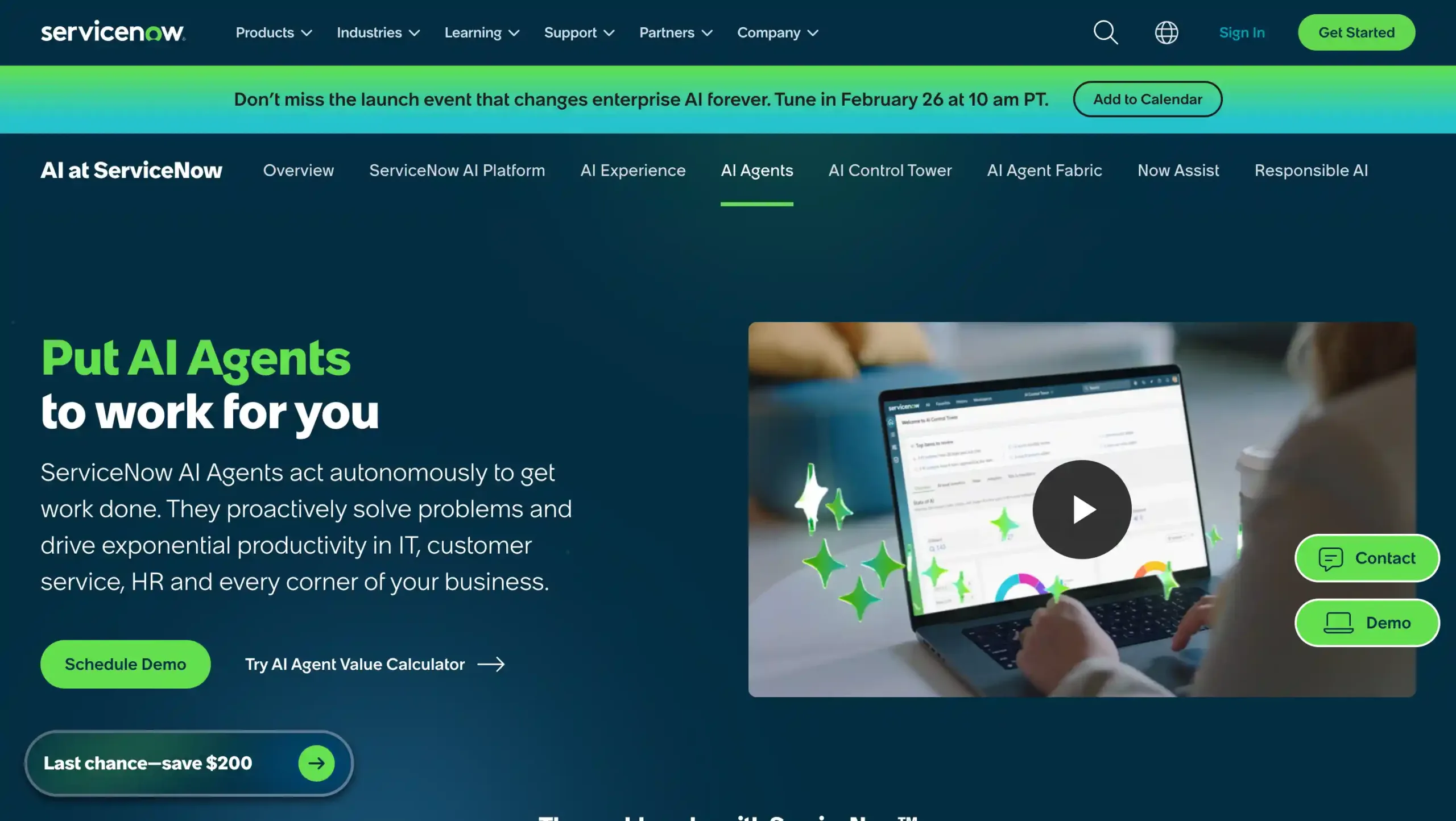
ServiceNow is one of the most widely adopted enterprise workflow automation tools, particularly in IT service management (ITSM).
The platform allows businesses to automate workflows across IT operations, HR processes, and internal service management.
Powered by Now Intelligence AI, ServiceNow helps enterprises automate incident management, service requests, and employee workflows at scale.
ServiceNow Pricing: Contact ServiceNow sales to find out complete prices.
ServiceNow Key Features:
- Incident Management: Automated ticket categorization and assignment to streamline issue resolution workflows.
- Change Management: Structured workflows help manage, track, and approve IT changes efficiently across departments.
- Service Catalog: Centralized self-service portal for users to request, track, and manage IT services.
- Knowledge Management: Repository for institutional knowledge, reducing support tickets and promoting user self-service.
Pros
- Highly customizable and scalable for enterprises
- Powerful AI and automation streamline IT workflows
- Extensive integration options for expanded functionality
- Strong analytics and reporting for data-driven decisions
Cons
- High licensing costs for smaller businesses
- Complex setup and significant learning curve
- Customizations may require certified developers
Why Choose ServiceNow?
3. Microsoft Power Automate
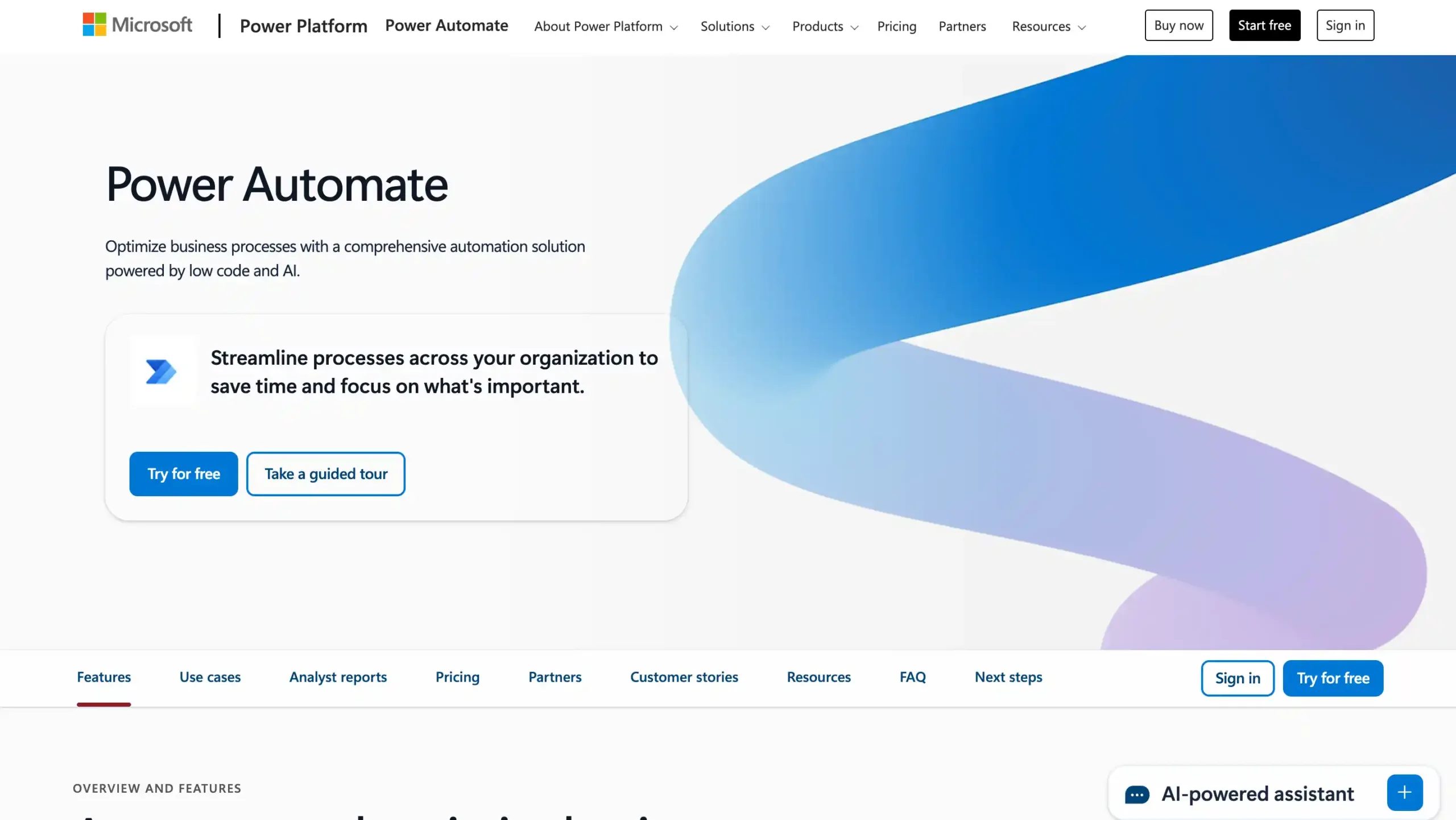
Microsoft Power Automate is a powerful enterprise automation tool that allows businesses to streamline workflows across Microsoft 365, Teams, Azure, and other corporate applications.
It is the go-to solution for companies already deep in the Microsoft ecosystem, offering seamless data flow between familiar tools.
Microsoft Power Automate Pricing: Start from USD$150 per month.
Microsoft Power Automate Key Features:
- Seamless integration: Connects with 600+ apps and services for end-to-end workflow automation.
- Low-code flow design: Visual, drag-and-drop interface for building workflows with minimal programming skills.
- Built-in AI capabilities: Incorporates tools for form processing, sentiment analysis, and customized automation.
- Unified DPA and RPA: Combines digital process and robotic automation in a single, scalable platform.
Pros
- Extensive app integration across cloud and on-premises systems
- Easy-to-use, low-code visual workflow designer
- Broad automation, supports DPA and RPA in one solution
- AI Builder empowers intelligent, smarter automations
Cons
- Premium features can be expensive for large-scale use
- Complex flows may require additional learning and governance
Why Choose Microsoft Power Automate?
4. Salesforce Flow
Salesforce Flow is a workflow automation engine built directly within the Salesforce CRM ecosystem. It enables businesses to automate sales processes, customer engagement workflows, and operational tasks directly from CRM data.
Salesforce Flow Pricing: Start from USD$25 per month.
Salesforce Flow Key Features:
- Visual Workflow Builder: Drag-and-drop interface to automate complex business processes quickly and intuitively.
- Process Automation: Streamlines sales, service, and marketing tasks to save time and reduce manual work.
- Approval Processes: Dynamic routing for decision approvals based on pre-set business criteria.
- Integration Capabilities: Connects easily with other Salesforce products and third-party business applications.
Pros
- Deep Salesforce CRM integration
- User-friendly, no-code builder
- Highly scalable for all business sizes
- Strong customization options
Cons
- Best only within Salesforce ecosystem
- Can be complex to implement
- Pricing may be high for small business
Why Choose Salesforce Flow?
5. Pega Platform
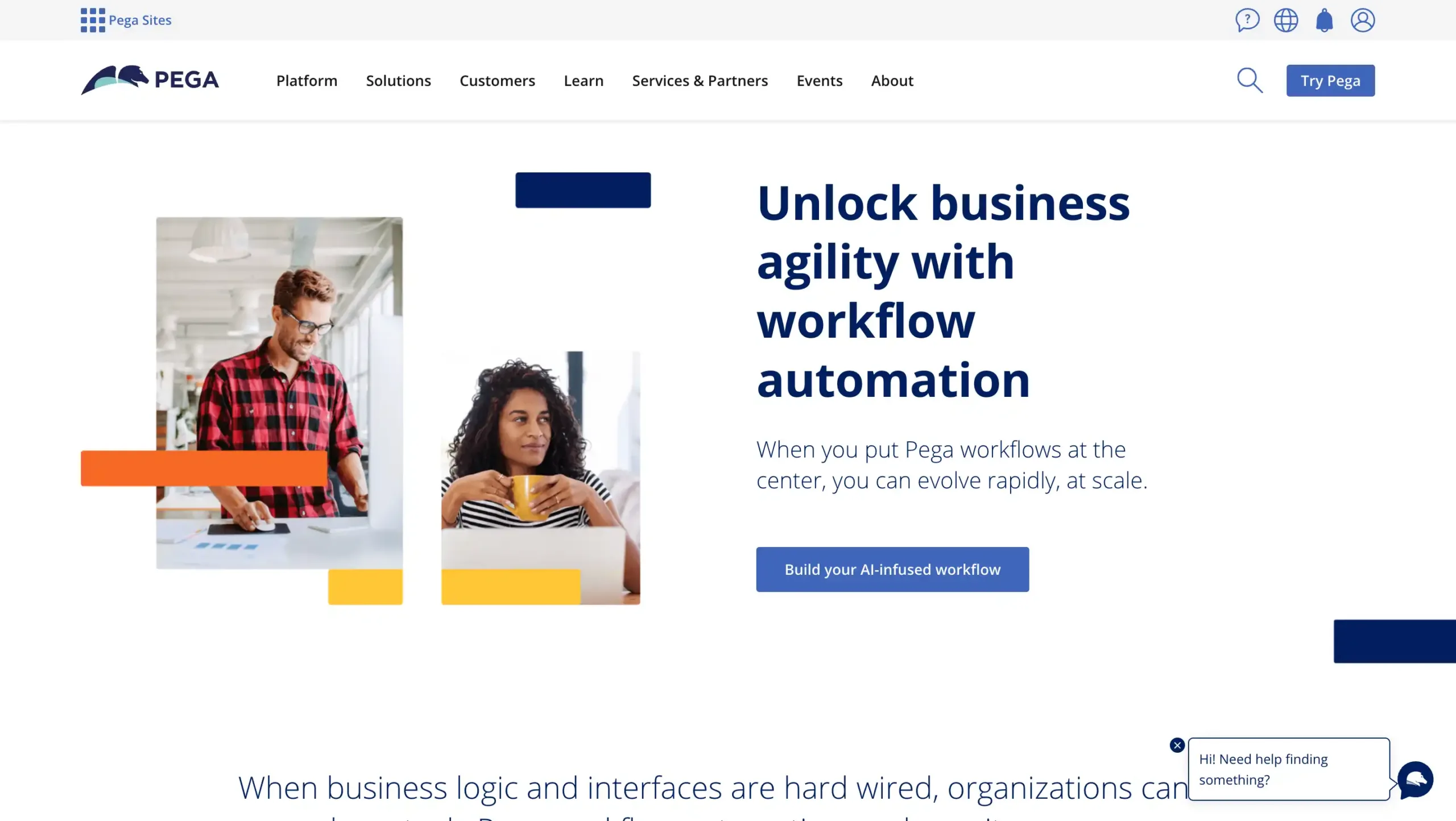
Pega is a powerful “low-code” tool built for managing complex business processes. It is excellent at automating customer journeys and decision-making, especially in highly regulated industries like banking and insurance.
While it is a top choice for handling advanced workflows and logic, it does have a steeper learning curve compared to simpler automation tools.
Pega Platform Pricing: Contact ServiceNow sales to find out complete prices.
Pega Platform Key Features:
- AI-Powered Decisioning: Real-time, data-driven business process optimization.
- Low-Code Development: Build enterprise applications visually, reducing coding complexity.
- Workflow Automation: Streamlines end-to-end processes, minimizing manual intervention.
- Scalable Architecture: Maintains high performance for demanding, large-scale operations.
- Robust Integration: Seamless connectivity to third-party and legacy enterprise systems.
Pros
- Advanced AI-driven workflow automation
- Handles complex enterprise case management
- Built-in RPA capabilities at no extra license
Cons
- High cost for smaller businesses
Why Choose Pega Platform?
6. Workato
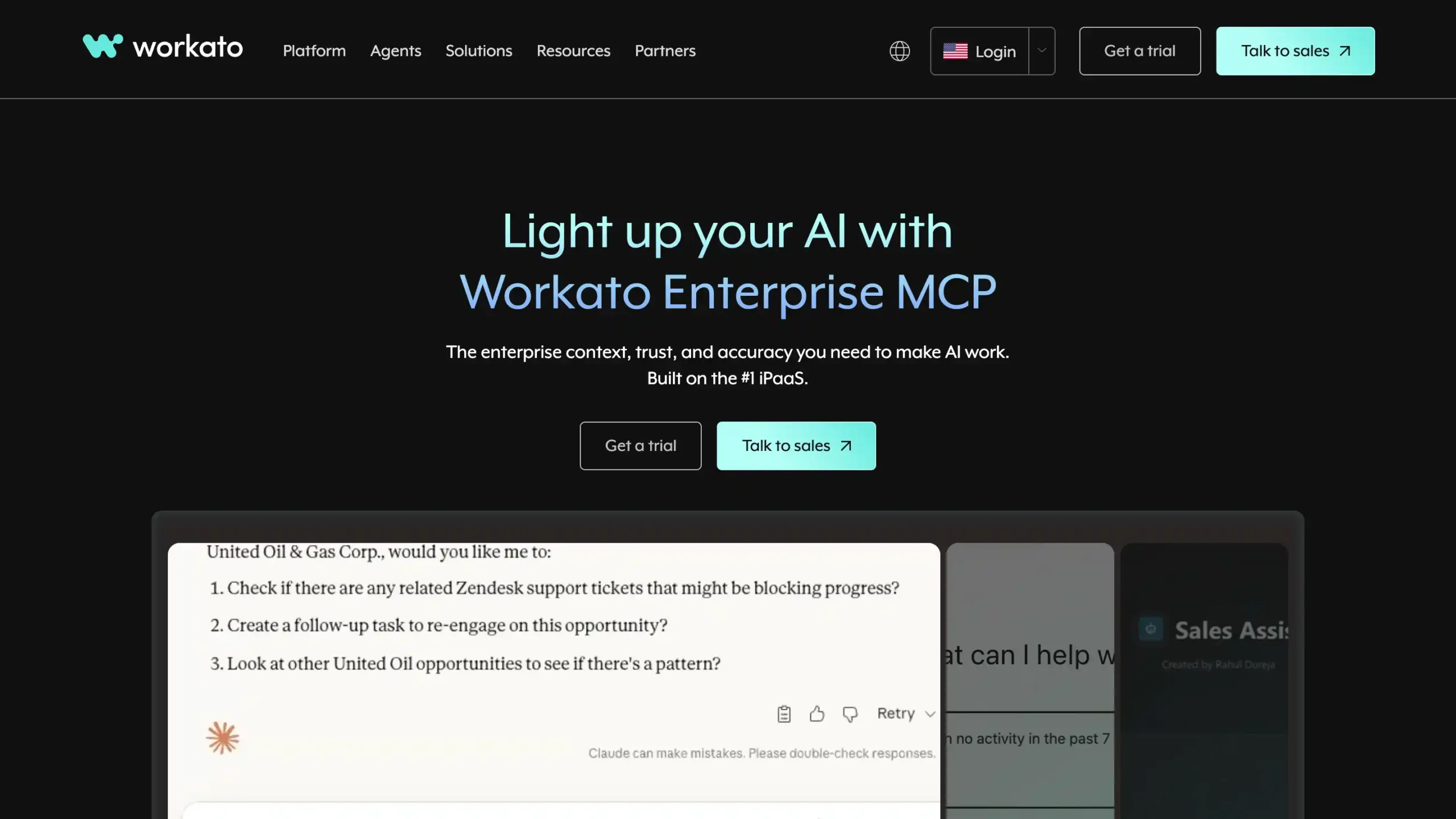
Workato is a modern tool that specializes in connecting different apps and automating processes. It uses a simple system called “recipes” that allows teams to build workflows without needing to write heavy code.
With its strong security and real-time monitoring, Workato is an excellent choice for larger companies that use many different software systems and need them to work together perfectly.
Workato Pricing: Flexible pricing, contact Workato sales.
Workato Key Features:
- 1,200+ pre-built connectors: Quickly integrate widely used business apps with minimal coding.
- Visual workflow builder: Create complex automation visually with low-code/no-code tools.
- AI-powered automation: Use intelligent bots/Genies for smart task routing and efficiency.
- Flexible deployment: Supports both cloud-based and on-premises workflow automations.
- Reporting & analytics: Monitor workflow performance and process optimization with clear reporting.
Pros
- Extensive app connector library
- Low-code/no-code interface
- Enterprise-grade security
- High scalability
Cons
- High subscription costs
- Complex setup for advanced cases
- Dependent on stable cloud access
Why Choose Workato?
7. Zapier
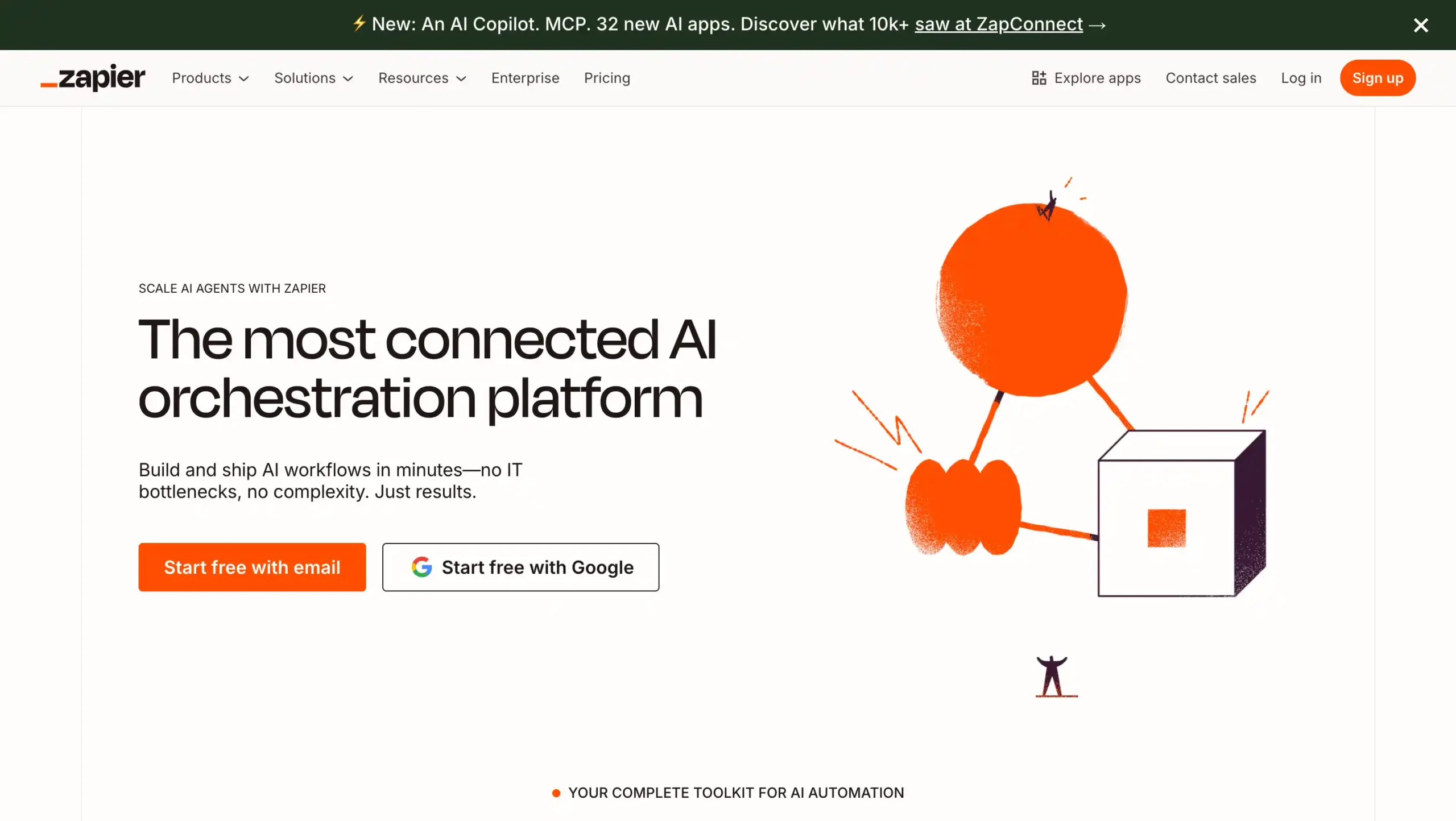
Zapier is one of the most popular tools for connecting cloud apps and automating tasks between them. It supports thousands of integrations, making it easy to link your CRM, marketing tools, and databases without any coding.
For larger teams, Zapier offers advanced features like Zapier Central and enterprise-grade security (SSO). While it is incredibly user-friendly for marketing and operations, very high-volume workflows can sometimes experience slight delays.
Zapier Pricing: Contact Zapier sales to find out complete prices.
Zapier Key Features:
- App Integration: Connects 7,000+ apps to automate workflows across different business tools and platforms.
- Multi-Step Workflows: Enables complex sequences with multiple actions, filters, and conditional logic for advanced automation.
- Built-in Utilities: Offers formatters, delays, and data transformation directly within workflow steps for customization.
- Webhooks Support: Integrates with custom or legacy systems via webhooks to expand automation reach.
- Team Collaboration: Allows shared folders, user permissions, and task history for collaborative automation management.
Pros
- Intuitive drag-and-drop builder for easy workflow design
- Supports extensive third-party app integrations
- Scales well for both simple and advanced business needs
- High reliability and consistent automation performance
Cons
- Costs can increase significantly as workflow and task volume rise
- Some app integrations offer only basic triggers or limited actions
Why Choose Zapier?
8. Kissflow
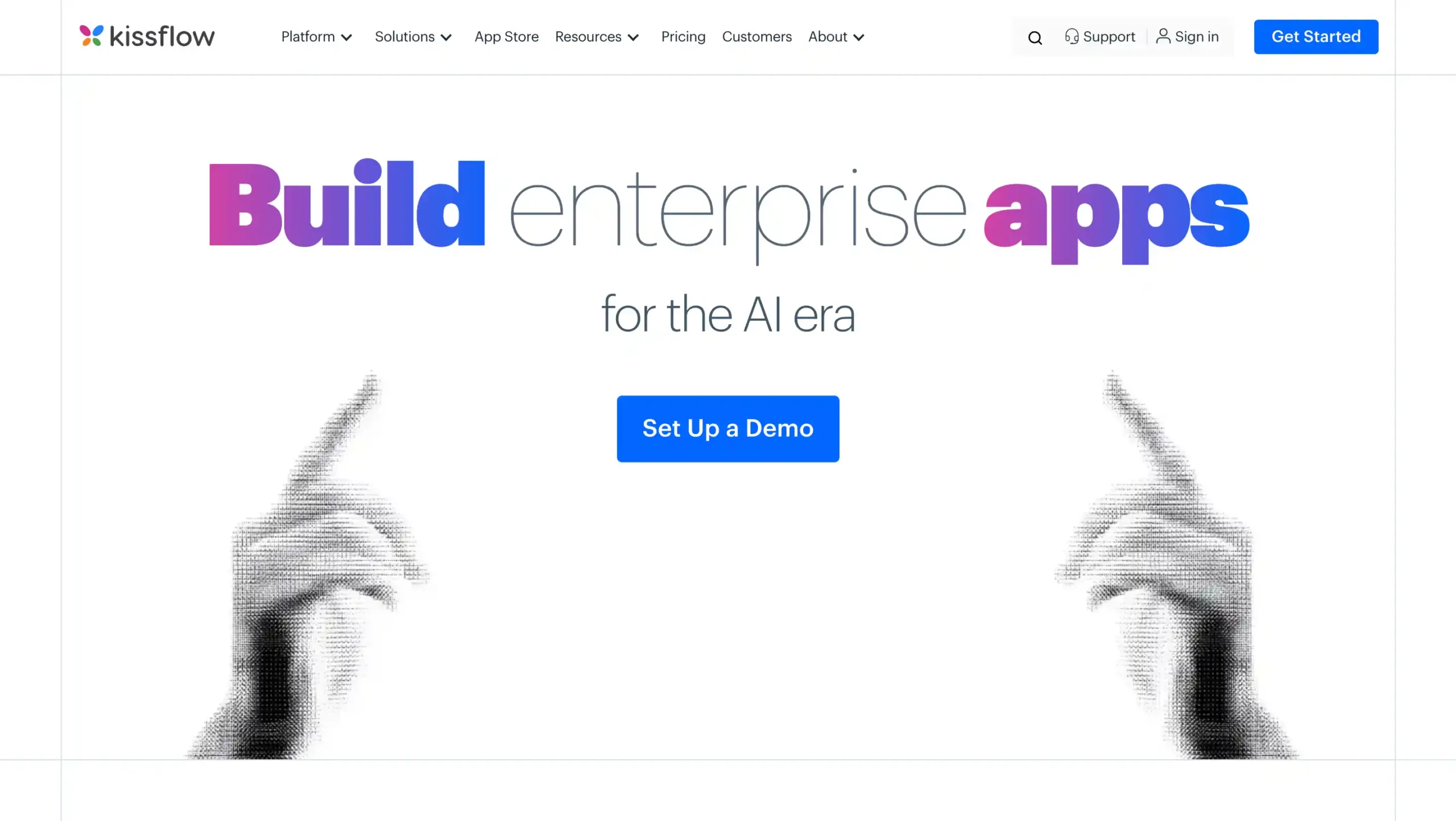
Kissflow is a simple “no-code” platform that lets teams build digital workflows without any technical skills. It uses visual builders and easy forms to automate things like approvals and task assignments.
Kissflow Pricing: Flexible custom pricing for enterprise.
Kissflow Key Features:
- Low-code App Builder: Create enterprise applications with minimal or no coding needed.
- Process Builder: Automate complex workflows connecting structured and unstructured processes.
- AI-powered Intelligence: Optimize workflows and predict delays via built-in AI Copilot.
- Real-time Analytics: Custom dashboards to monitor and visualize workflow performance easily.
- Mobile Optimization: Access and manage workflows with native mobile apps on the go.
Pros
- Intuitive drag-and-drop workflow builder
- Large library of pre-built templates and apps
- Strong mobile access and real-time collaboration
- Scalable from startups to large enterprises
Cons
- Advanced customizations need higher plans
- Reporting/analytics could be stronger
Why Choose Kissflow?
9. ProcessMaker
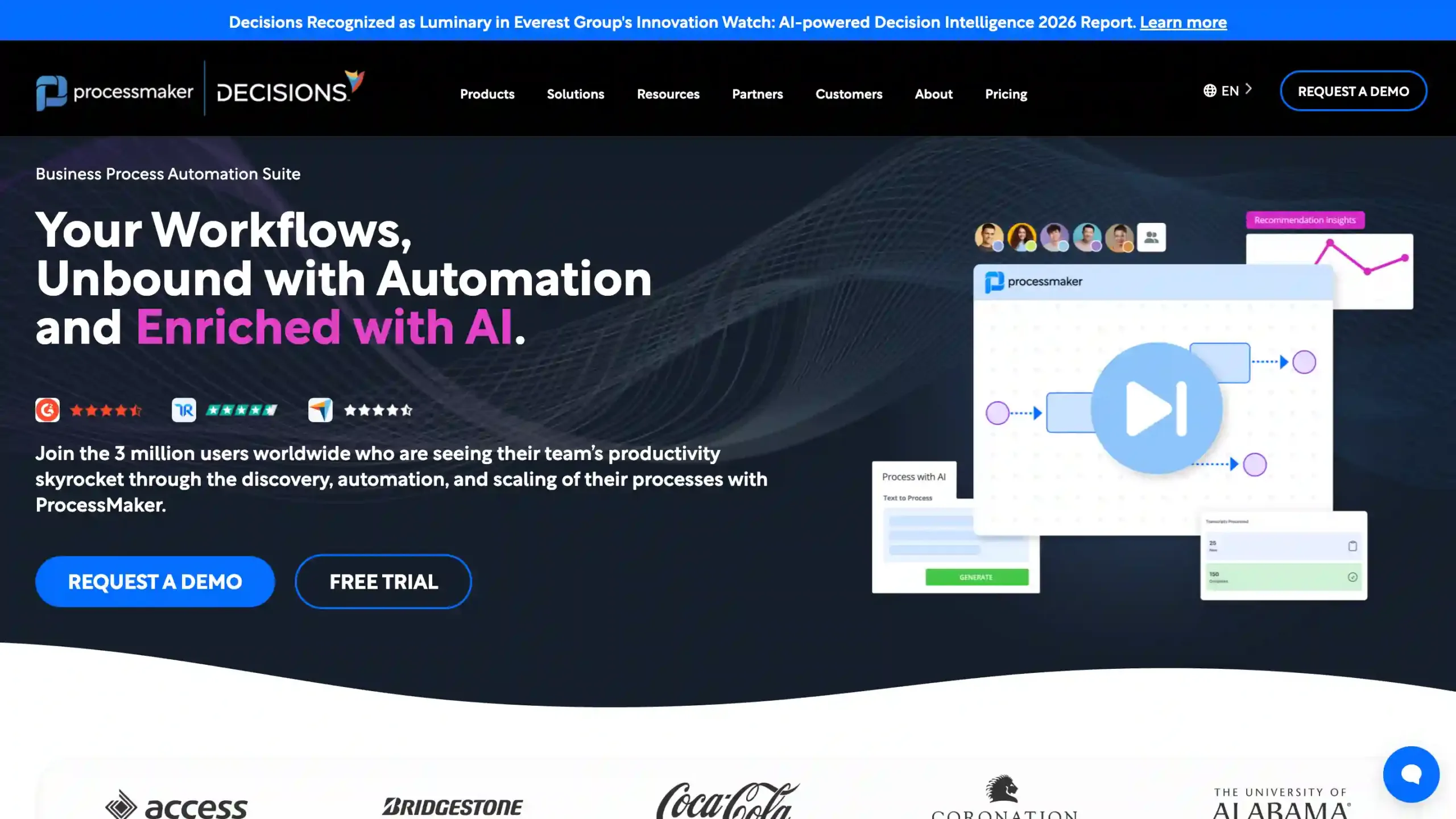
ProcessMaker is a high-end automation platform built for companies that need strict rules and clear records. It is designed to help organizations track their workflows, find slow spots, and stay compliant with industry laws.
Because it focuses heavily on governance and audit trails, it is a top choice for healthcare and financial services, where documenting every step of a process is mandatory.
ProcessMaker Pricing: Contact ProcessMaker sales to find out the enterprise prices.
ProcessMaker Key Features:
- Drag-and-drop BPMN 2.0 Designer: Visually model, design, and automate complex end-to-end workflows easily.
- Custom Web Forms: Build interactive, customizable data entry forms for workflow steps and user inputs.
- Integration Capabilities: Connect with third-party applications via robust APIs and web services.
- Real-time Analytics: Monitor ongoing process performance and bottlenecks using dashboards and reports.
- Mobile Access & Offline Support: Enable users to interact with workflows and forms from mobile devices, even offline.
Pros
- Highly customizable workflows
- Powerful process automation
- Scalable for large organizations
- Strong integration capabilities
Cons
- Steeper learning curve for BPMN
- Dated user interface
- Advanced setup may need technical skills
Why Choose ProcessMaker?
10. Monday.com
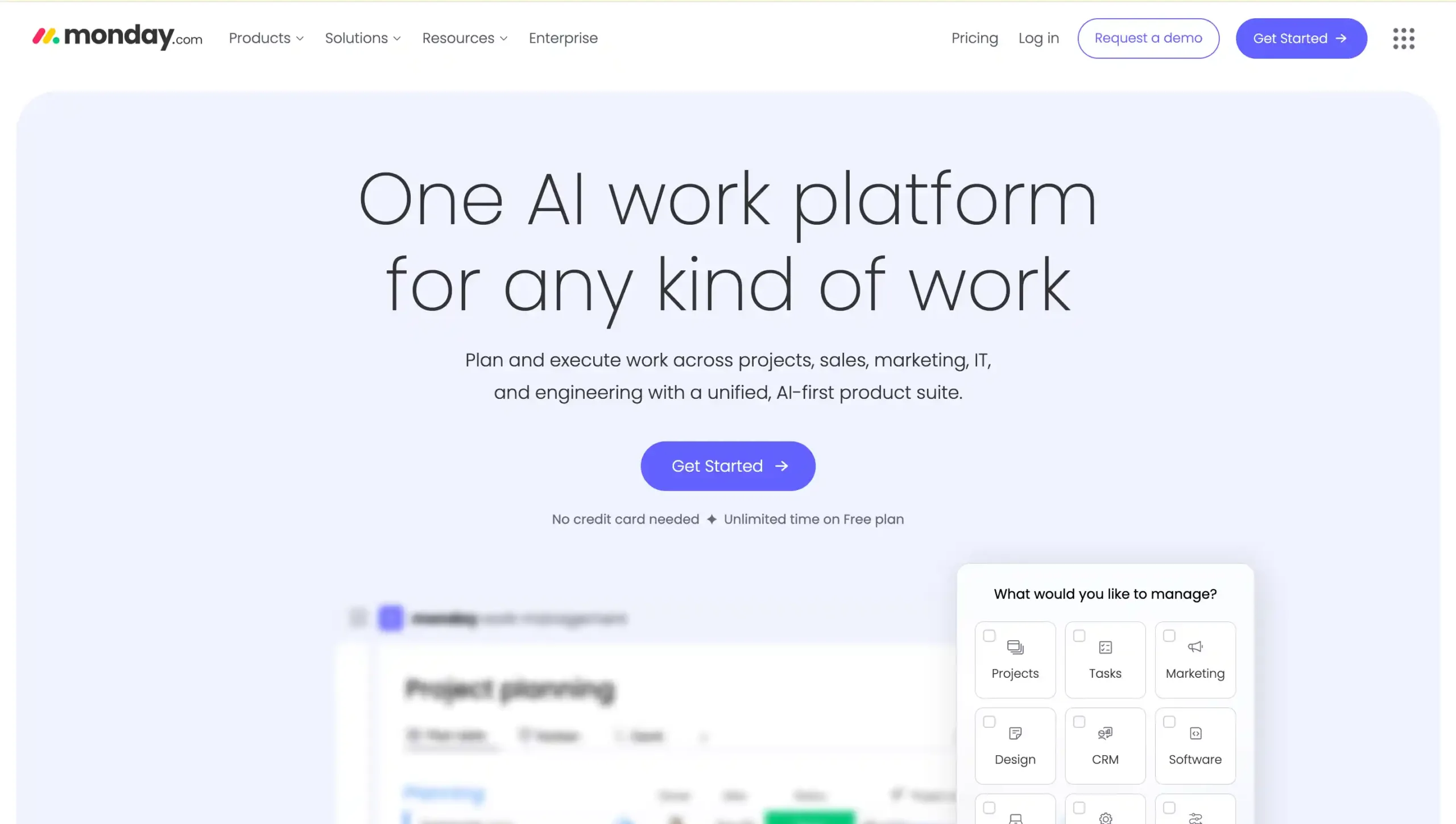
Monday.com is a flexible platform that combines project management with easy workflow automation. It allows teams to automate routine tasks, sync data across different tools, and manage all their work from a single, colorful dashboard.
With strong security features like SSO and HIPAA compliance, it is a great choice for operations teams that want a unified workspace. However, it may not be powerful enough for very technical or highly complex enterprise processes.
Monday.com Pricing: Contact Monday.com sales to find out the enterprise prices.
Monday.com Key Features:
- Visual project tracking: Customizable dashboards for tracking tasks and progress visually.
- Workflow automation: Automates repetitive processes and task assignments with triggers.
- Integrations: Connects with Slack, Google Drive, Salesforce, and more via open API.
- Advanced resource management: Capacity planning, budgets, and utilization insights.
- AI-powered tools: Uses AI and automation to optimize workflows and reduce manual work.
Pros
- Intuitive, user-friendly interface
- Powerful automation and customization
- Extensive integrations with top tools
- Scalable for any business size
Cons
- Can be costly for large teams
- Occasional slow performance
Why Choose Monday.com?
11. N8n
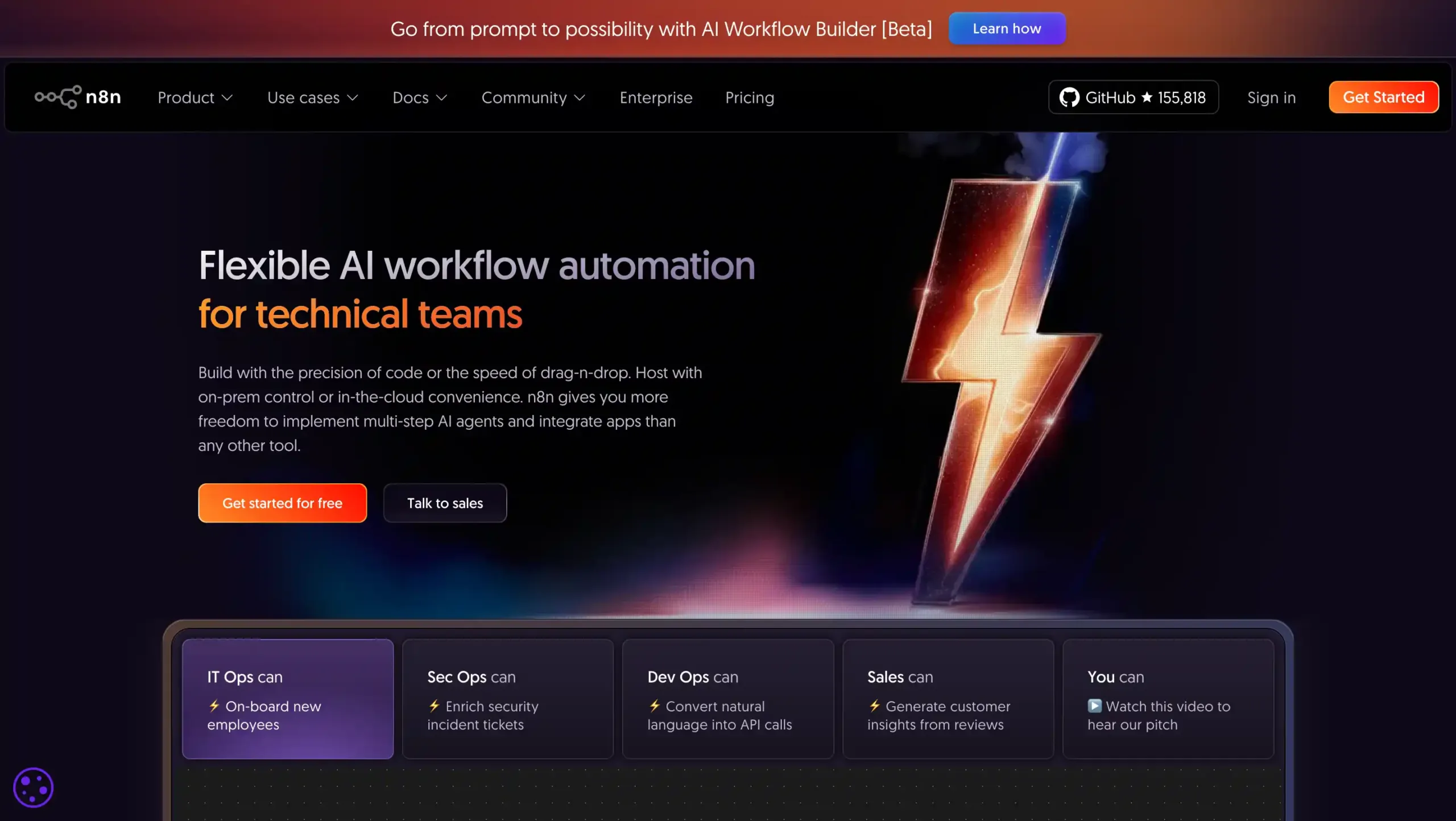
N8n is an open-source platform built for businesses that need high flexibility and customization. It allows you to host the software yourself and use “code nodes” to build custom logic exactly how you want it.
It is a great choice for building AI-powered workflows, but because it is so customizable, it usually requires a developer to set up and maintain.
N8n Pricing: Contact N8n sales to find out the enterprise prices.
N8n Key Features:
- Visual Workflow Builder: Drag-and-drop tool to easily automate enterprise tasks and connect apps.
- Extensive Integrations: Over 400 built-in app/API connectors for flexible enterprise workflow creation.
- AI Node Integration: Add AI tasks—summarization, chatbots, sentiment analysis—into workflow automations.
- Custom Code Support: Insert custom JavaScript for advanced logic, integrations, or workflow steps.
- Advanced Monitoring: Real-time tracking, error alerts, and execution logs for reliable enterprise operations.
Pros
- Highly customizable and open-source
- Over 400 integrations
- Flexible deployment (cloud/self-hosted)
- Strong data control for enterprises
Cons
- Steeper learning curve for non-technical users
- Requires technical setup for self-hosting
- Performance varies with workflow complexity
Why Choose N8n?
12. Creatio
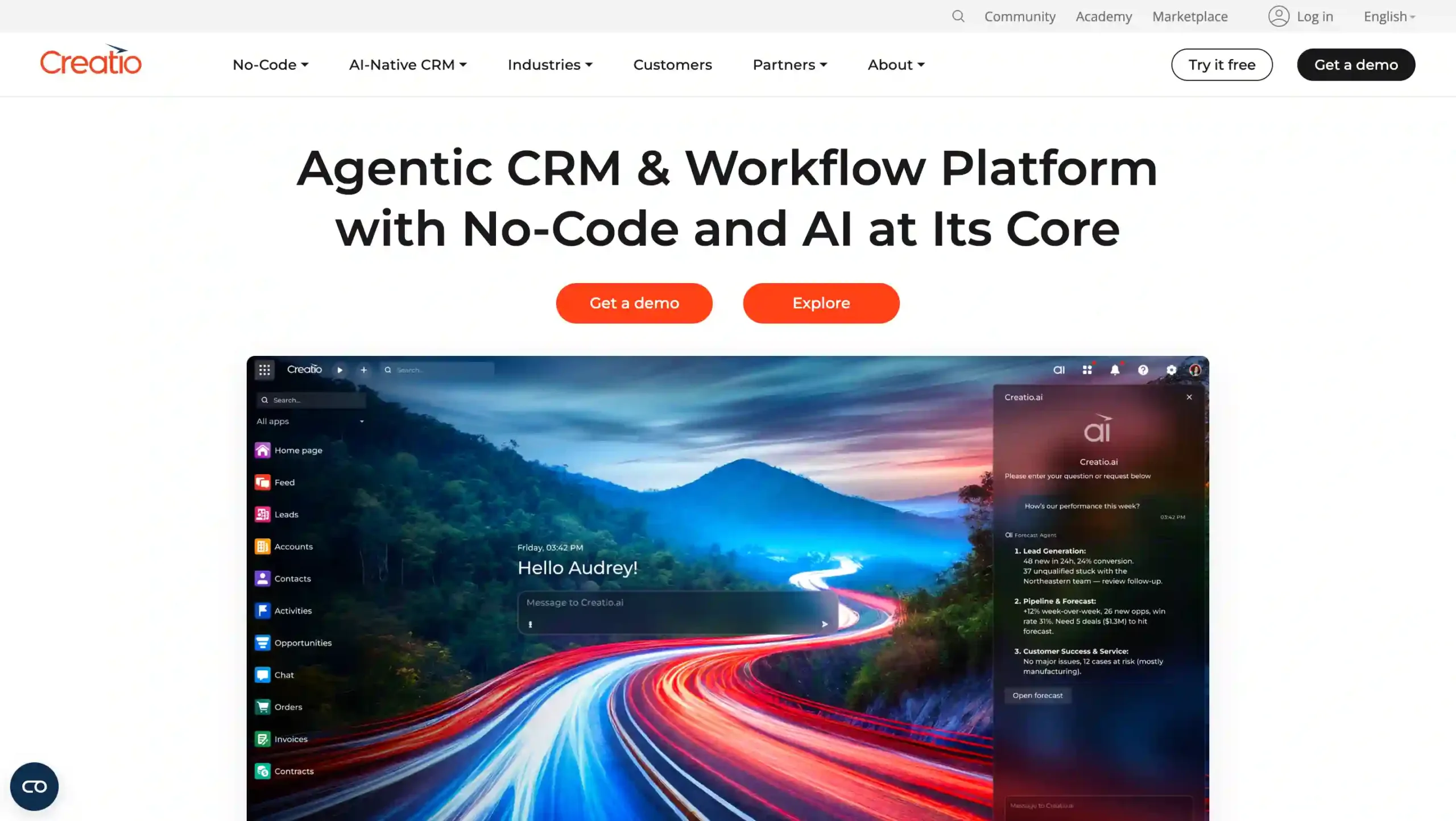
Creatio combines workflow automation and CRM features into one “low-code” platform. It helps businesses automate everything from customer service and sales to internal office tasks.
Because it is easy for both developers and regular business users to use, it is a strong, flexible option for companies that want to manage their customer relationships and automated workflows in one place.
Creatio Pricing: USD$55 per month.
Creatio Key Features:
- No-Code Platform: Build solutions without coding, enabling rapid modifications and deployments.
- AI-Native CRM: Leverages AI to automate processes, enhancing customer engagement and efficiency.
- Omnichannel Service: Manage customer interactions across channels seamlessly, improving satisfaction.
- Industry-Specific Solutions: Tailored applications for verticals like banking and manufacturing.
- Composable Architecture: Customize and integrate effortlessly to meet changing business needs.
Pros
- Rapid deployment compared to legacy CRM systems
- Cost-efficient solution (37% cheaper than competitors)
- Highly agile and adaptable to business needs
- Extensive customization without needing technical expertise
Cons
- Limited availability in niche markets
- Potential initial learning curve for non-technical users
- May require adjustments for highly specialized industries
WHy Choose Creatio?
Best Enterprise Workflow Automation Software Comparison
Use Left/Right arrow keys to scroll horizontally.
| Software Name | Key Features | Target Business Scale | Suitable Industries | Pricing |
|---|---|---|---|---|
| Mekari Qontak | Workflow automation, omnichannel integration, CRM-native automations, WhatsApp Business API, sales pipeline management, customer service ticket routing, campaign automation | Medium to large businesses, fast-growing enterprises | Retail, e-commerce, financial services, logistics, telecom, technology, multi-location companies | Start from Rp400.000 per user/month/. Check the pricing here. |
| ServiceNow | ITSM automation, incident management, change management workflows, service catalog, knowledge management, Now Intelligence AI | Mid-sized to large enterprises | Finance, healthcare, manufacturing, government, technology, education, retail | Custom enterprise pricing |
| Microsoft Power Automate | 600+ integrations, low-code workflow builder, AI Builder capabilities, digital process automation and RPA integration | Mid-sized businesses and large enterprises | Finance, healthcare, manufacturing, retail, government, professional services | Starting from USD $150/month |
| Salesforce Flow | Visual workflow builder, CRM-native automation, approval routing, Salesforce ecosystem integration | Mid-market and large enterprises (also small teams using Salesforce) | Financial services, healthcare, retail, technology, manufacturing | Starting from USD $25/month |
| Pega Platform | AI-powered decisioning, low-code development, enterprise workflow automation, advanced case management, scalable architecture | Upper mid-market and large enterprises | Financial services, insurance, healthcare, government, telecom, manufacturing | Custom enterprise pricing |
| Workato | Recipe-based workflow automation, 1,200+ connectors, AI-powered automation, real-time monitoring, enterprise governance | Upper mid-market and enterprise organizations | Finance, healthcare, retail, IT, manufacturing | Custom enterprise pricing |
| Zapier | 7,000+ app integrations, multi-step workflows, built-in utilities, webhook support, team collaboration features | Mid-sized businesses and large enterprises | Finance, e-commerce, marketing agencies, SaaS, professional services | Custom enterprise pricing |
| Kissflow | No-code workflow forms, approval routing, AI workflow intelligence, real-time analytics dashboards, mobile workflow management | Small businesses to large enterprises | Finance, healthcare, manufacturing, education, retail, logistics, IT | Custom enterprise pricing |
| ProcessMaker | BPMN 2.0 workflow design, customizable web forms, strong compliance tracking, integration APIs, real-time analytics | Medium to large enterprises | Finance, healthcare, manufacturing, government, education | Custom enterprise pricing |
| Monday.com | Visual project tracking dashboards, workflow automation triggers, integrations with major tools, resource management, AI-powered productivity tools | Small teams to large enterprises | IT, marketing, project management, finance, sales, operations | Custom enterprise pricing |
| N8n | Open-source automation platform, visual workflow builder, 400+ integrations, AI node support, custom JavaScript logic | Mid-sized businesses, large enterprises, tech-driven organizations | IT services, finance, healthcare, e-commerce, manufacturing | Custom enterprise pricing |
| Creatio | No-code platform, AI-native CRM automation, omnichannel service workflows, composable architecture, industry-specific automation | Small businesses to large enterprises | Banking, insurance, manufacturing, telecommunications, public sector | Starting from USD $55/month |
- Feature details, pricing, and all information in this table are sourced from public data available on each provider’s official website.
- Please note that prices, packages, and features are subject to change at any time.
- We recommend checking the official websites directly for the latest updates and plan details that best suit your business needs.
Key Selection Criteria for Enterprise Workflow Automation Software
Choosing the best enterprise workflow automation software is about more than just comparing features.
You must ensure the platform fits your current operations, your existing technology, and your long-term goals. Here is the most important factor to consider before you start.
1. Robust Integration Ecosystem (API-First)
Large companies use many different systems like CRMs, ERPs, and marketing tools. For automation to work, your chosen platform should offer strong API-first integration capabilities.
This means it can easily connect to your internal databases, customer support tools, and communication apps like email or messaging. Strong integration ensures that data moves smoothly between systems without any manual work.
2. Scalability and High Availability
As your business grows, the number of automated tasks will increase quickly. Your software must be able to handle a high volume of workflows without slowing down. Look for platforms that offer reliable cloud scalability and high uptime.
A scalable system ensures you can expand your automation across the entire company without having to replace your software later.
3. Advanced Security and Compliance (Governance)
Automated workflows often handle sensitive data like customer info and financial records. Because of this, strong security is a must.
You should prioritize software that offer data encryption, secure connections, and “role-based access,” which ensures only the right people see certain data.
4. Low-Code/No-Code Interface with Pro-Code Extensibility
The best software are easy enough for business teams to use without needing a developer for every small change. A “low-code” or “no-code” interface allows non-technical staff to build workflows quickly using simple visual builders.
However, the platform should also allow developers to add custom code for more complex tasks. This balance lets your entire company scale automation while keeping things flexible for your IT team.
5. Intelligent Error Handling and Exception Management
Even the best workflows can run into issues like missing data or system downtime. Your automation software needs a reliable way to handle these problems.
Look for features like “automated retries,” which try the task again if it fails, and instant alerts that notify your team when something goes wrong. These tools ensure your business keeps running smoothly even when unexpected technical glitches happen.
Boost Team Efficiency with Mekari Qontak Enterprise Workflow Automation Software
Enterprise workflow automation is now essential for any organization that wants to streamline operations and stop wasting time on manual tasks.
By choosing the best enterprise workflow automation software, your business can automate approvals, sync data across systems, and manage customer support with full visibility into your performance.
Among the top solutions available today, Mekari Qontak offers a powerful software that combines CRM system, omnichannel communication, and workflow automation in one ecosystem.
This allows your team to automate sales and customer engagement without the constant need for manual coordination.
If your organization wants to improve efficiency, reduce operational bottlenecks, and scale automation across teams, implementing the right workflow automation platform is a strategic step forward.
Ready to transform your business? Don’t let manual tasks hold your team back. Consult with us today to optimize your workflows, or start your free trial with Mekari Qontak now to see the results firsthand.
Frequently Asked Question About Best Enterprise Workflow Automation Software (FAQ)
How does enterprise workflow automation software differ from basic automation tools?
How does enterprise workflow automation software differ from basic automation tools?
Enterprise workflow automation software is designed to manage complex, multi-departmental business processes, while basic automation tools typically handle simple, single-task automations.
Basic automation tools usually focus on small workflows such as sending notifications, syncing data between apps, or triggering simple actions based on predefined rules. These tools are commonly used by individuals or small teams to automate repetitive tasks.
Enterprise workflow automation software, on the other hand, provides significantly more advanced capabilities, including:
- Cross-system integrations with CRM, ERP, marketing, and support tools
- Multi-step workflows involving multiple teams or departments
- Advanced governance features such as access control and audit logs
- AI-powered decision-making and automation intelligence
- Scalability for large organizations handling thousands of automated processes
Because of these capabilities, enterprise automation platforms are better suited for organizations that need end-to-end process automation across operations, sales, customer service, HR, and IT workflows.
What features should I look for in enterprise workflow automation software?
What features should I look for in enterprise workflow automation software?
When selecting enterprise workflow automation software, businesses should evaluate platforms based on several key capabilities that support scalability, security, and operational efficiency.
Some of the most important features include:
- Integration ecosystem
The platform should integrate easily with CRM systems, ERP platforms, marketing tools, support systems, and internal databases through APIs or built-in connectors. - Low-code or no-code workflow builder
A visual workflow builder enables non-technical teams to design and manage workflows without relying heavily on developers. - Scalability and reliability
Enterprise platforms should handle high workflow volumes while maintaining strong uptime and performance. - Security and compliance
Look for tools that support enterprise-grade security such as role-based access control, audit trails, and compliance standards like ISO 27001 or GDPR. - Monitoring and analytics
Workflow monitoring dashboards and analytics help teams track performance, identify bottlenecks, and continuously optimize automated processes.
These features ensure that automation initiatives remain secure, scalable, and aligned with business growth.
Can enterprise workflow automation software integrate with CRM?
Can enterprise workflow automation software integrate with CRM?
Yes, most enterprise workflow automation software is designed to integrate closely with CRM systems.
CRM integration allows businesses to automate critical processes related to sales pipelines, customer support workflows, and marketing campaigns. For example, workflow automation can automatically assign leads, trigger follow-up messages, update CRM records, or route support tickets to the appropriate teams.
Many enterprise platforms offer native integrations with popular CRM systems such as:
- Salesforce
- HubSpot
- Microsoft Dynamics
- Custom CRM systems through APIs
Some solutions, like Mekari Qontak, even combine CRM functionality and workflow automation in a single platform. This allows businesses to manage customer interactions, automate follow-ups, monitor sales pipelines, and coordinate customer service workflows from one unified system.
As a result, CRM integration plays a critical role in enabling fully automated, data-driven customer lifecycle management.