





- Customer Relationship Management (CRM) softwares help businesses manage customers more efficiently, improve loyalty, and streamline operations.
- Many CRM softwares support integration with various platforms such as WhatsApp, Google Workspace, and third-party apps for more effective communication.
- A variety of CRM softwares are available for businesses of all sizes from small to large, such as Mekari Qontak, Salesforce CRM, and Bitrix24.
- Pricing, complexity, and business needs are the key factors in choosing the right CRM software.
- Mekari Qontak stands out as an integrated omnichannel CRM software solution with a comprehensive feature set, ideal for businesses in Indonesia looking to improve efficiency and drive growth.
The best CRM software serves as a critical foundation for businesses looking to build long-term, sustainable customer relationships.
Using a Customer Relationship Management (CRM) software in your business can help your company manage customer data, improve loyalty, and optimize your sales and operational processes more efficiently.
Research has shown that CRM systems can increase customer satisfaction by up to 28%, customer retention by up to 31%, and operational efficiency by up to 42%.
In this article, Mekari Qontak Blog will share the best CRM software recommendations with mobile apps and desktop, and along with tips on how to choose the right one for your business needs.

What Is CRM Software?
CRM (Customer Relationship Management) software is a platform designed to manage and analyze all interactions and relationships a company has with its current customers and future prospects.
The core functions of a CRM software include contact management, sales management, marketing activity automation, and customer service enhancement. A CRM software serves as a unified data hub that stores all customer information.
Top CRM Software Recommendations in Indonesia for Businesses
Below, we present a comprehensive list of the best CRM software providers for small businesses and enterprises in Indonesia:
1. Mekari Qontak
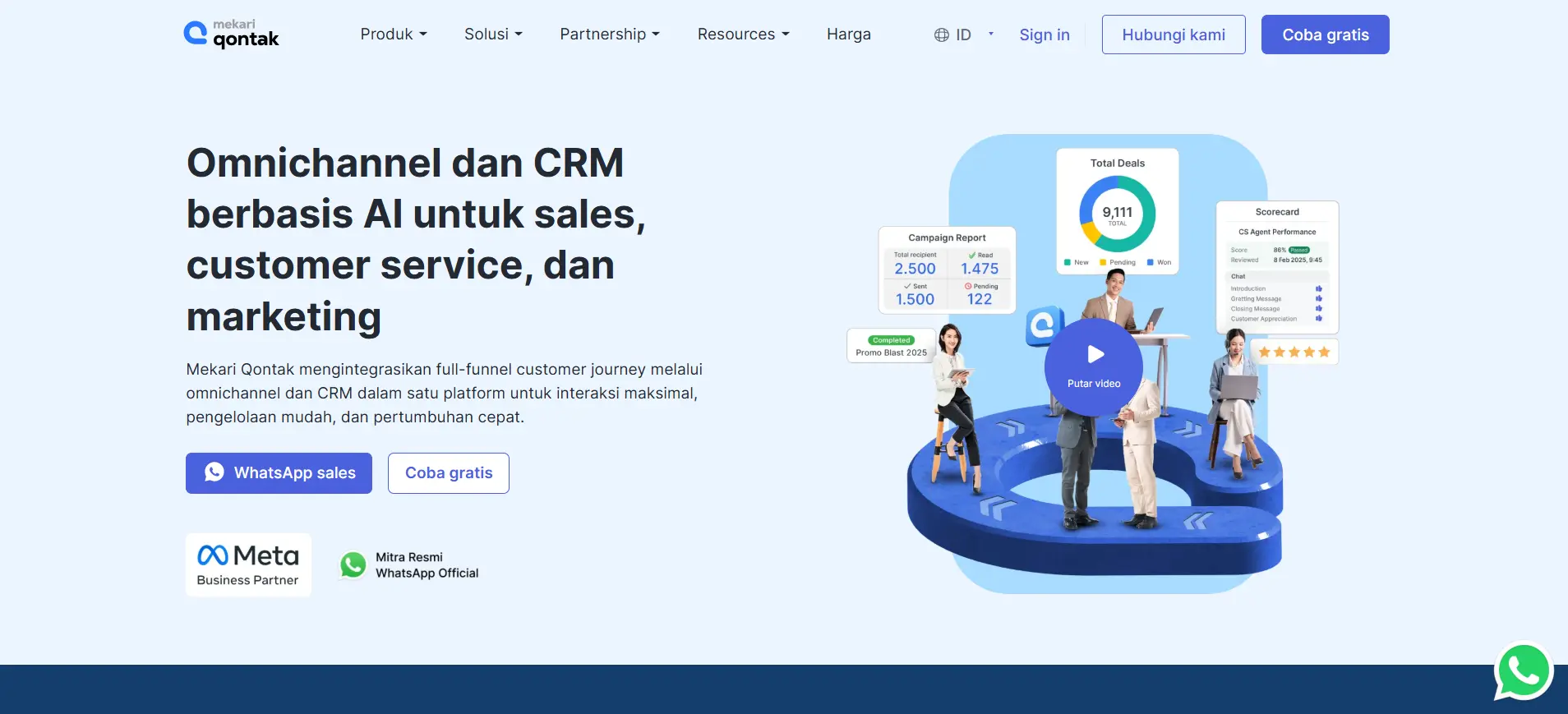
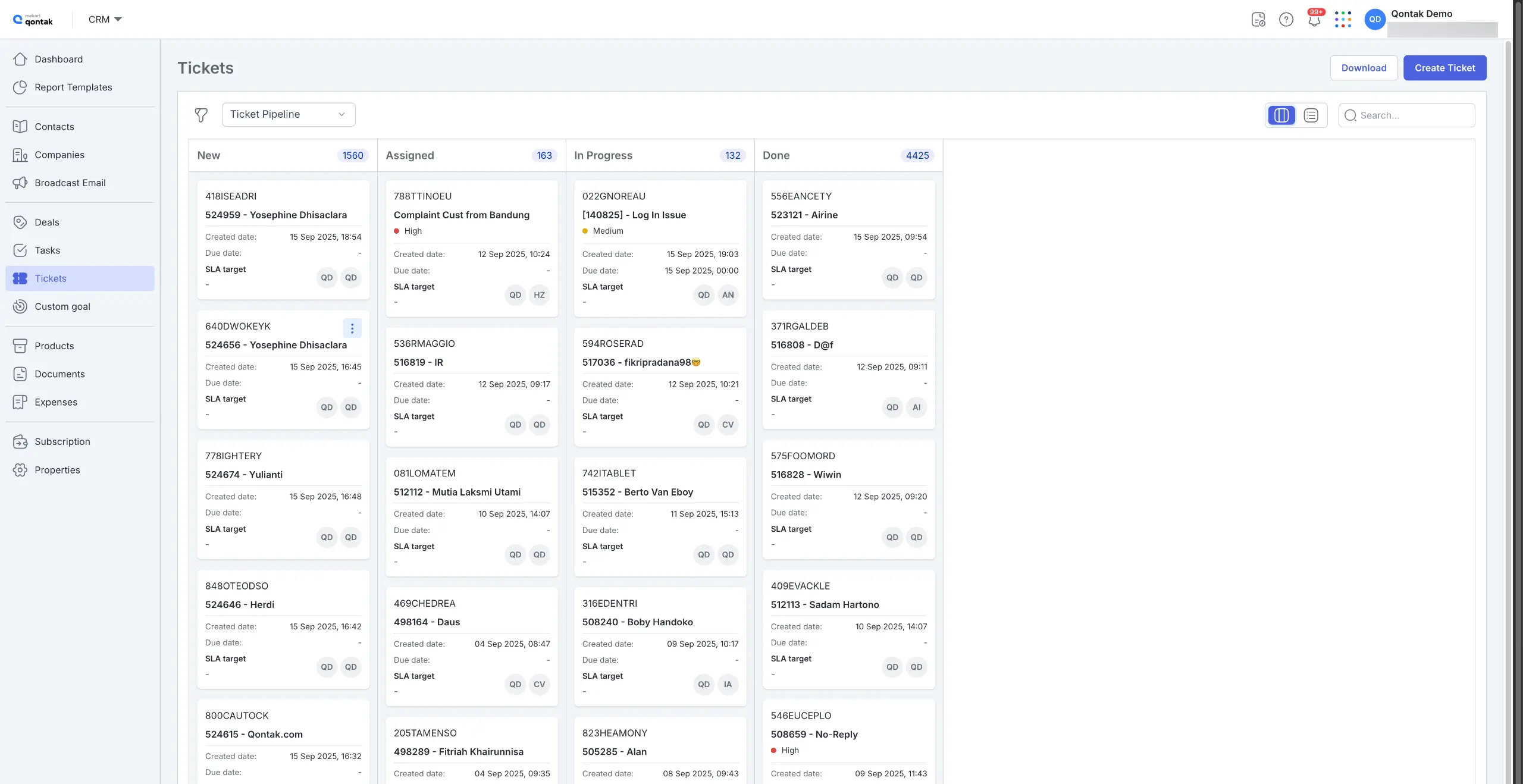
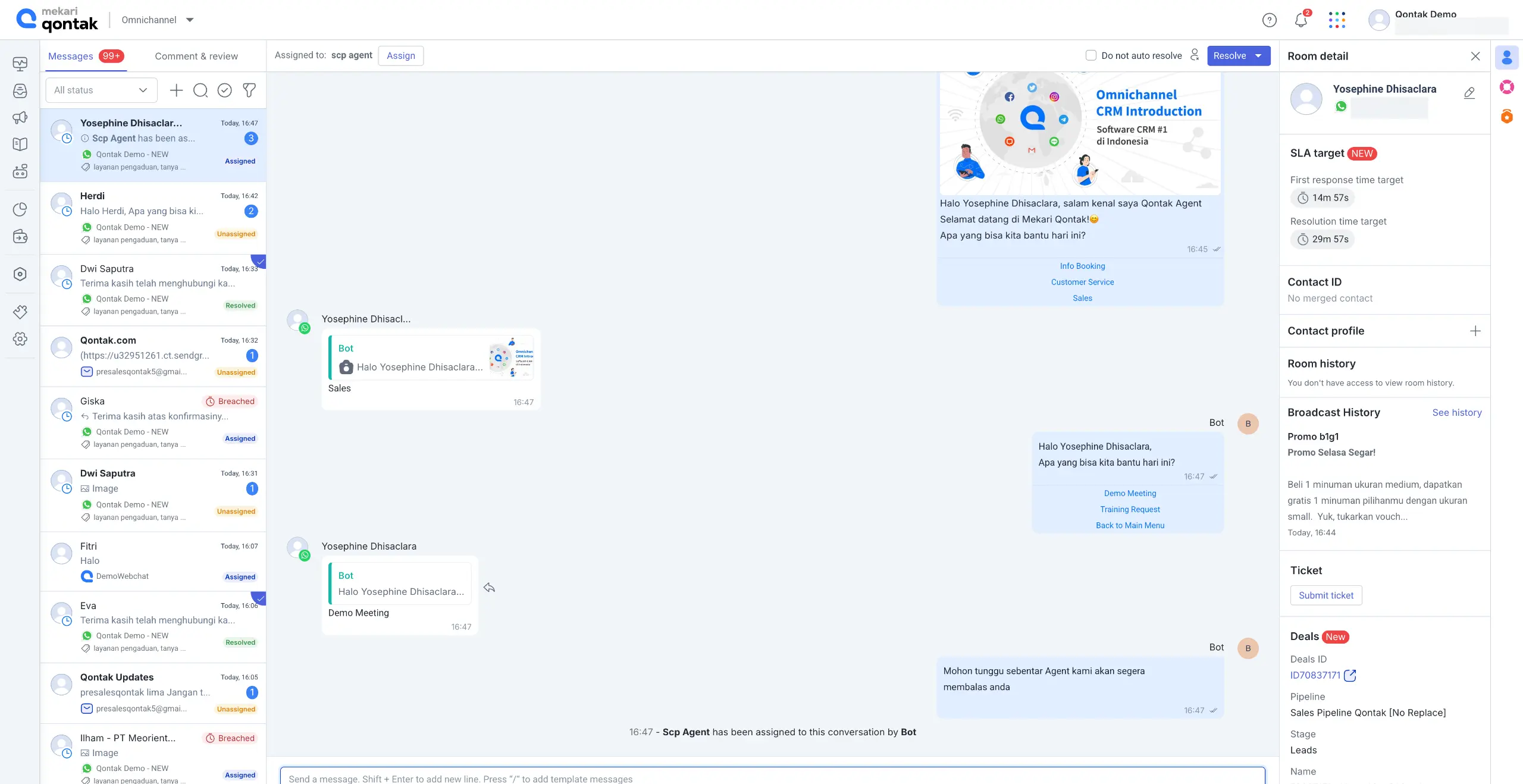
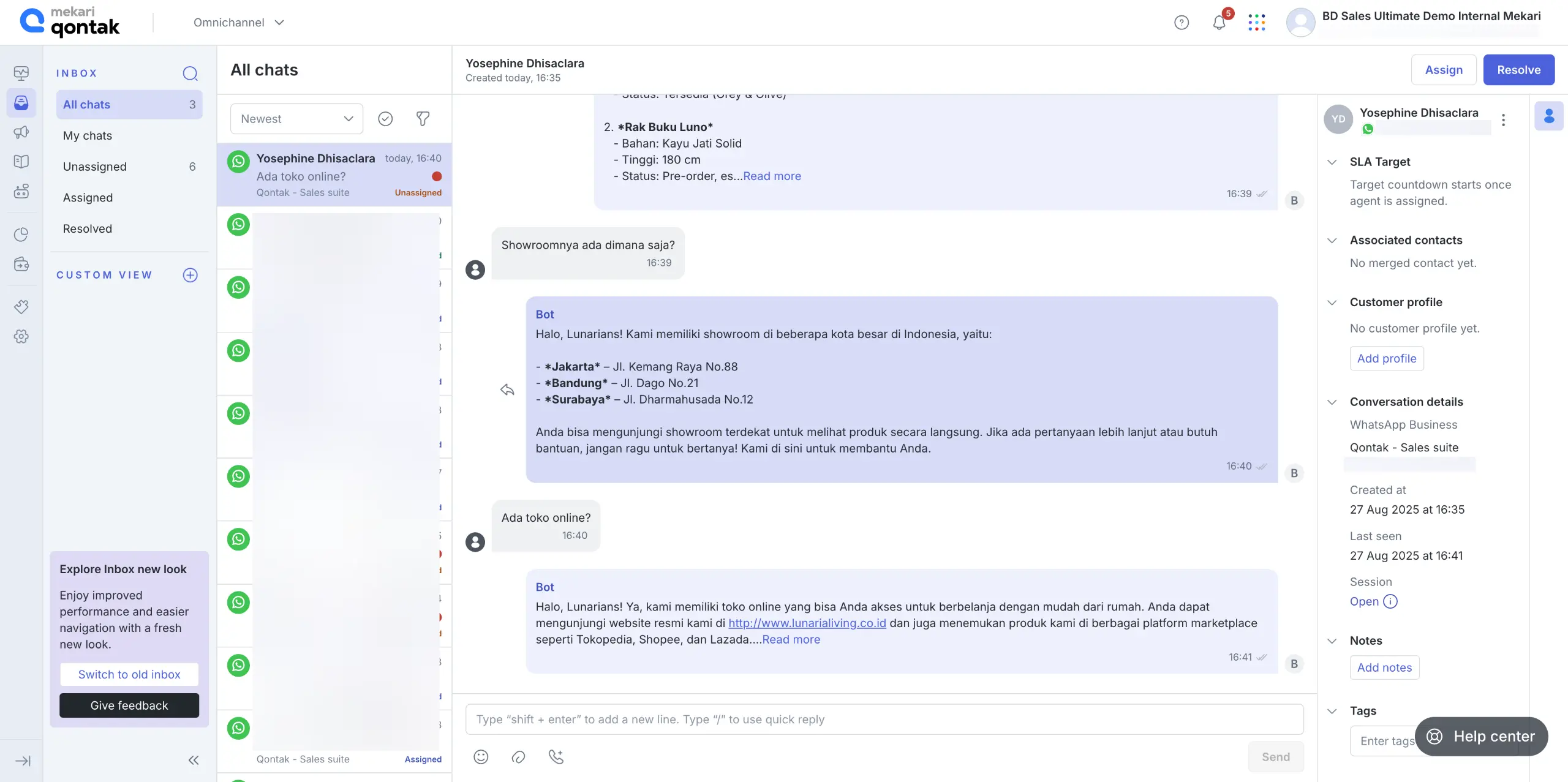
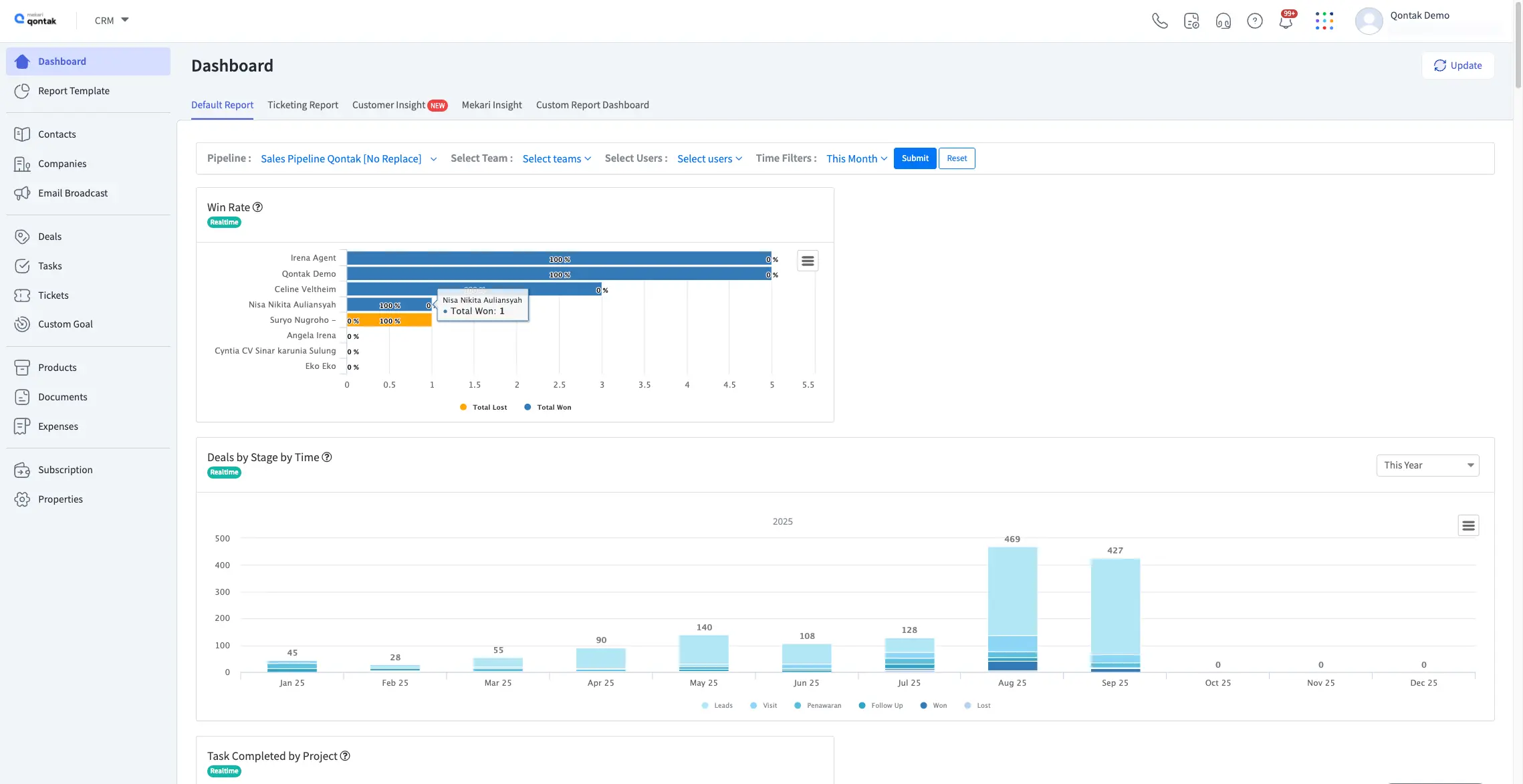
Mekari Qontak is the best CRM software designed to meet the needs of businesses in Indonesia. In addition to supporting marketing, Mekari Qontak also improves sales efficiency and delivers exceptional customer service.
With omnichannel integration, users can easily connect via WhatsApp Business API, Instagram, and email, making it a powerful choice for everyone from SMEs to large enterprises.
Mekari Qontak Pricing: Starting from Rp400,000/user/month. To subscribe to Mekari Qontak, check the pricing here.
Mekari Qontak Key Features:
- Pipeline Management: Monitor every stage of the sales and support process for better control and transparency.
- Workflow Automation: No-code automation for routine tasks such as follow-ups, data updates, and SLA escalations.
- AI Chatbot: Helps answer FAQs, screen prospects, and provide initial responses automatically.
- WhatsApp Integration: This feature allows you to connect your CRM software with WhatsApp.
- Ticket Management: Simplifies handling customer requests or complaints with an accurate ticket tracking system.
- Lead Management: Accelerates the sales cycle while improving prospect-to-customer conversion rates.
- Live GPS Tracker: Ideal for field sales teams with real-time tracking.
- Report Builder: Easily create custom dashboards via drag-and-drop to display key data on deals, tickets, campaigns, and conversations.
Pros
- An all-in-one solution for marketing, sales, and customer service.
- Omnichannel support, enabling integration with multiple platforms.
- Real-time reports and analytics that support strategic decision-making.
Cons
- Currently focused on the local market.
Why Choose Mekari Qontak?
2. Salesforce CRM
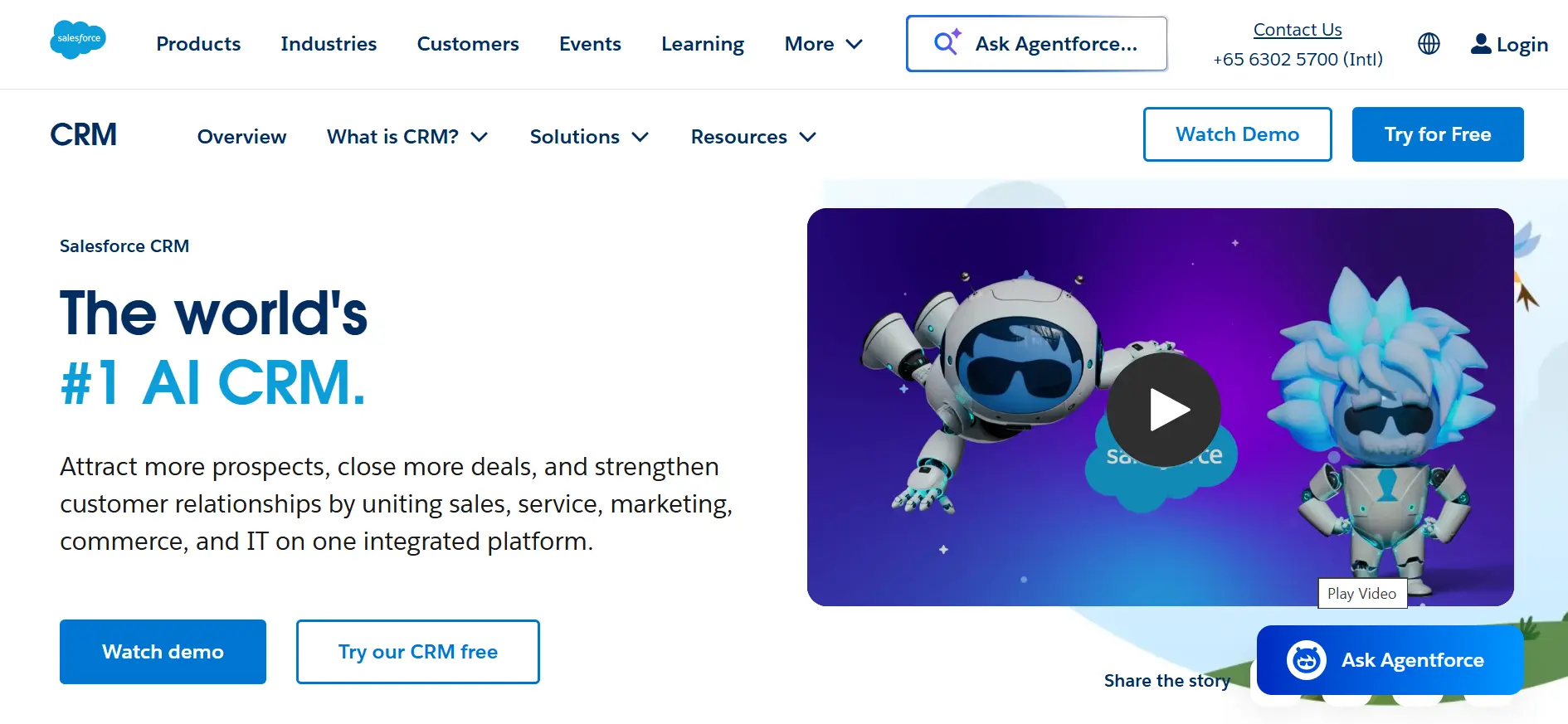
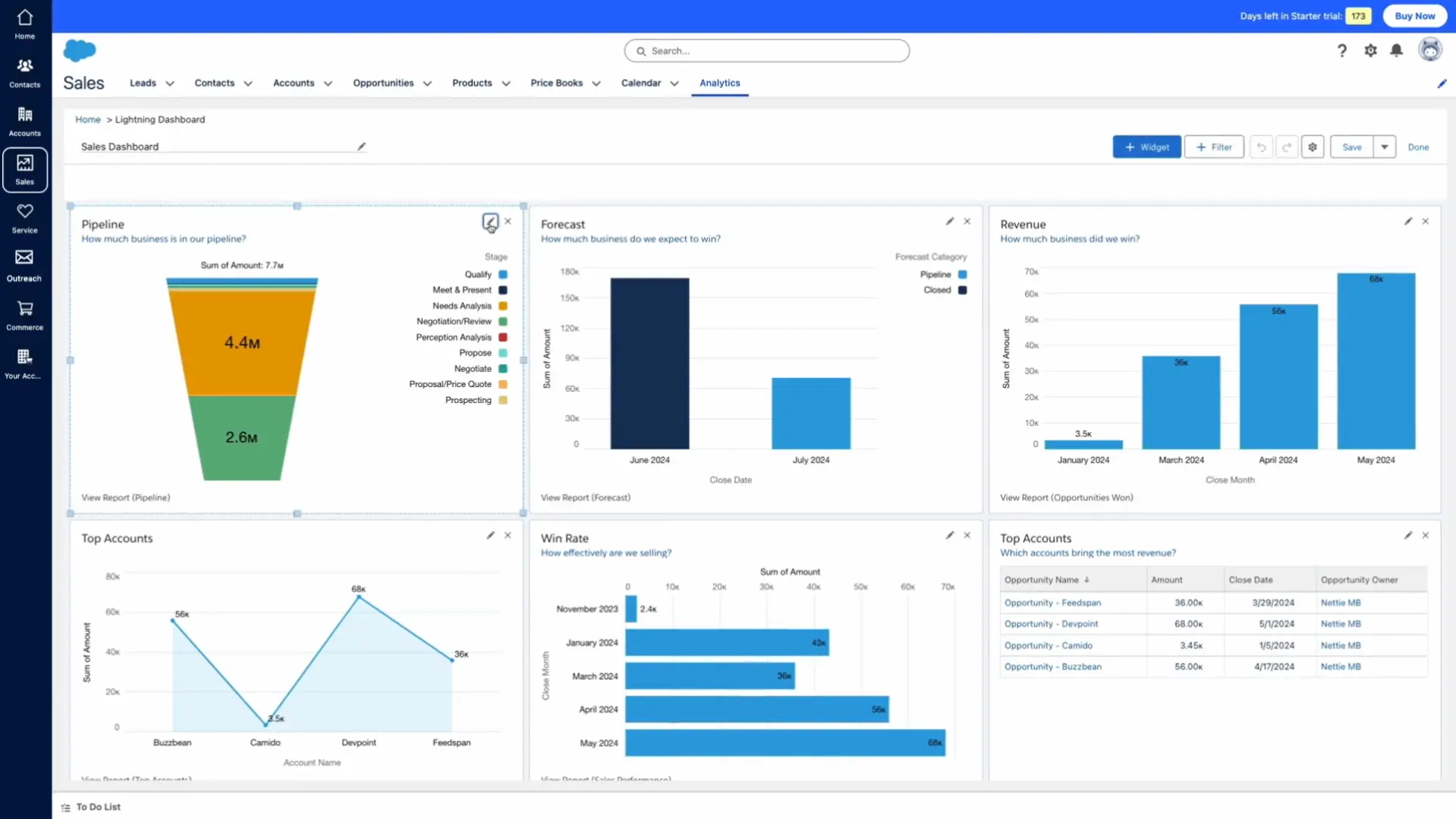
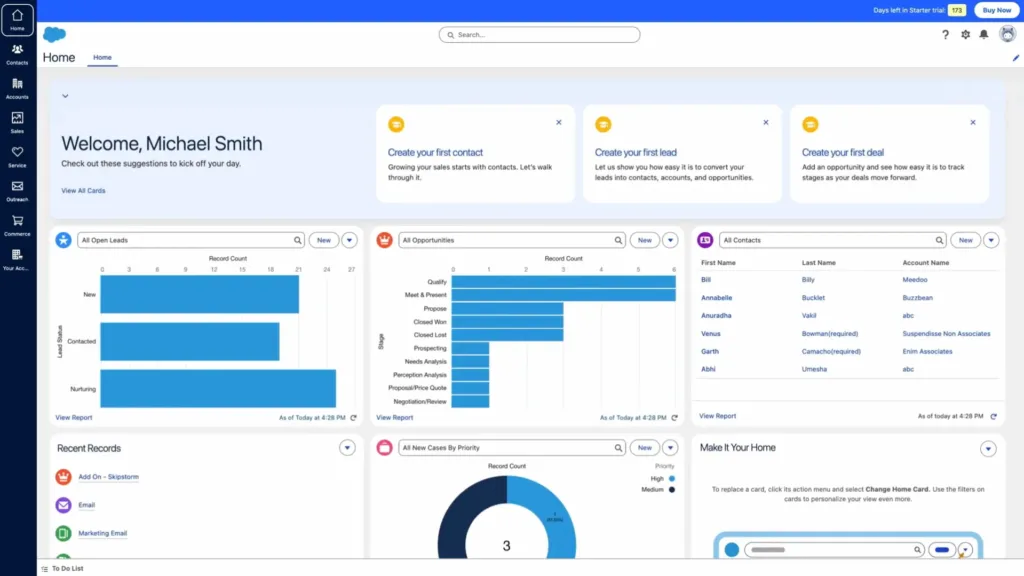
Salesforce CRM is a sophisticated CRM software well-suited for large enterprises. With standout features like marketing automation and third-party app integration, Salesforce supports high scalability with flexible mobile app access.
Salesforce CRM Pricing: Starting from $25/user/month.
Salesforce CRM Key Features:
- Performance Analytics: Delivers in-depth reports to enhance business strategy.
- Marketing Automation: Ensures efficient marketing campaign execution.
- Multi-App Integration: Facilitates seamless synchronization with a wide range of business tools.
Pros
- Rich advanced features well-suited for large enterprises.
- Strong community support and extensive third-party app integrations.
- Flexible and customizable solution that adapts to unique business needs.
Cons
- High pricing and requires user training to maximize its performance.
- High complexity, making it difficult for new users to get started.
- The implementation process is time-consuming and requires significant investment.
Why Choose Salesforce CRM?
3. Zoho CRM
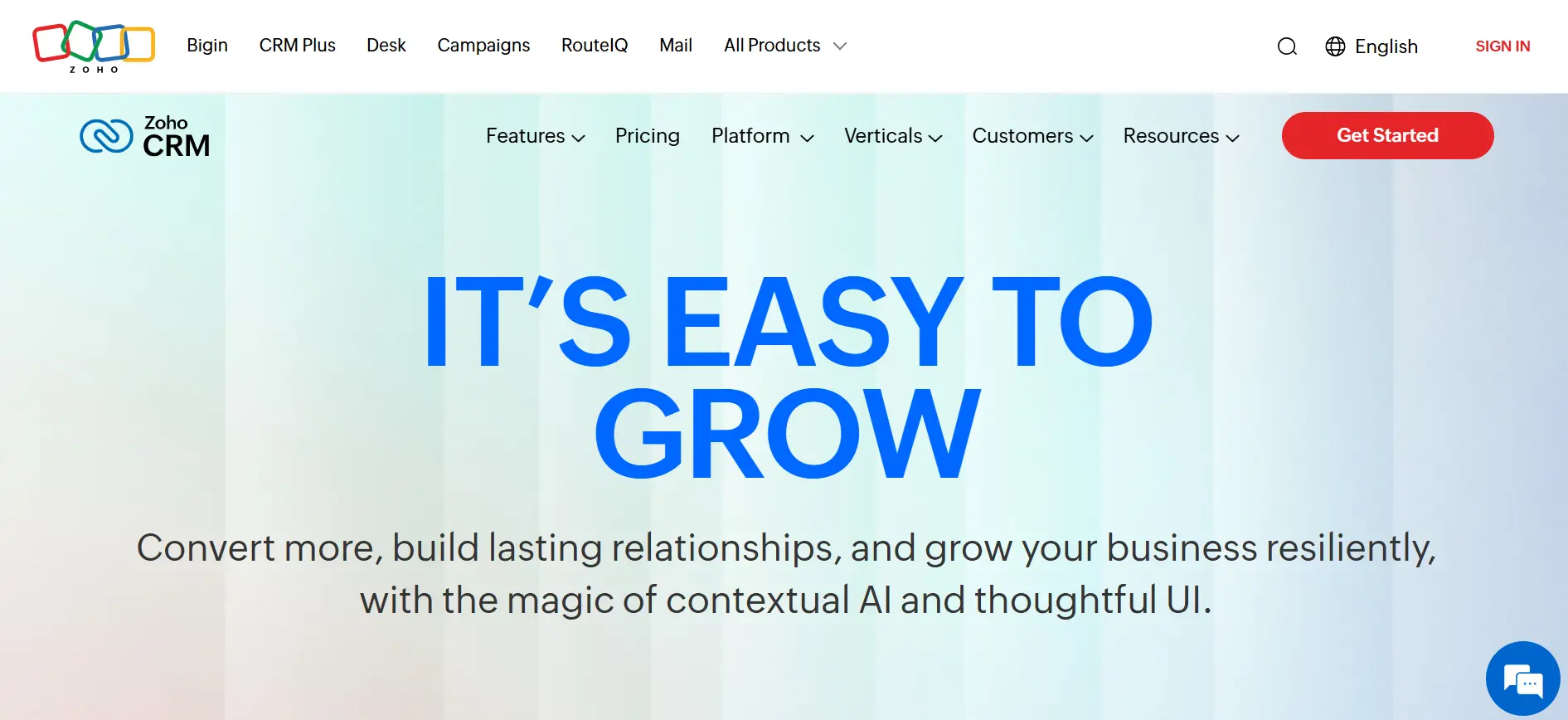
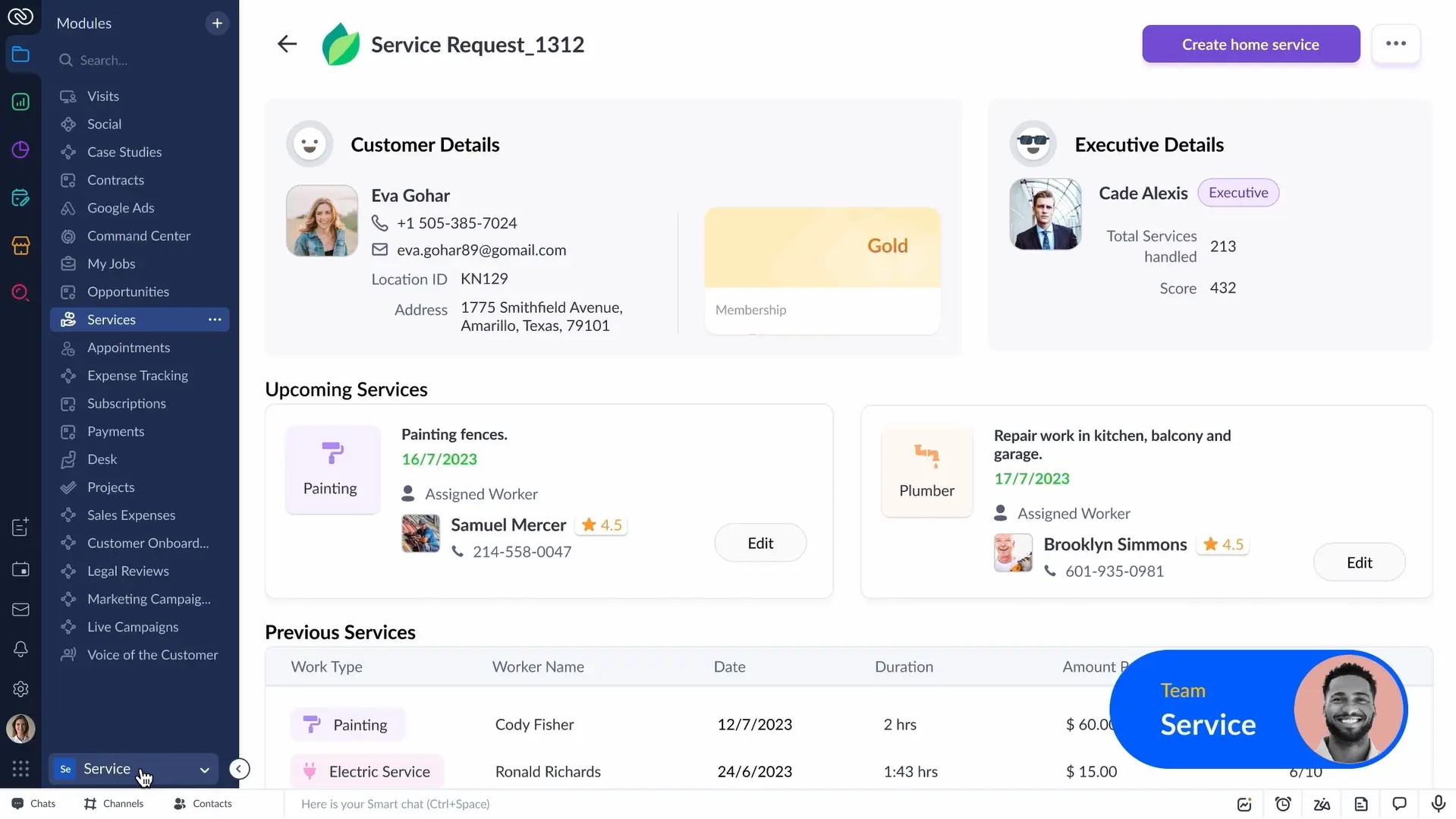
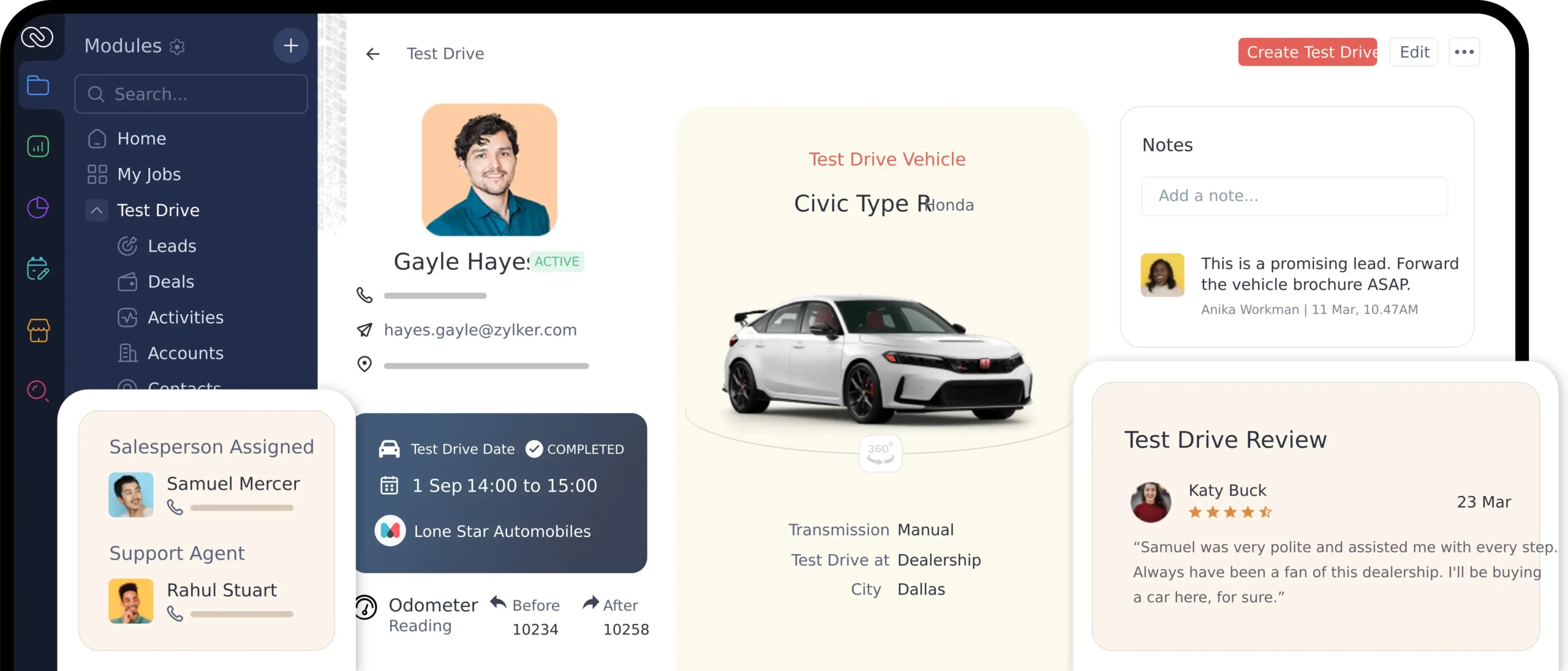
Zoho CRM is one of the best CRM software solutions for SMEs. This software allows businesses to manage their sales pipeline, automate tasks, and generate in-depth reports.
With integration across multiple communication channels, Zoho CRM offers a cost-effective solution with a comprehensive feature set.
Zoho CRM Pricing: Rp690,000 per user/month on a monthly billing cycle.
Zoho CRM Key Features:
- Sales Automation: Simplifies sales pipeline management.
- Team Management: Helps manage team activities from a centralized platform.
- Analytics Reports: Provides insights to support decision-making.
Pros
- Affordable pricing with a comprehensive feature set, ideal for SMEs.
- Integration with other Zoho products such as Zoho Books.
- Offers various levels of customization to suit business needs.
Cons
- New users need some time to get comfortable with the UI before they can use it effectively.
- Not ideal for businesses with highly specific requirements.
- Some advanced features are only accessible through premium subscription plans.
Why Choose Zoho CRM?
4. Bitrix24
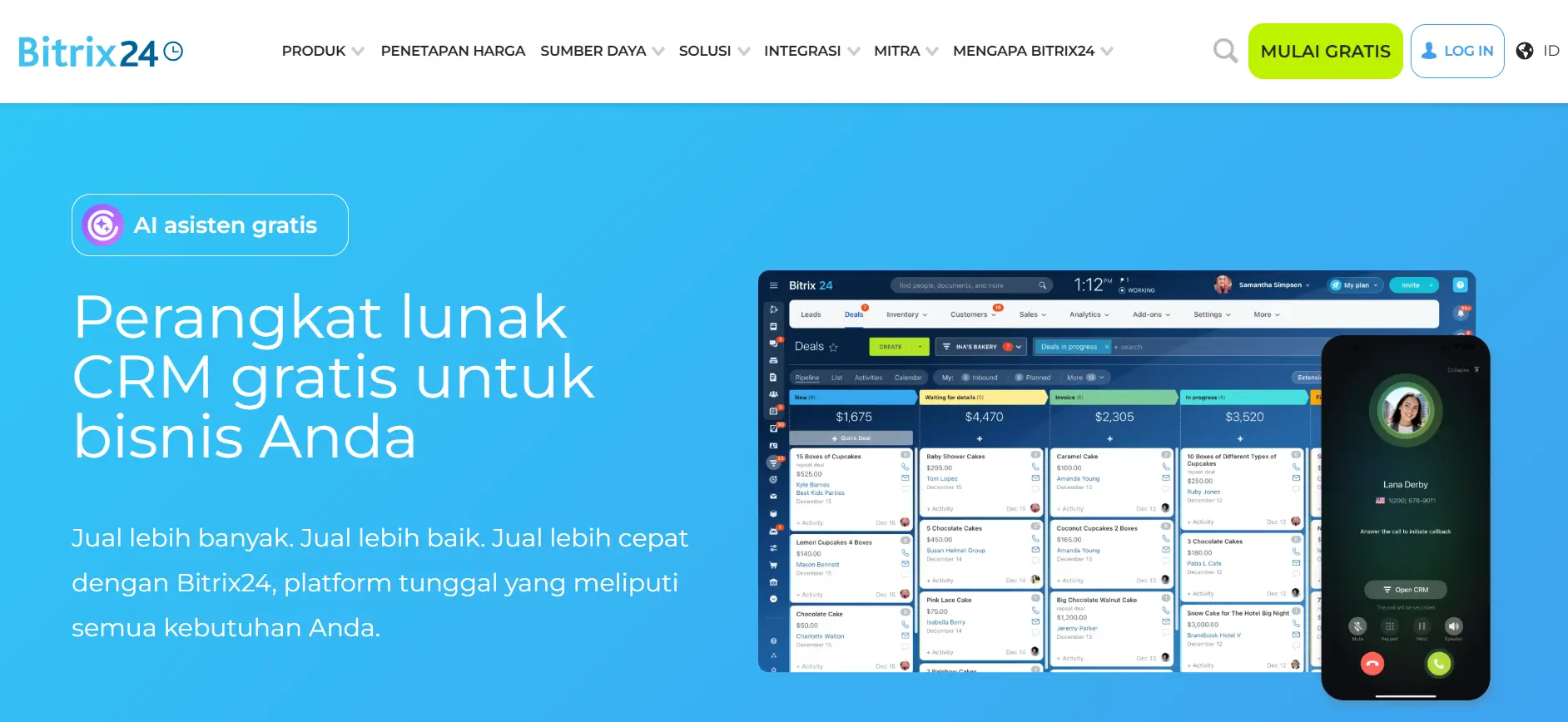
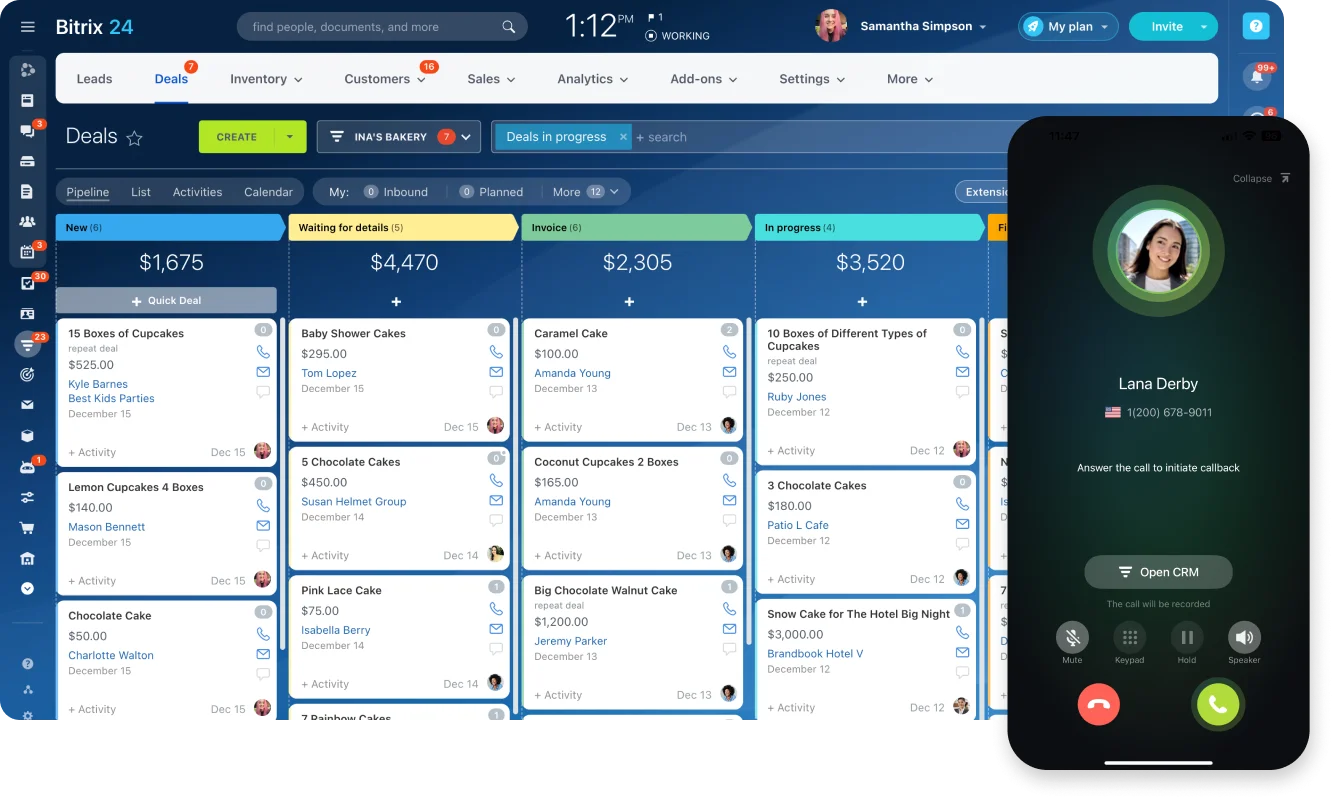
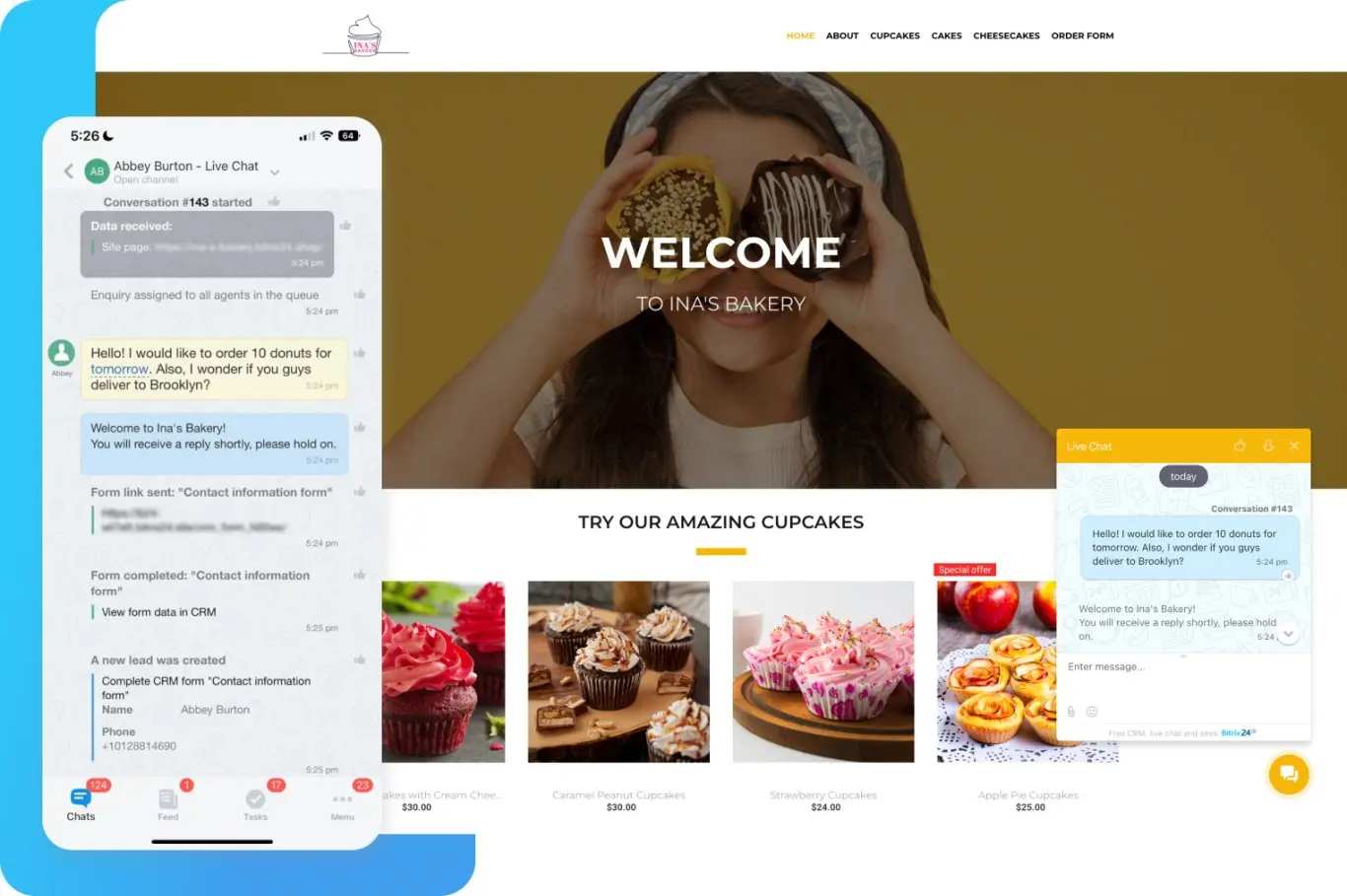
Bitrix24 is a versatile CRM software suitable for small to mid-size businesses. In addition to supporting marketing and sales automation, this software also comes with powerful team collaboration tools.
Bitrix24 Pricing: Starting from $19/user/month.
Bitrix24 Key Features:
- Call Center Management: Consolidates customer communications in one place.
- Recurring Sales Tracking: Ideal for businesses with subscription-based models.
- Team Collaboration: Includes project management features.
Pros
- Available in both free and paid versions with a diverse range of features.
- Supports omnichannel integration with various communication platforms.
- Team collaboration features simplify internal project management.
Cons
- The free version has limited features for complex business needs.
- Paid plans can be pricey for small businesses.
- The interface and navigation can be confusing for new users.
Why Choose Bitrix24?
5. HubSpot CRM
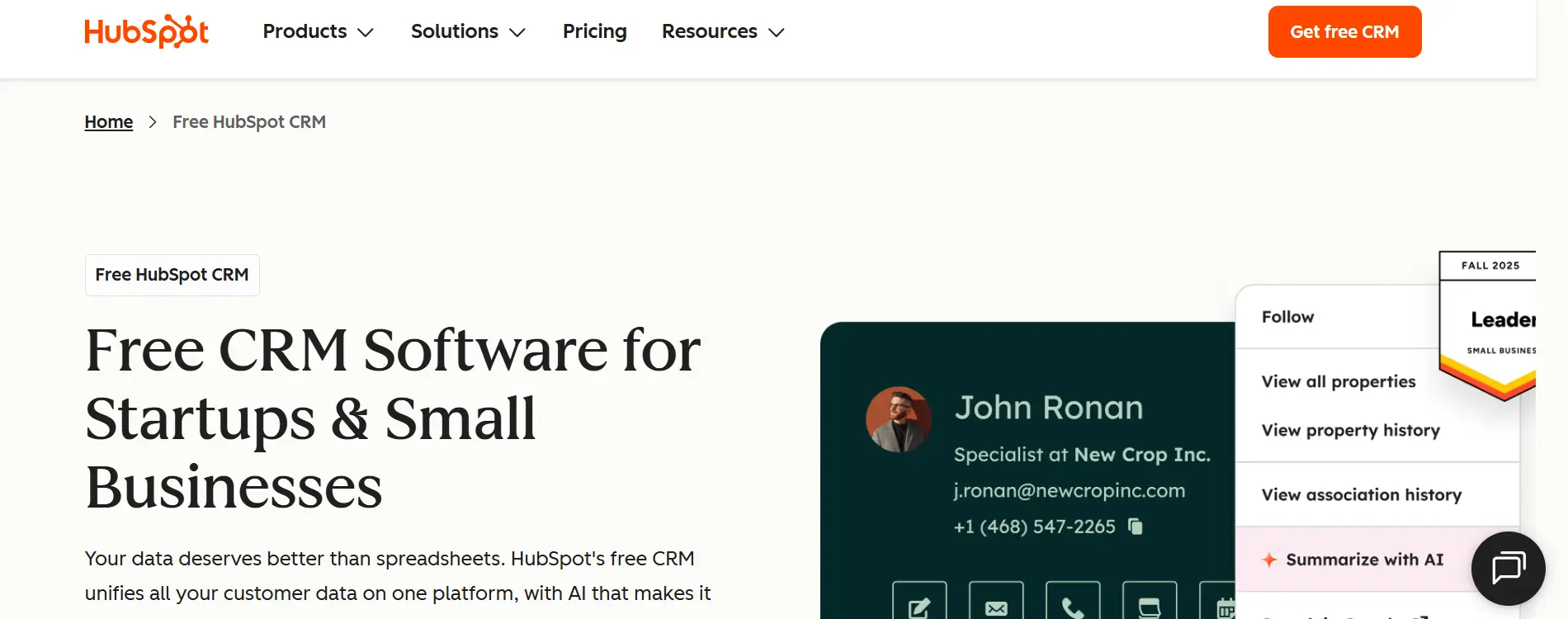
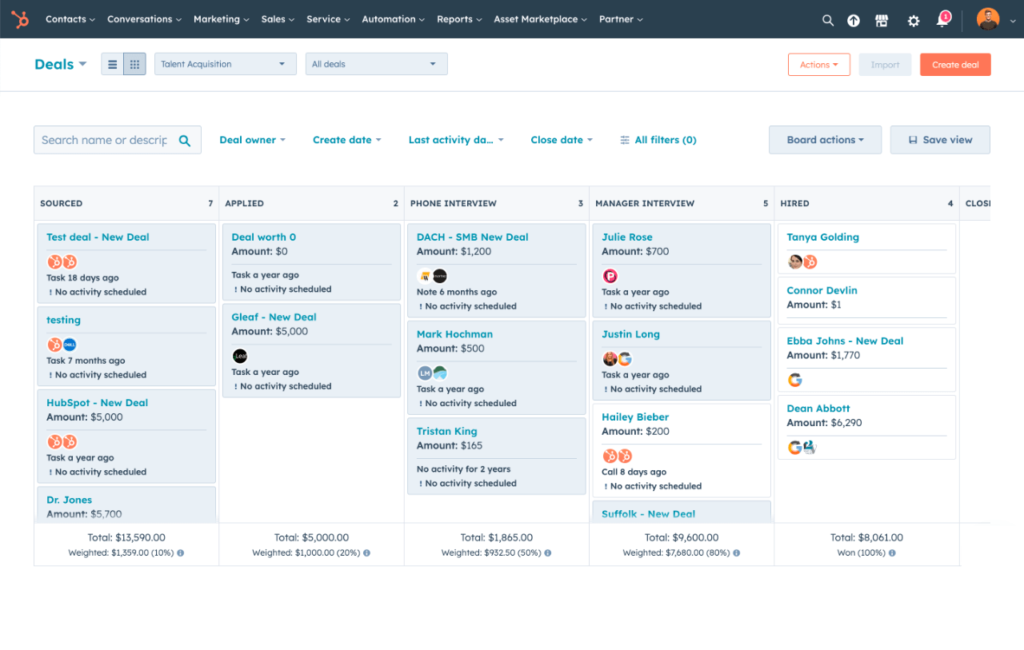
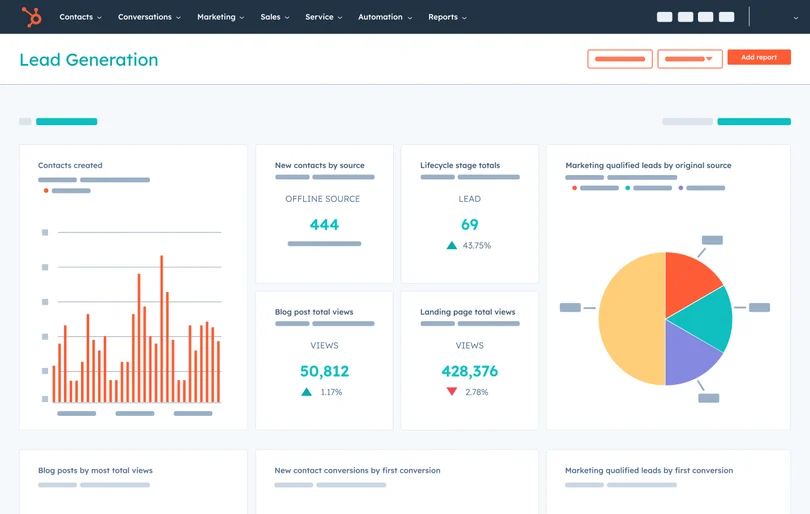
HubSpot CRM is a popular CRM software for new businesses looking to start using CRM software. With an easy-to-use interface and a wide range of free features, this software is ideal for improving operational efficiency.
HubSpot CRM Pricing: Starting from $45/month.
HubSpot CRM Key Features:
- Live Chat and Chatbot: Helps improve customer response times.
- Sales Management: Provides a comprehensive view of the pipeline.
- Marketing Automation: Reduces repetitive manual tasks.
Pros
- Free for basic features, ideal for startups and small businesses.
- Easy to integrate with other tools such as Google Suite and Outlook.
- Comprehensive documentation and tutorials make it easy for new users to get started.
- Mobile app access available.
Cons
- High cost for advanced features or more comprehensive plans.
Why Choose HubSpot CRM?
6. Pipedrive
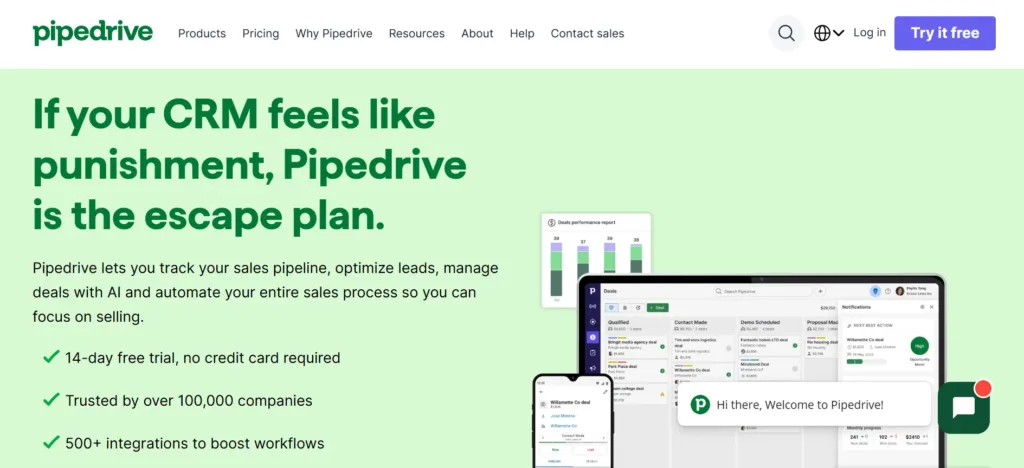
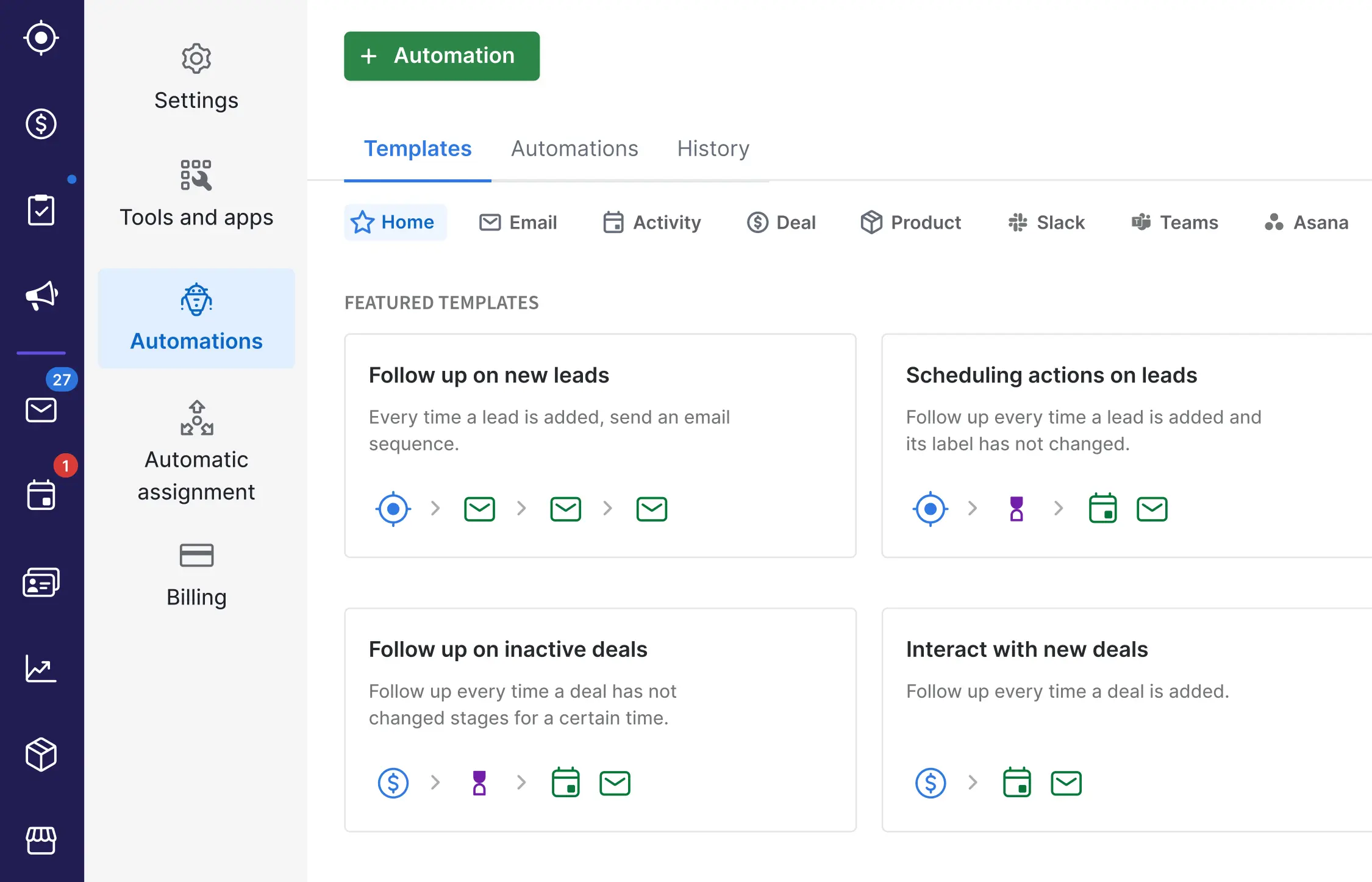
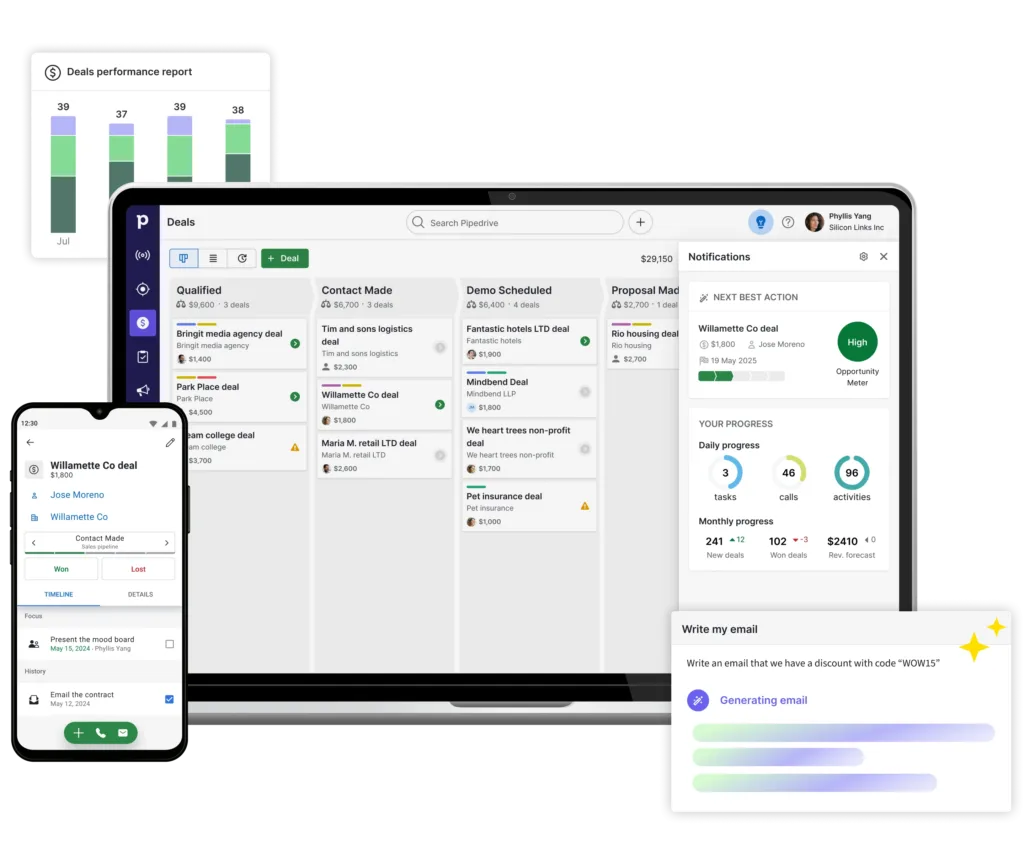
Pipedrive is a CRM software tailored for sales teams, with a strong focus on pipeline visualization. It is designed to help businesses improve conversions and operational efficiency.
Pipedrive Pricing: Starting from US$19 per user/month.
Pipedrive Key Features:
- Visual Pipeline: Simplifies sales flow management.
- Activity Tracking: Sends notifications for next steps.
- Sales Automation: Reduces manual work with automated features.
Pros
- Simple and intuitive interface.
- Focused on improving sales efficiency and prospect management.
- Free trial option available.
Cons
- Not well-suited for marketing or customer service needs.
- Costs can be relatively high for premium feature access.
Why Choose Pipedrive?
7. Oracle CX
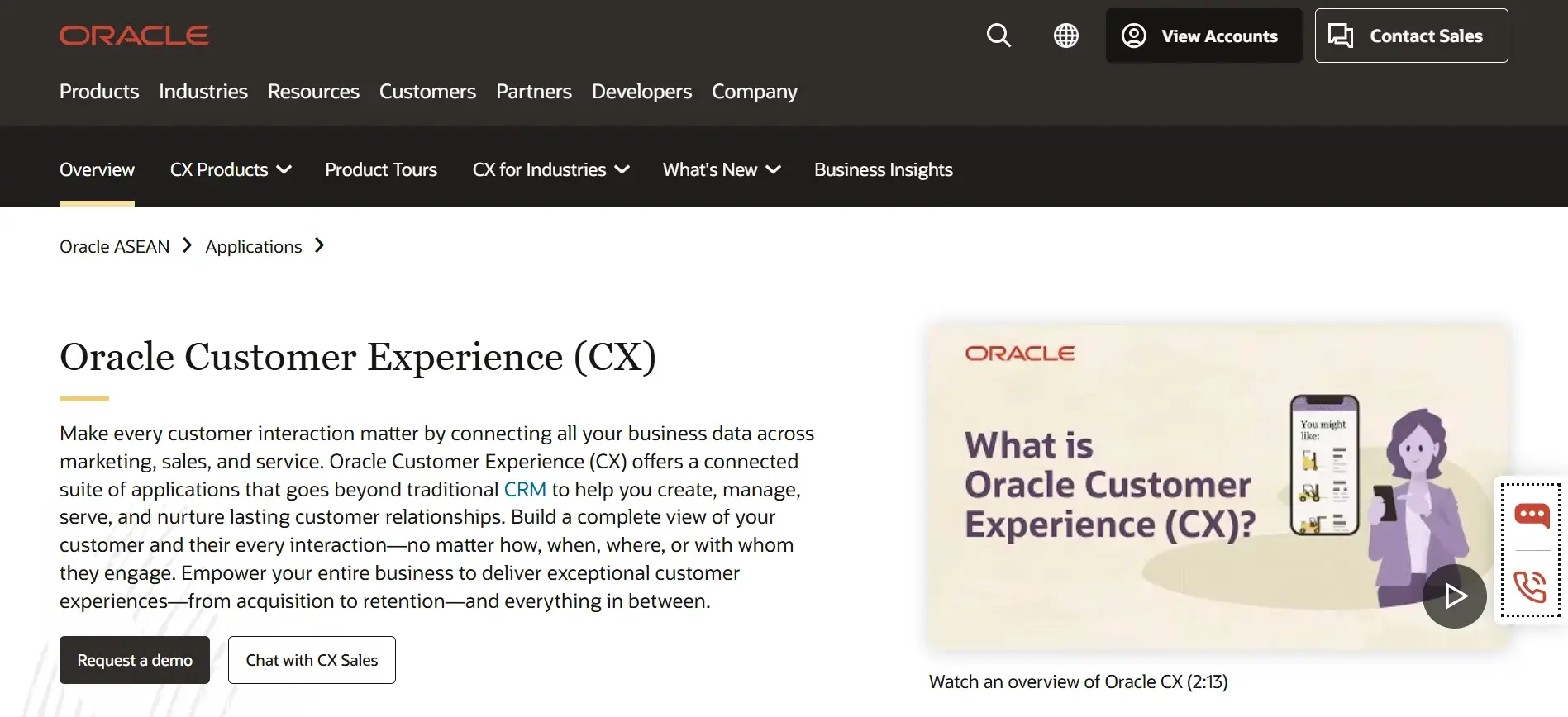
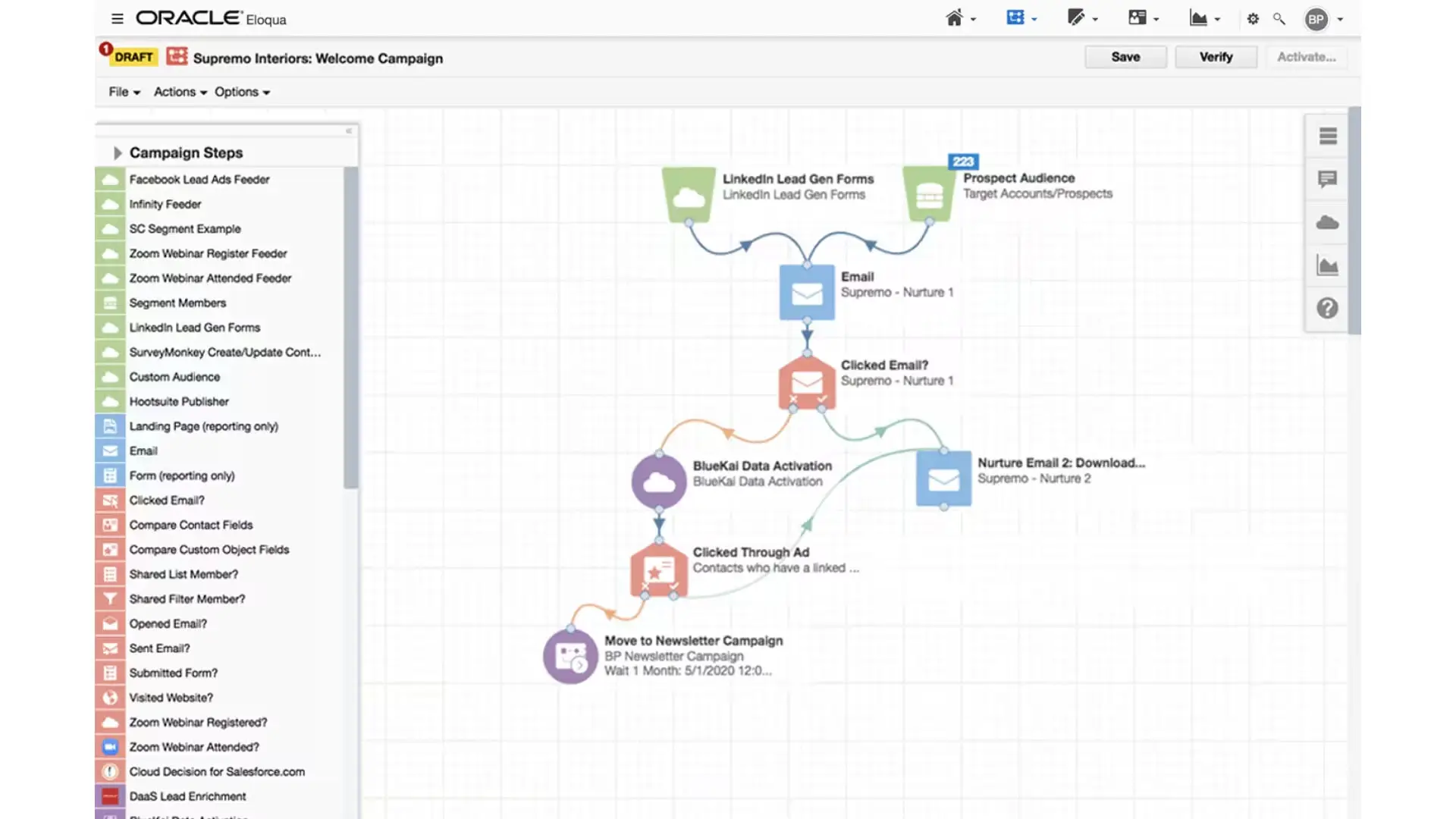
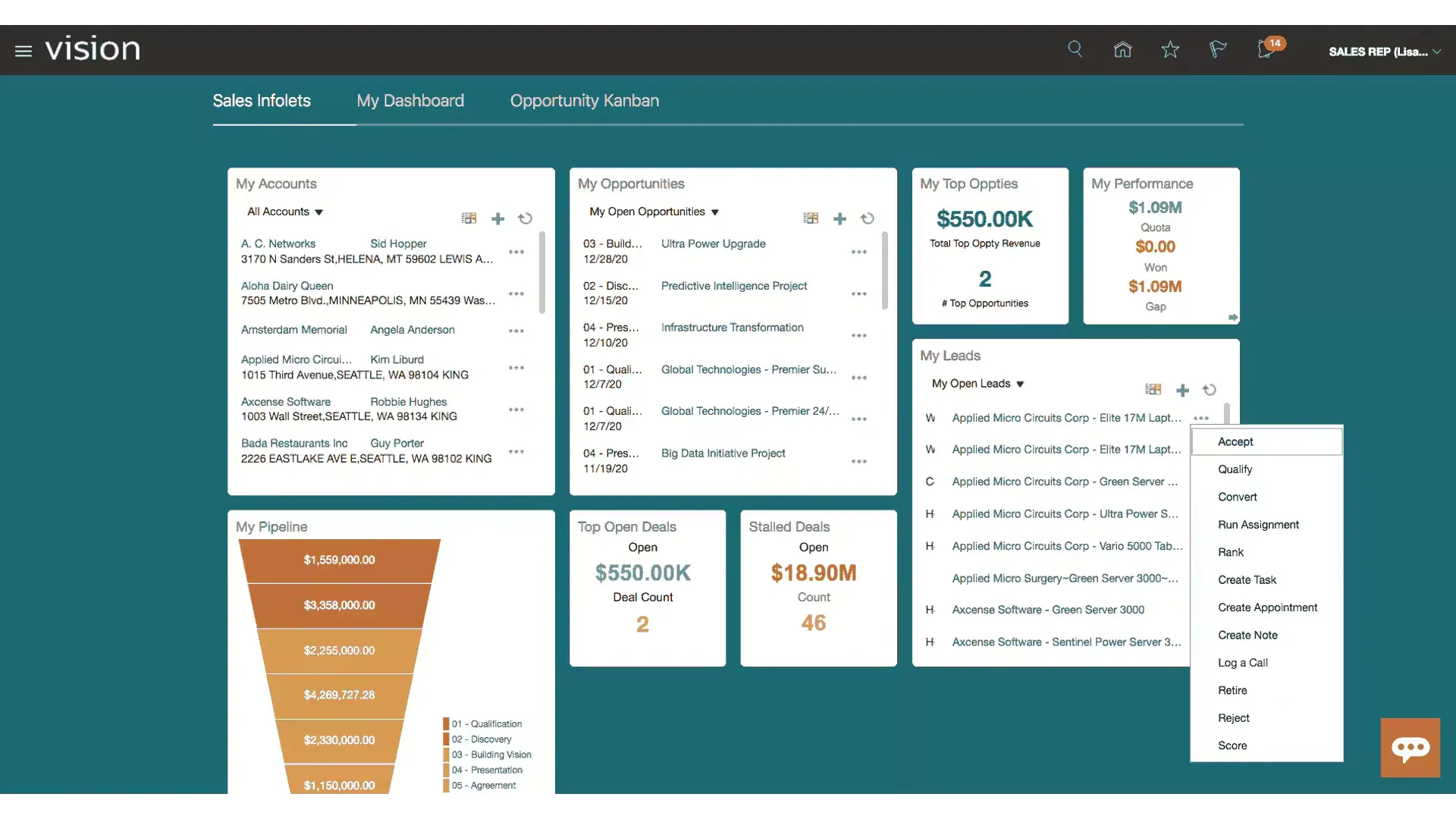
Oracle CX is a CRM software that can unify all business data across marketing, sales, and customer service.
More than just a CRM, Oracle CX helps companies build long-term customer relationships through comprehensive interaction management.
Oracle CX Pricing: Contact the Oracle CRM sales team for Oracle CX pricing.
Oracle CX Key Features:
- Cross-Channel Marketing: Design and execute coordinated digital campaigns across multiple channels.
- Customer Data Platform (CDP): Consolidates customer data from various sources (including back-office).
- Sales Force Automation: Collects and connects customer data with operational data within a single integrated CRM system.
- Configure, Price, Quote (CPQ): Automates the creation of complex quotations and pricing processes.
Pros
- Intuitive interface with clear data visualization.
- Unifies marketing, sales, and customer service data in one system.
- Offers integrated CX solutions spanning social media, call centers, mobile, and in-store channels.
- Faster, more efficient, and more accurate access to customer information.
Cons
- Due to its broad and complex feature set, new users may need time to get up to speed.
Why Choose Oracle CX?
8. Freshsales
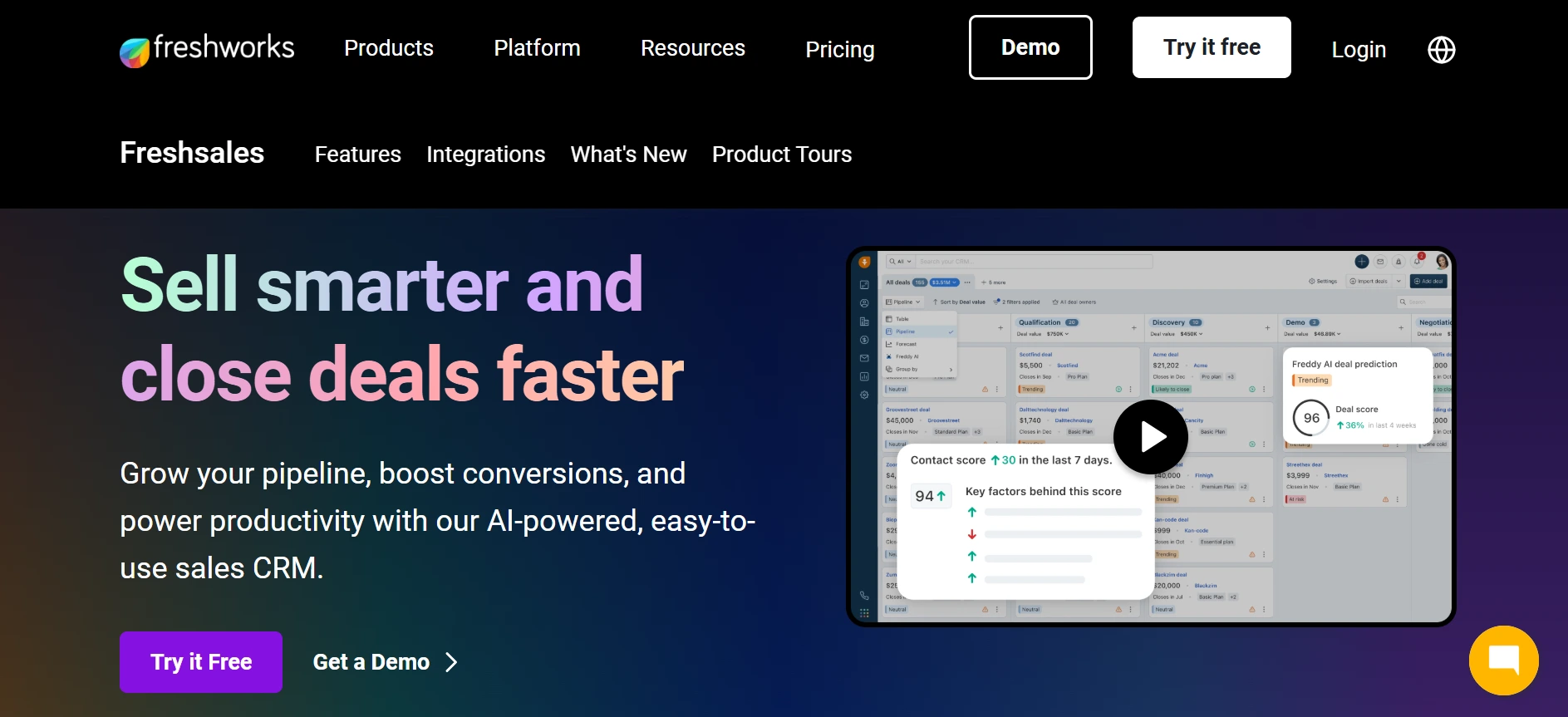
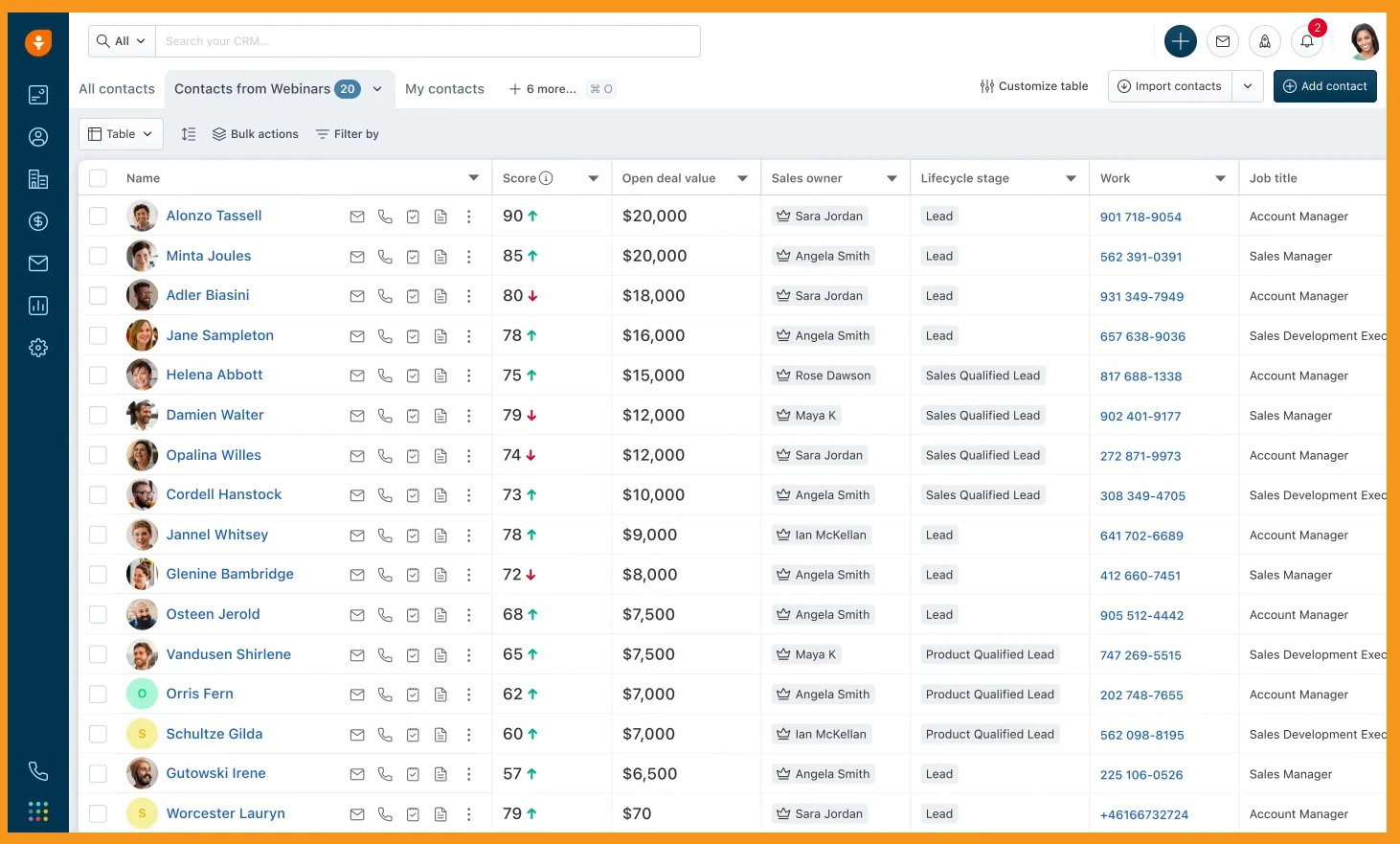
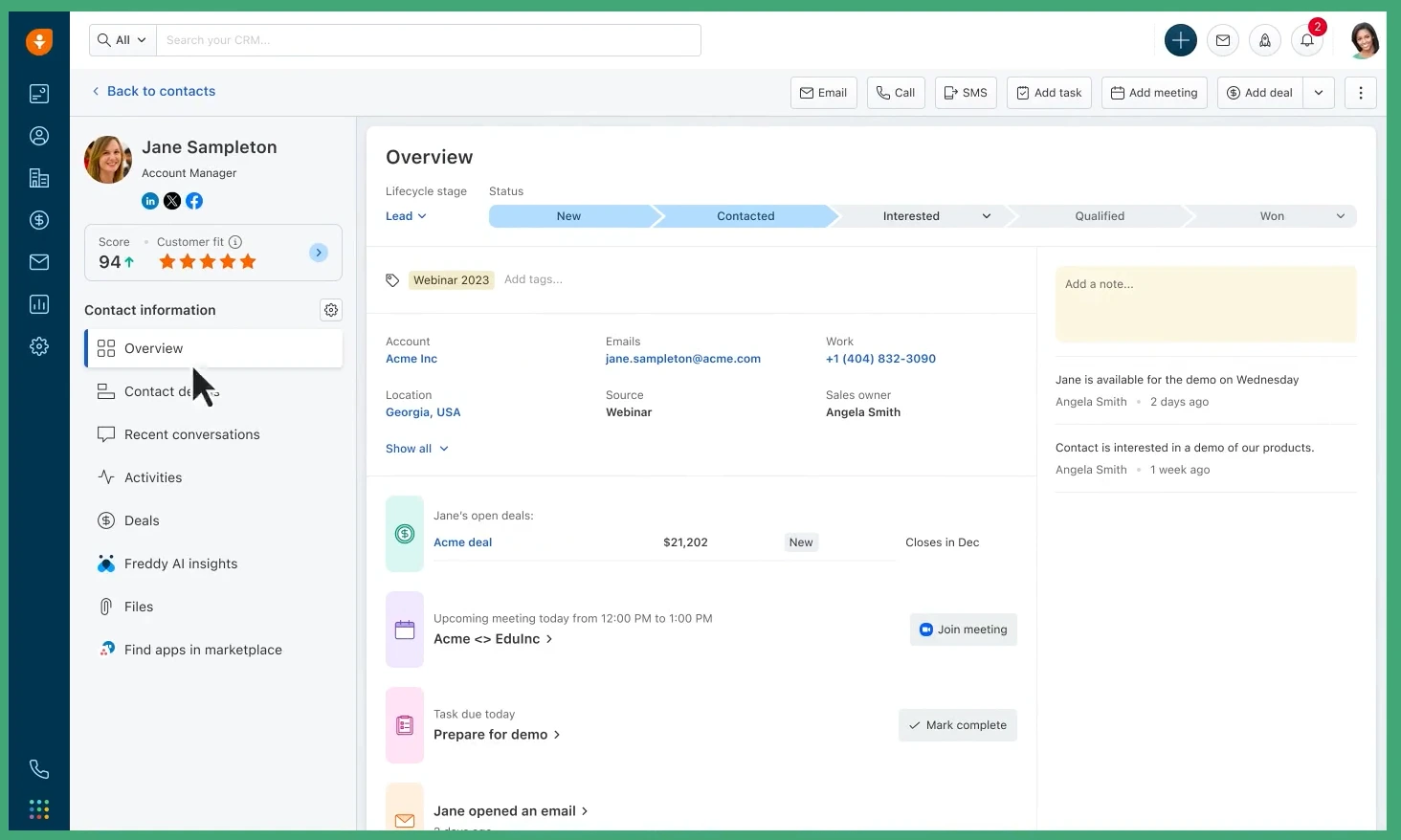
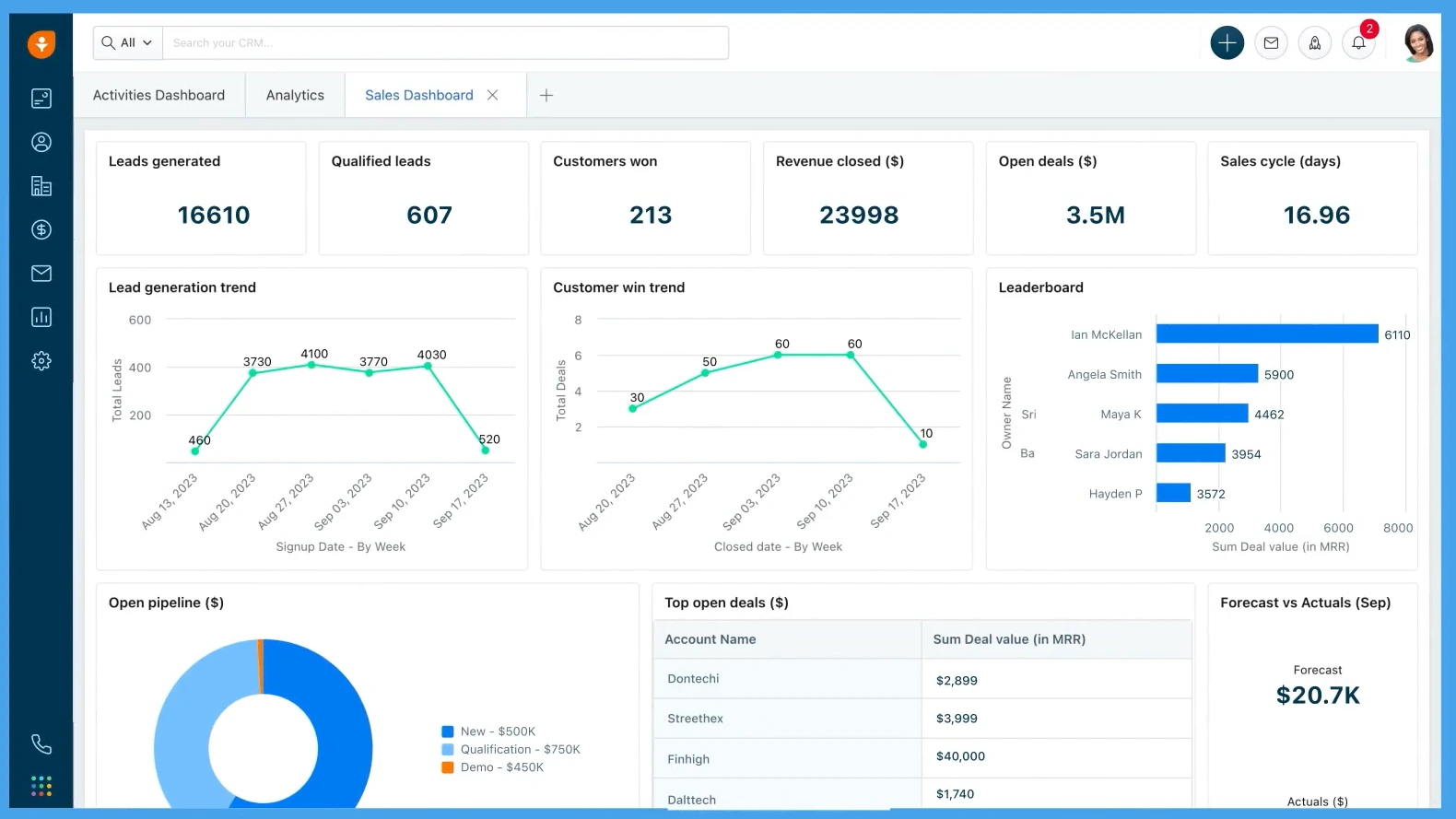
Freshsales is a Customer Relationship Management (CRM) software designed to simplify prospect management and sales pipeline oversight. It is a great fit for businesses looking to improve their sales team’s efficiency.
Freshsales Pricing: Starting from $47 per user/month for the Pro plan.
Freshsales Key Features:
- Call Center Features: Supports phone call services.
- Contact & Account Management: Stores and manages all customer information from multiple channels in a single database.
- Lead Management: Manages customer interactions.
- Desktop Integration: Connects the CRM software with other platforms.
- Customer Support Portal: Provides support services at any time.
- Reporting: Displays a comprehensive overview of business activity reports.
Pros
- Easy to use for sales teams.
- Activity tracking features that improve efficiency.
- Has a responsive mobile software.
Cons
- Premium plans can be pricey for small businesses.
Why Choose Freshsales?
9. Apptivo
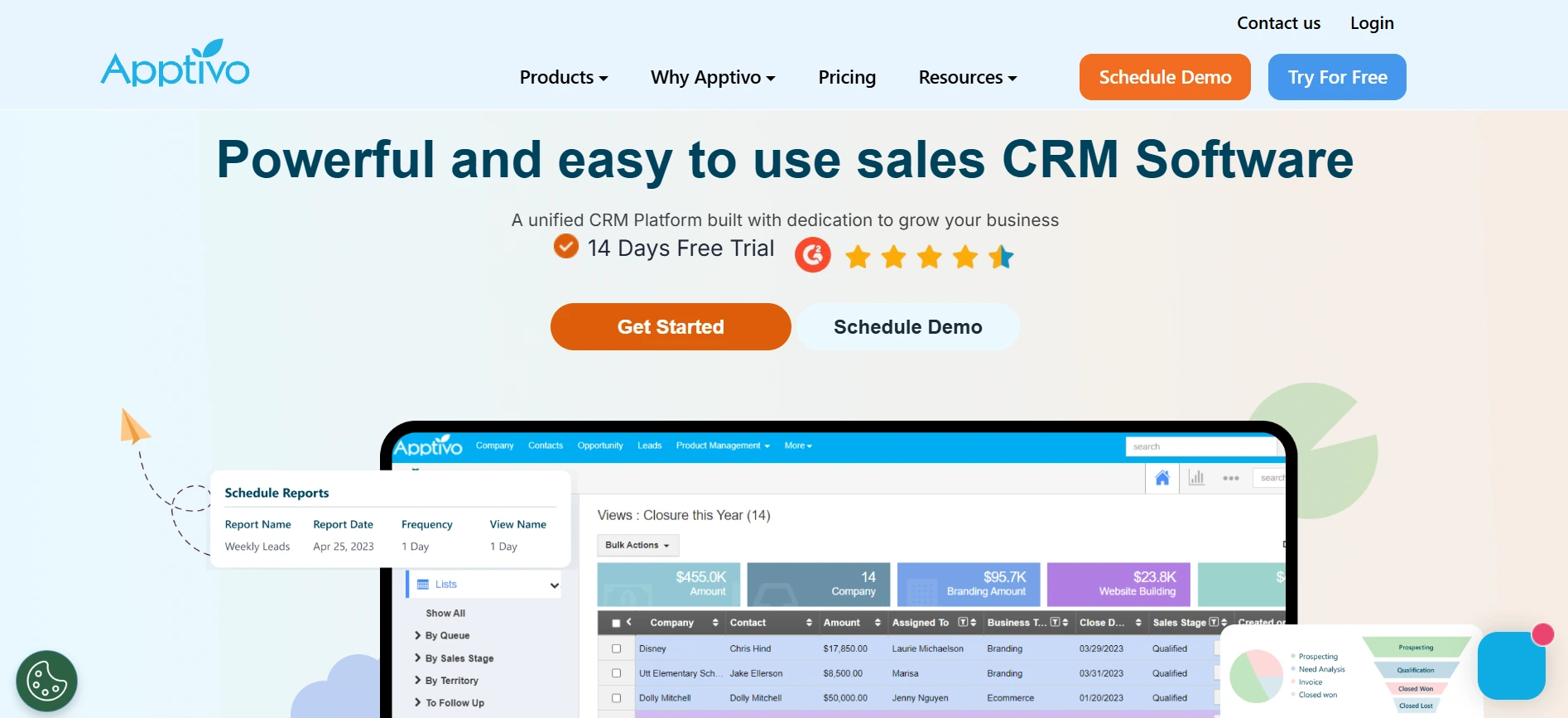
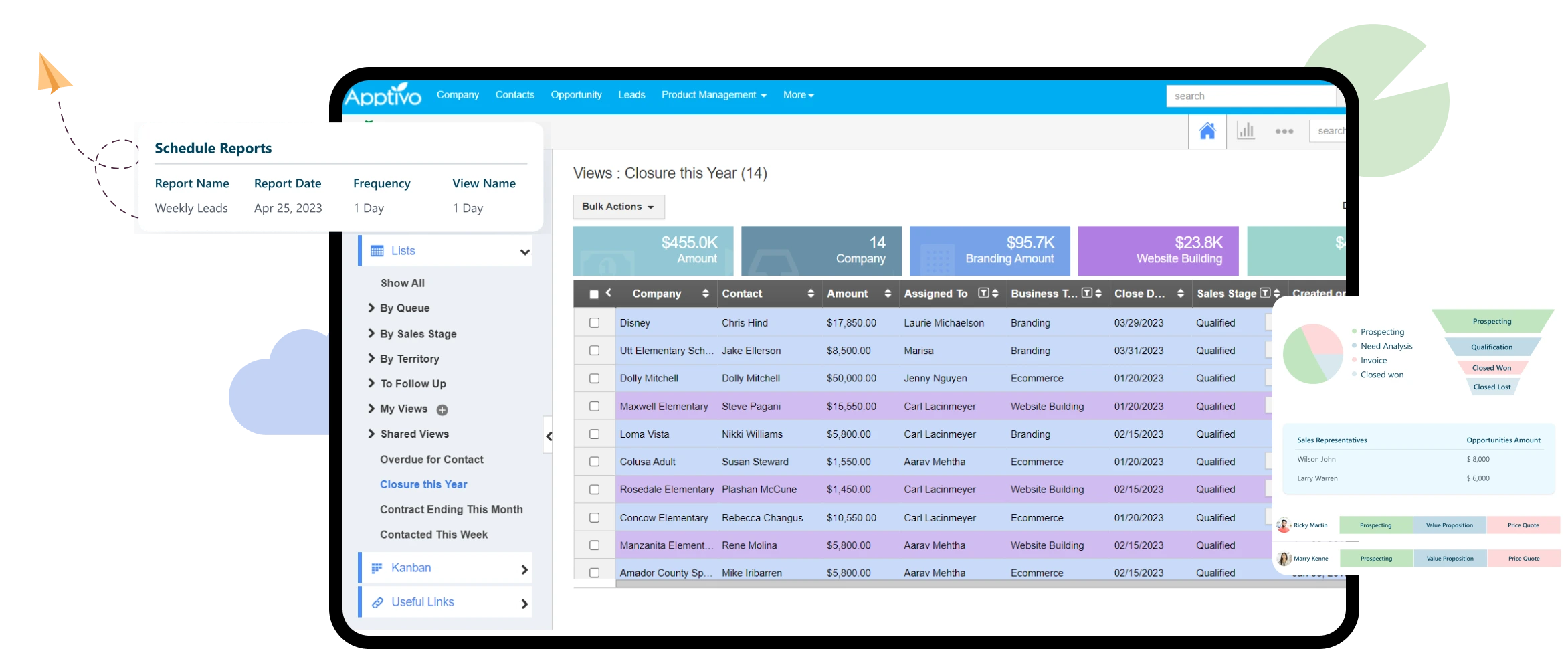
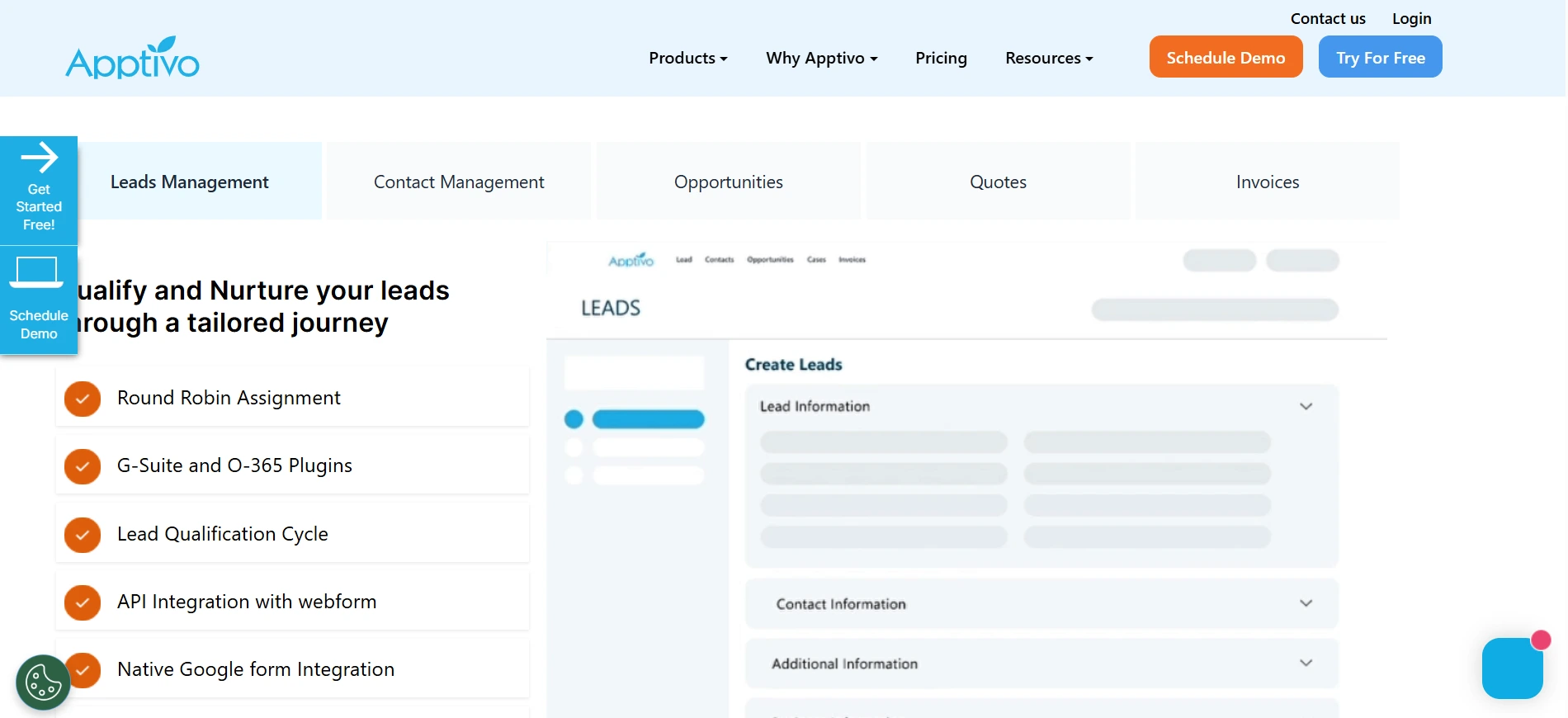
Apptivo is a cloud-based CRM software that offers an all-in-one solution for sales, marketing, and project management. This software is suitable for small to mid-size businesses.
Apptivo Pricing: Starting from $30/user/month for the Premium plan.
Apptivo Key Features:
- Lead Management: Simplifies prospect tracking and management.
- Invoicing & Billing: Supports automated invoice creation.
- Custom Reporting: Provides reports that can be tailored to your specific needs.
Pros
- Comprehensive features at a competitive price point.
- Well-suited for small businesses with multi-functional needs.
- Supports integration with various other business tools.
Cons
- Some features require time to fully understand.
- The learning curve is relatively steep for new users.
- Not all features are available in the basic plan.
Why Choose Apptivo?
10. Monday CRM
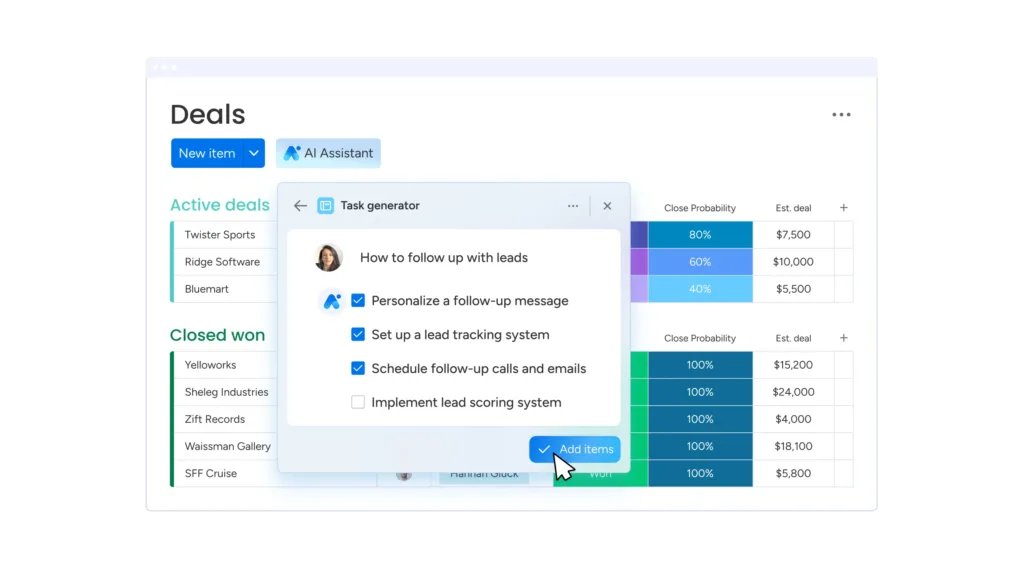
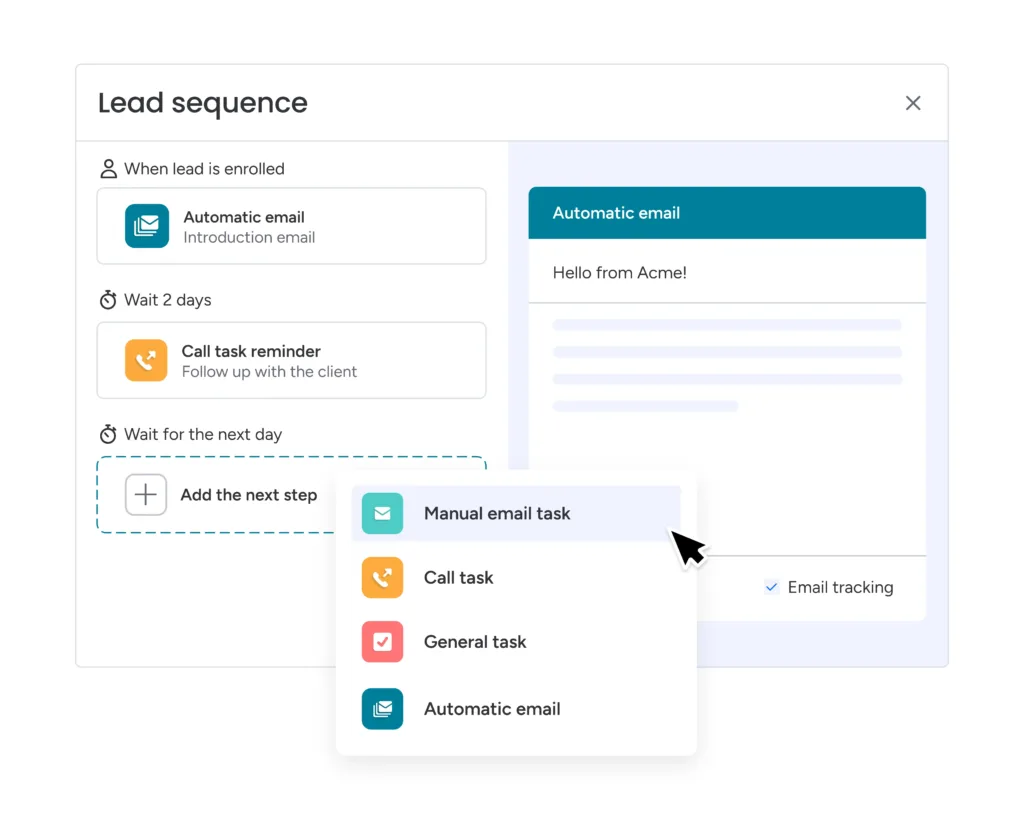
Monday CRM is a CRM software used to manage, automate, and centralize the entire sales cycle.
Monday CRM platform makes it easy for sales teams to acquire quality leads, manage contacts and communications, and track the status of every deal. It is also powered by AI features to automate tasks.
Monday CRM Pricing: Starting from $15/seat/month with a minimum of 3 seats.
Monday CRM Key Features:
- Sequences: Set up emails to be automatically sent to prospects based on specific triggers.
- Email Composition: Write emails more easily with AI-assisted support, HTML editing, and templates.
- Call Logging: Record calls quickly, efficiently, and informatively.
- Customizable Pipelines: This feature allows users to design pipelines according to their needs.
Pros
- Highly visual and intuitive interface.
- Pipeline flexibility and customization.
- Improves cross-team collaboration.
- Integrates with third-party softwares.
Cons
- User-based pricing means costs tend to increase as the number of users grows.
Why Choose Monday CRM?
11. Microsoft Dynamics 365 CRM
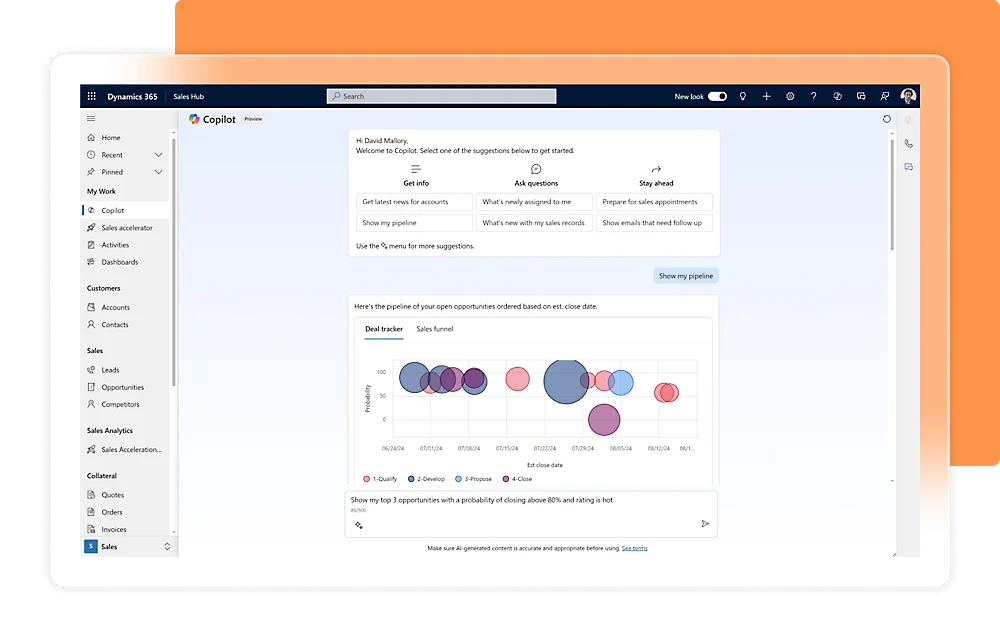
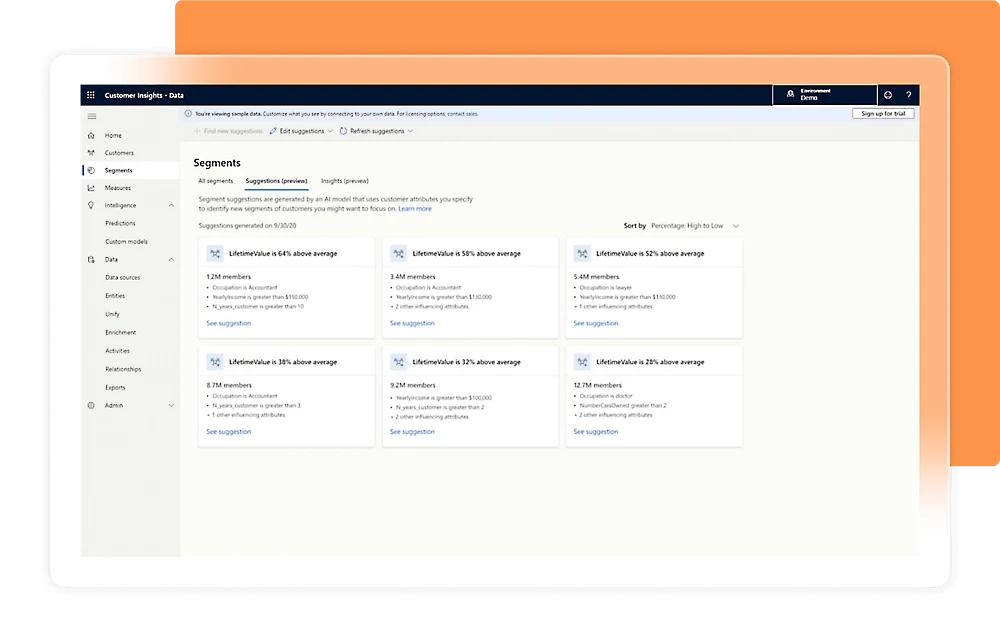
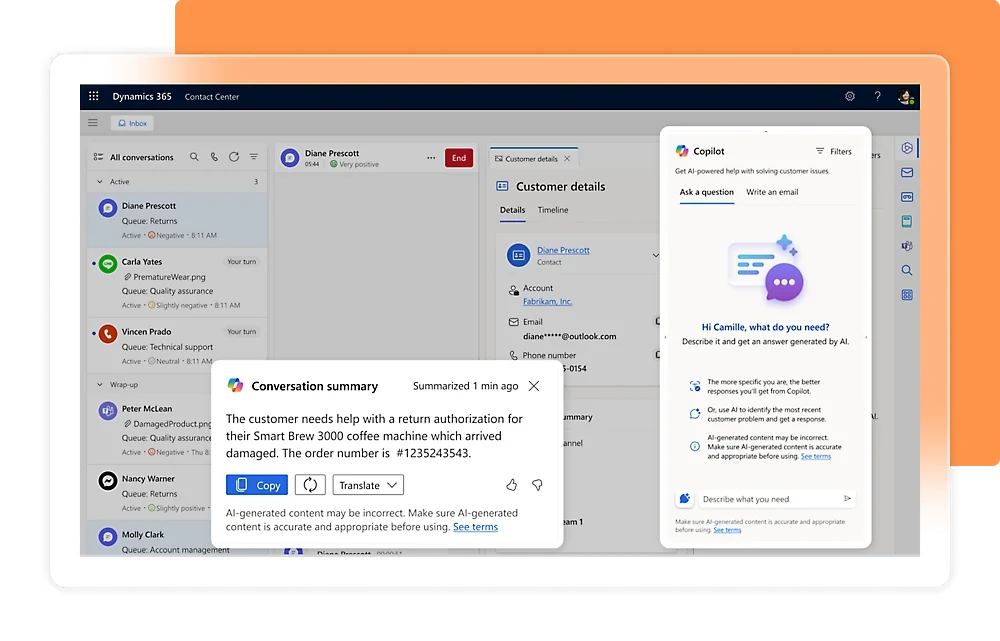
Microsoft Dynamics 365 CRM is a Customer Relationship Management (CRM) software for large enterprises and the government sector. This CRM software is designed to support customer management, marketing, and service operations.
Dynamics 365 CRM Pricing: Starting from $65.00 per user/month, billed annually.
Microsoft Dynamics 365 CRM Key Features:
- Sales Automation: Simplifies pipeline management.
- Project Management: Supports team coordination on large projects.
- Real-Time Analytics: Delivers insights for strategic decision-making.
Pros
- Integrated with the Microsoft Office ecosystem.
- Well-suited for large enterprises and the government sector.
- Offers flexible customization.
Cons
- High pricing for small businesses.
- Requires intensive training.
- Implementation process is fairly complex.
Why Choose Microsoft Dynamics 365 CRM?
12. SAP CRM
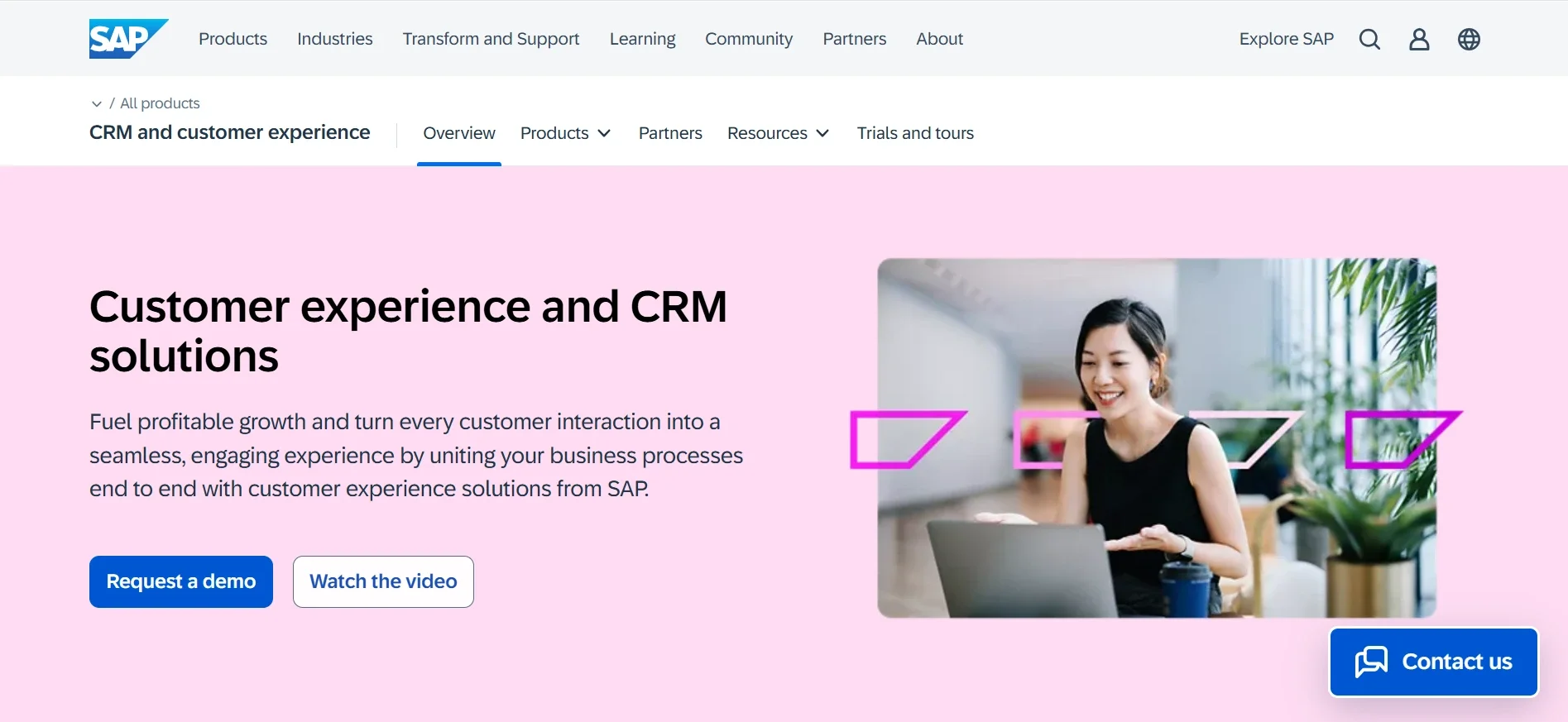
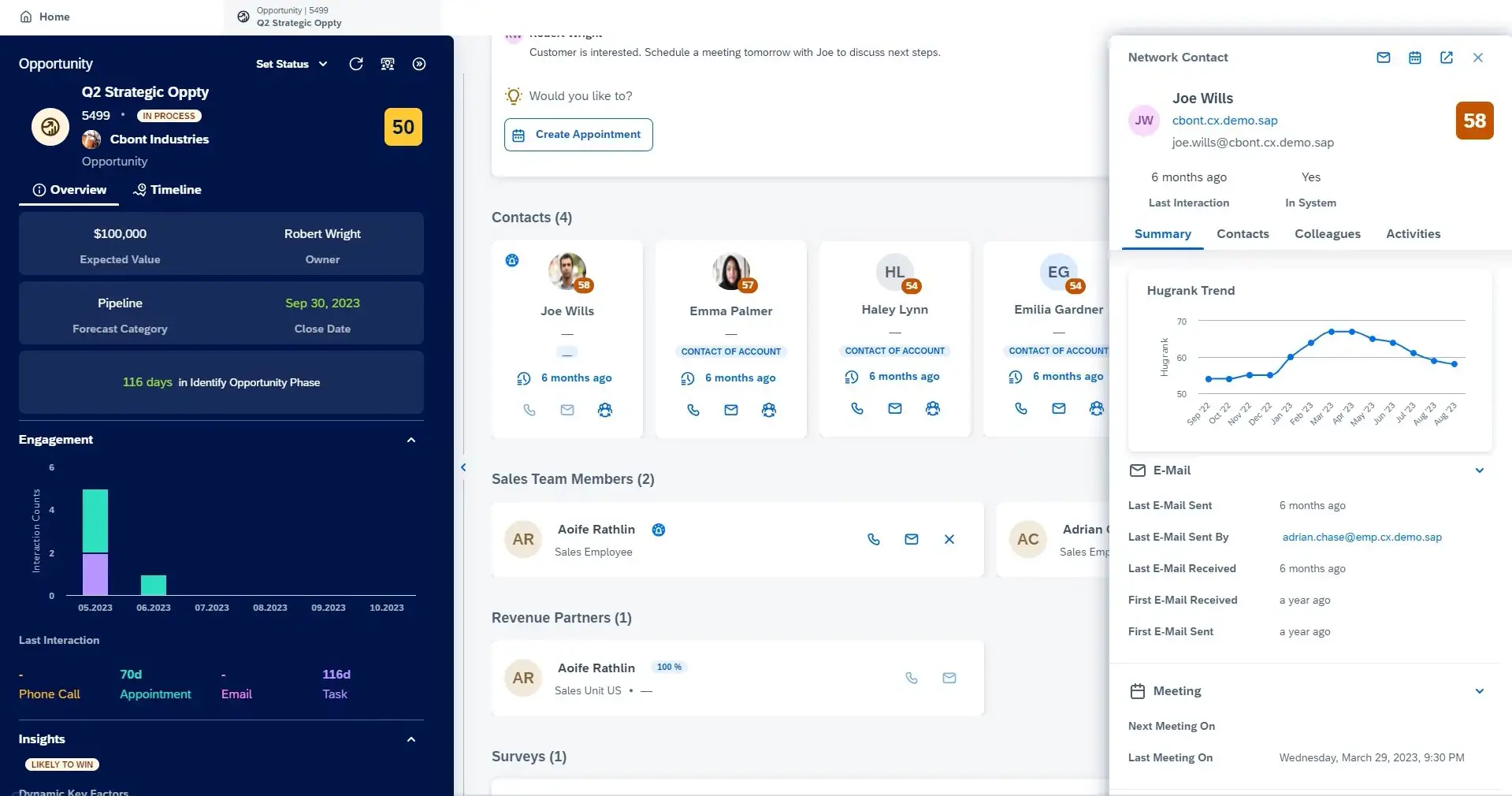
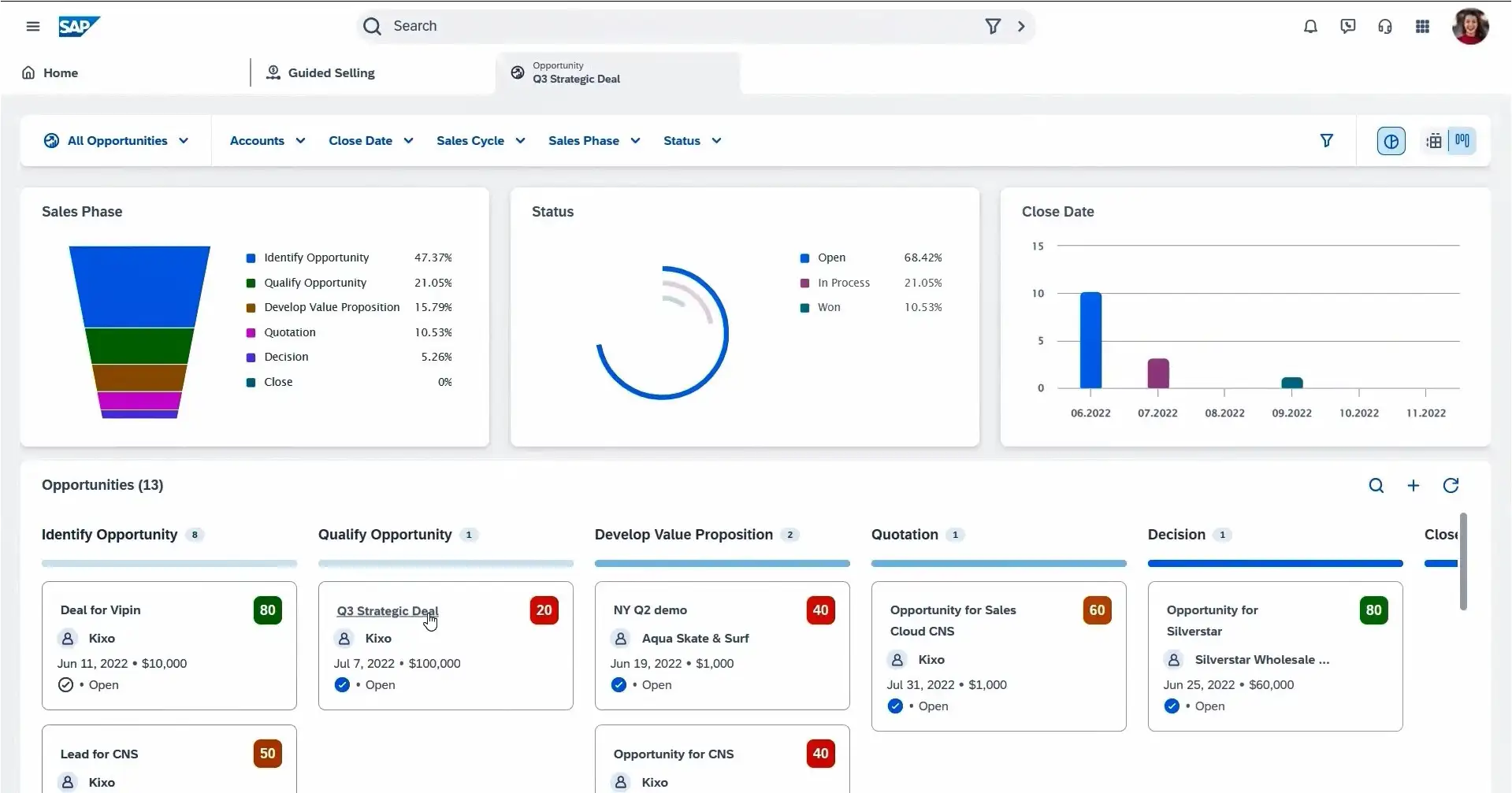
SAP CRM is a CRM software solution within the SAP ecosystem that integrates customer relationship management with customer experience to create seamless interactions.
This platform helps companies manage interactions from initial contact through post-sale support, strengthen customer loyalty, design effective marketing strategies, and support operational efficiency and data-driven decision-making.
SAP CRM Pricing: Starting from Rp2,266,470 per user/month.
SAP CRM Key Features:
- Sales Funnel Management: Manages the stages of the customer journey.
- Sales and Marketing Automation: Automates administrative tasks and marketing campaigns such as prospect follow-ups and email delivery.
- Customer Service Automation: Simplifies customer service handling through automated systems.
- SAP Module Integration: Connects CRM with other SAP modules such as ERP and SCM.
- Analytics Reports: Provides real-time data and insights.
Pros
- High degree of customization, adaptable to the needs of specific industries.
- Deep integration with ERP, supply chain, and financial systems that simplifies cross-functional coordination.
- AI-powered analytics for detailed customer insights.
Cons
- The learning curve is relatively steep for new users.
Why Choose SAP CRM?
13. SugarCRM
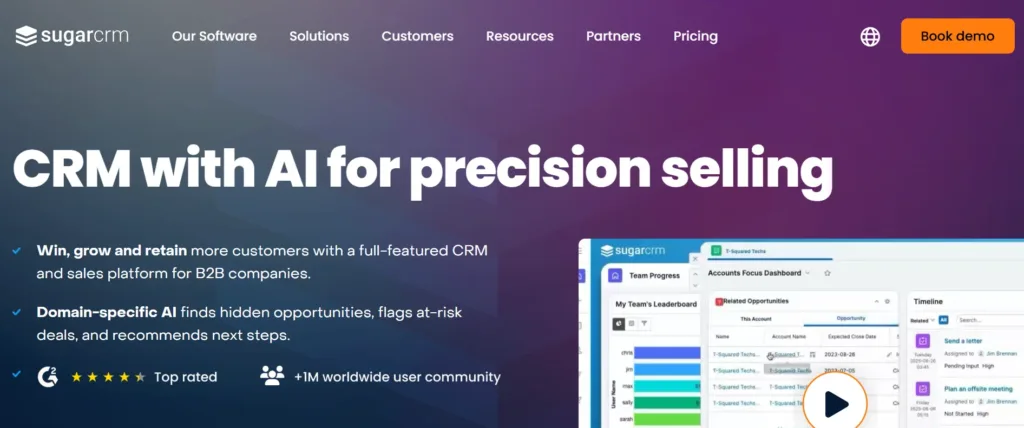
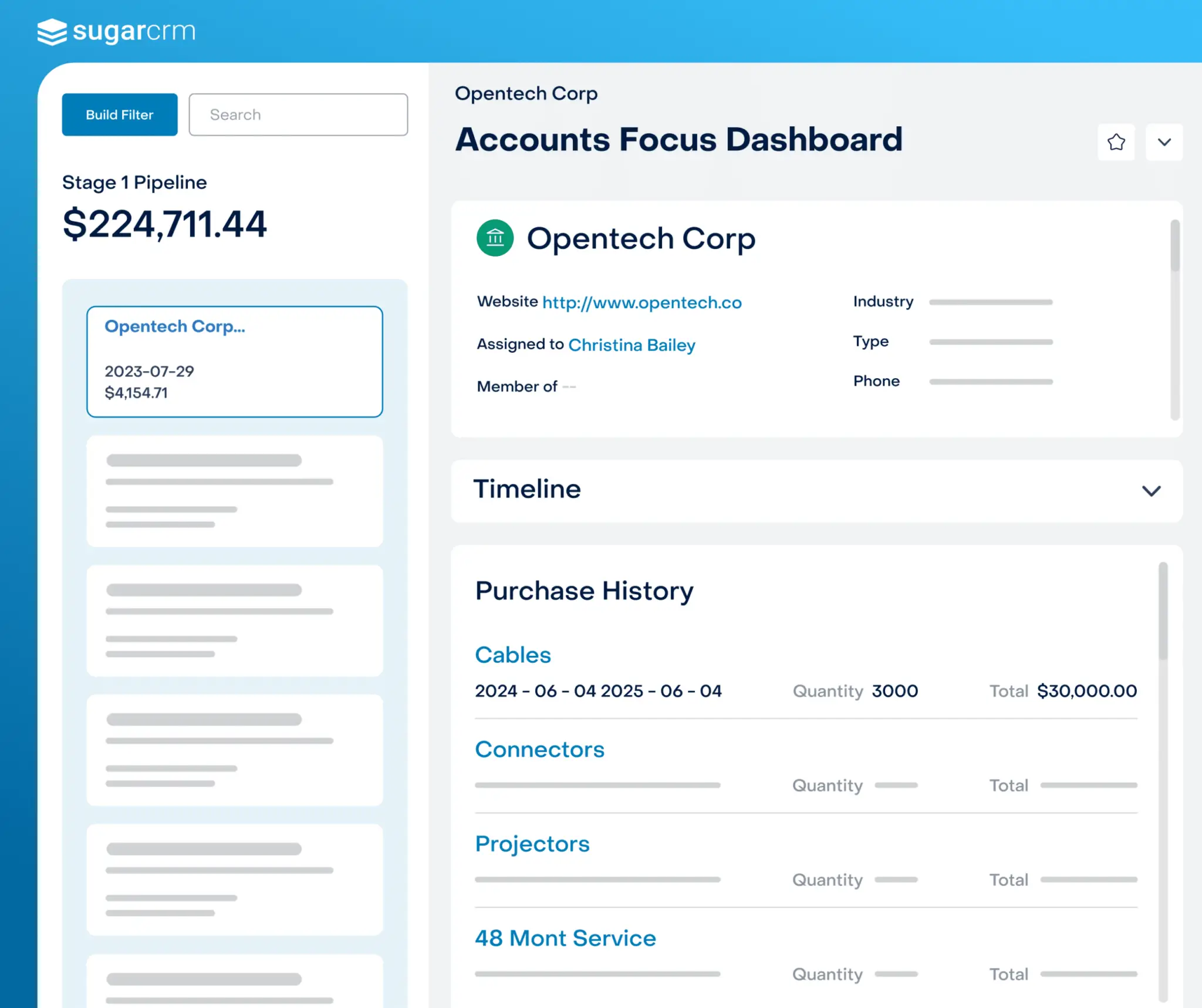
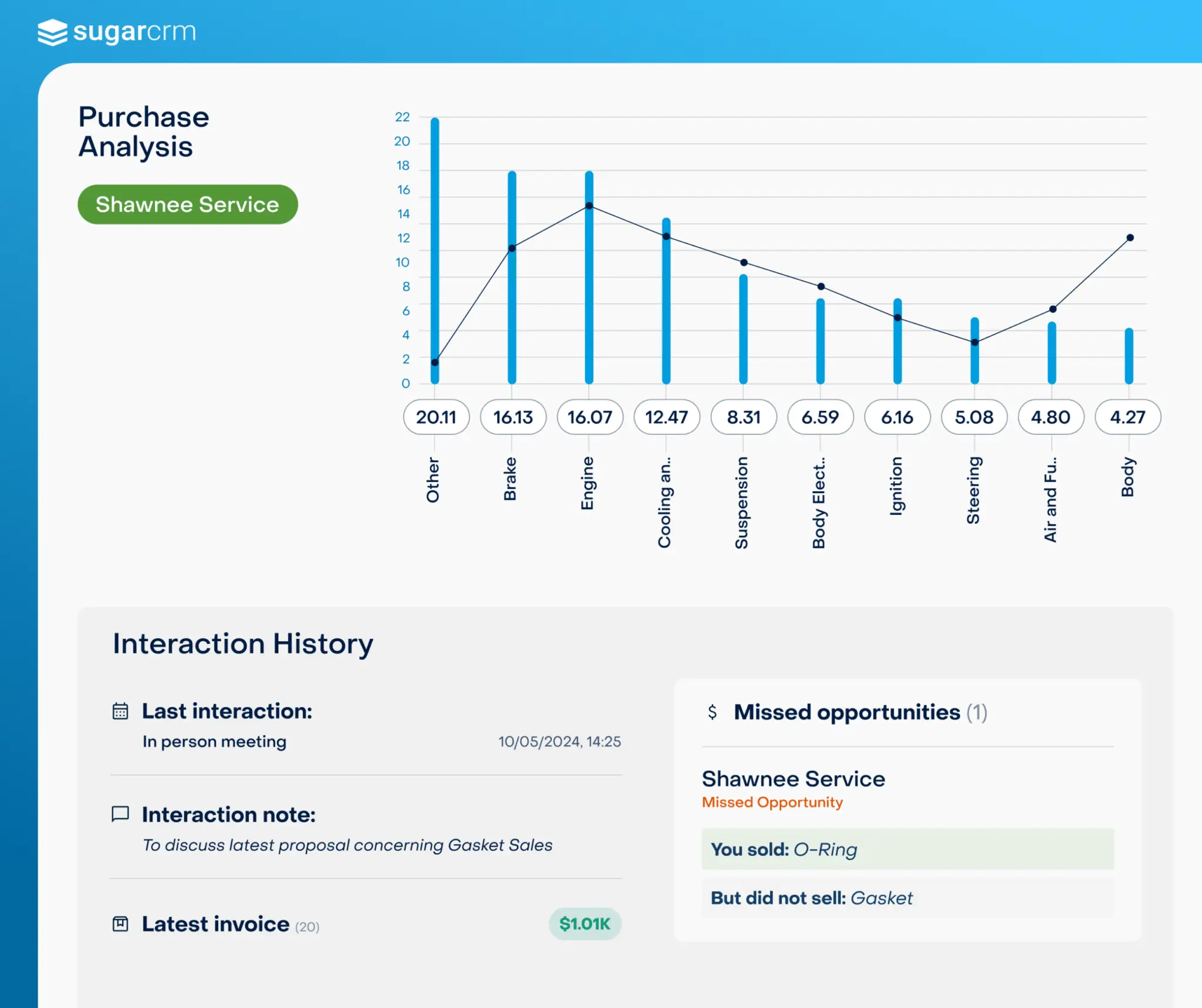
SugarCRM is an AI-powered CRM software known for its high level of flexibility.
Once offered as an open-source solution, SugarCRM has evolved into a unified cloud service designed to support the needs of sales, marketing, and customer service teams.
SugarCRM Pricing: Starting from USD$59.
Insightly Key Features:
- Sales Workflow Automation: Helps sales teams follow automated workflows that improve performance efficiency.
- CRM for Sales Forecasting: Enables businesses to create more accurate sales predictions using easily accessible real-time data.
- CRM Campaign Management: Simplifies the creation, execution, and tracking of cross-channel marketing campaigns.
- CRM for Project Management: Streamlines project and task management across departments.
- Social CRM: Connects CRM with social media to increase customer engagement.
Pros
- Intuitive user interface.
- AI-powered for task automation and predictive analysis.
- Mobile software available on both Android and iOS.
- Equipped with marketing automation features and flexible reporting.
Cons
- No free plan available for new users.
- Not open-source, limiting flexibility for developers.
Why Choose SugarCRM?
14. Insightly
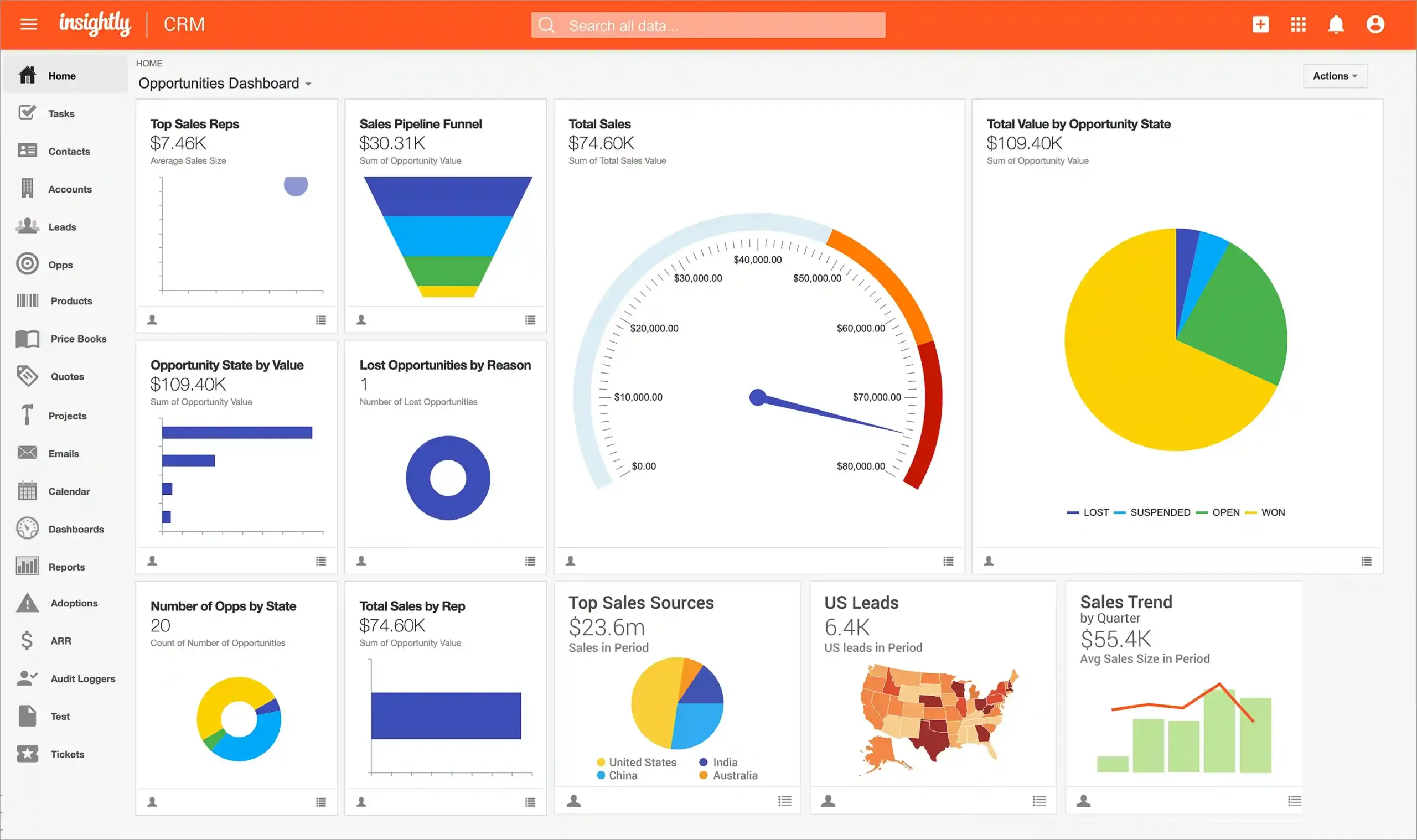
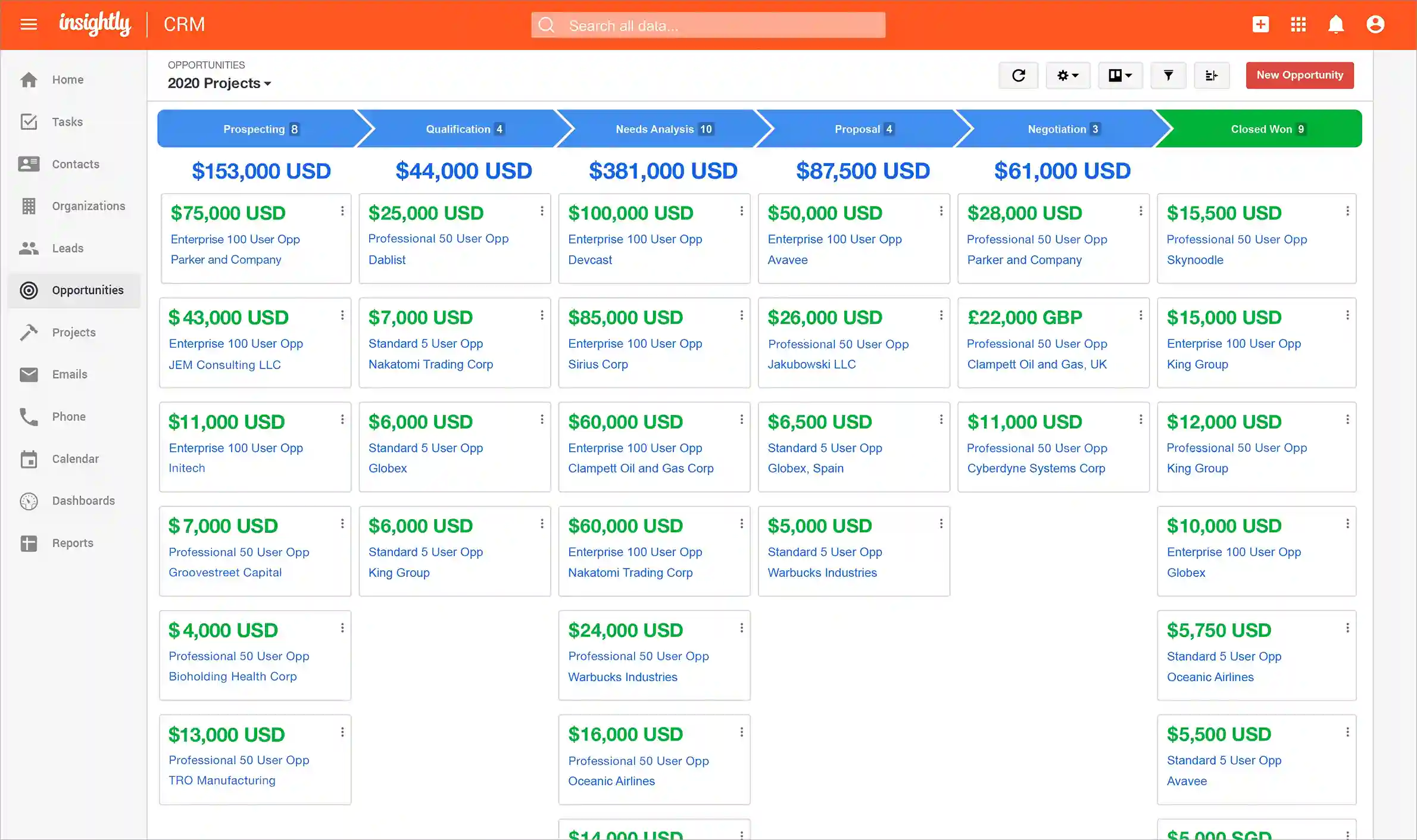
Insightly CRM is a CRM software software designed to help businesses nurture and grow relationships with both customers and prospects.
With all information stored on a single platform, Insightly helps businesses build stronger relationships, monitor team performance, and manage projects in a more organized and efficient manner.
Insightly Pricing: Starting from $30/user/month.
Insightly Key Features:
- Sales Pipeline & Lead Management: Manages the entire sales process from start to close with custom pipelines.
- Lead Tracking Management: Captures important details from each prospect and shares them with relevant teams.
- Workflow Automation: Automates repetitive manual tasks.
- Project Management: Keeps cross-team communication clear and organizes timelines using project pipelines.
- Performance Dashboard & Reporting: Provides real-time visualization of business data through customizable dashboards.
Pros
- Provides effective sales pipeline and prospect management with real-time deal status views.
- Supports project and task management integrated with CRM.
- Supports scalability in line with business growth.
- Integration with various supporting CRM activity softwares.
Cons
- Workflow automation features are only available in higher-tier plans.
- The lowest plan is limited to managing up to 25,000 contacts.
- Plan upgrades are required to expand customization credits, which may be insufficient for complex business needs.
Why Choose Insightly?
15. Zendesk
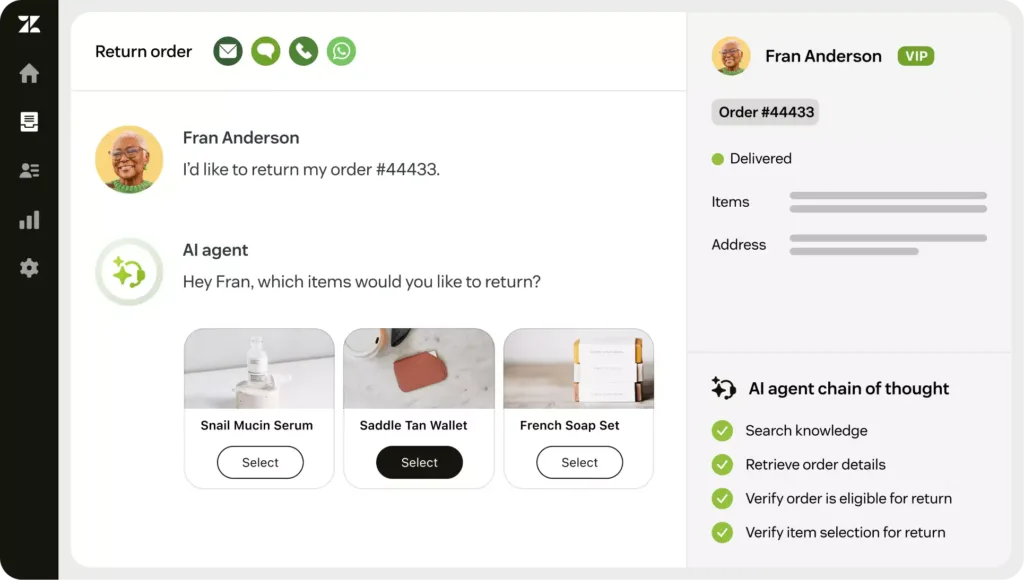
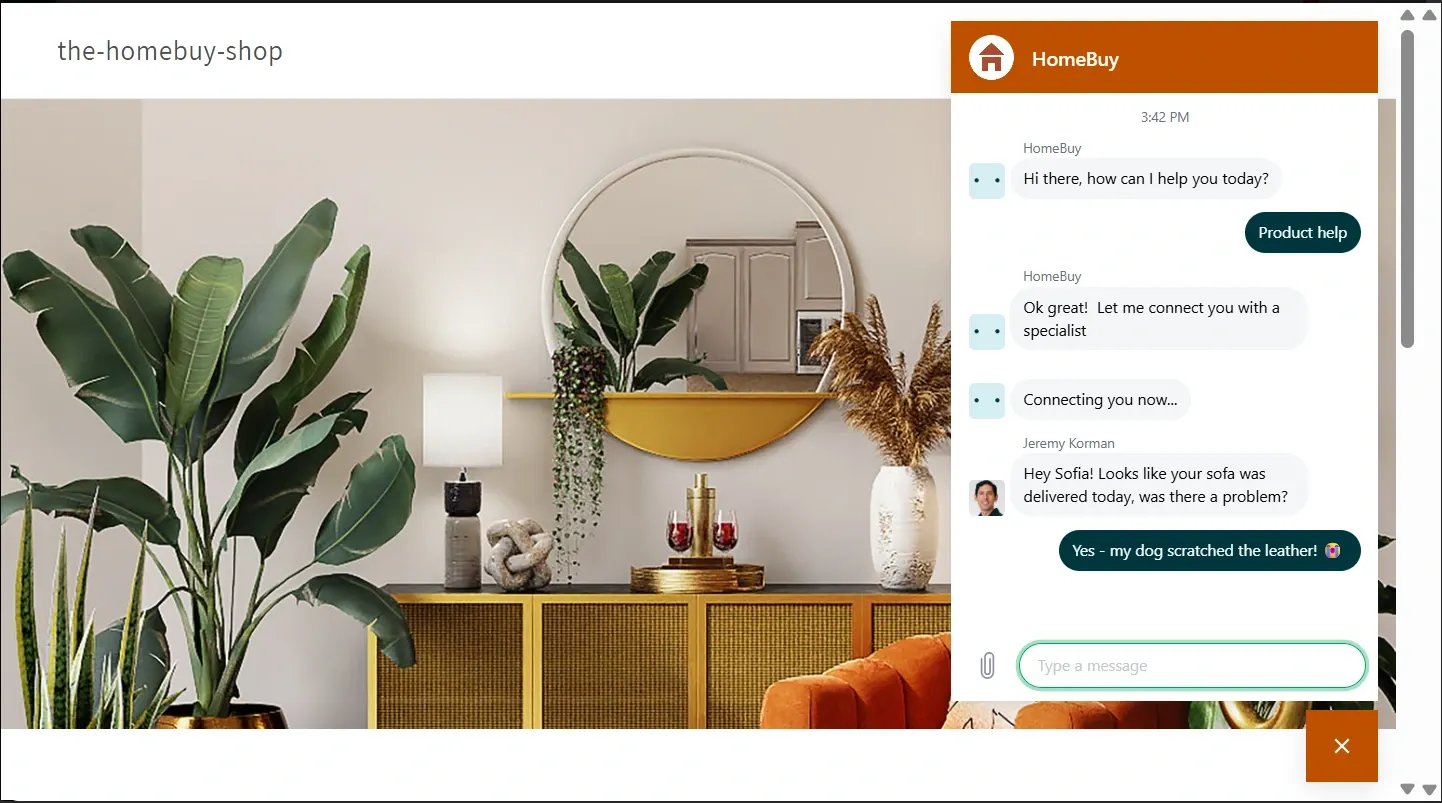
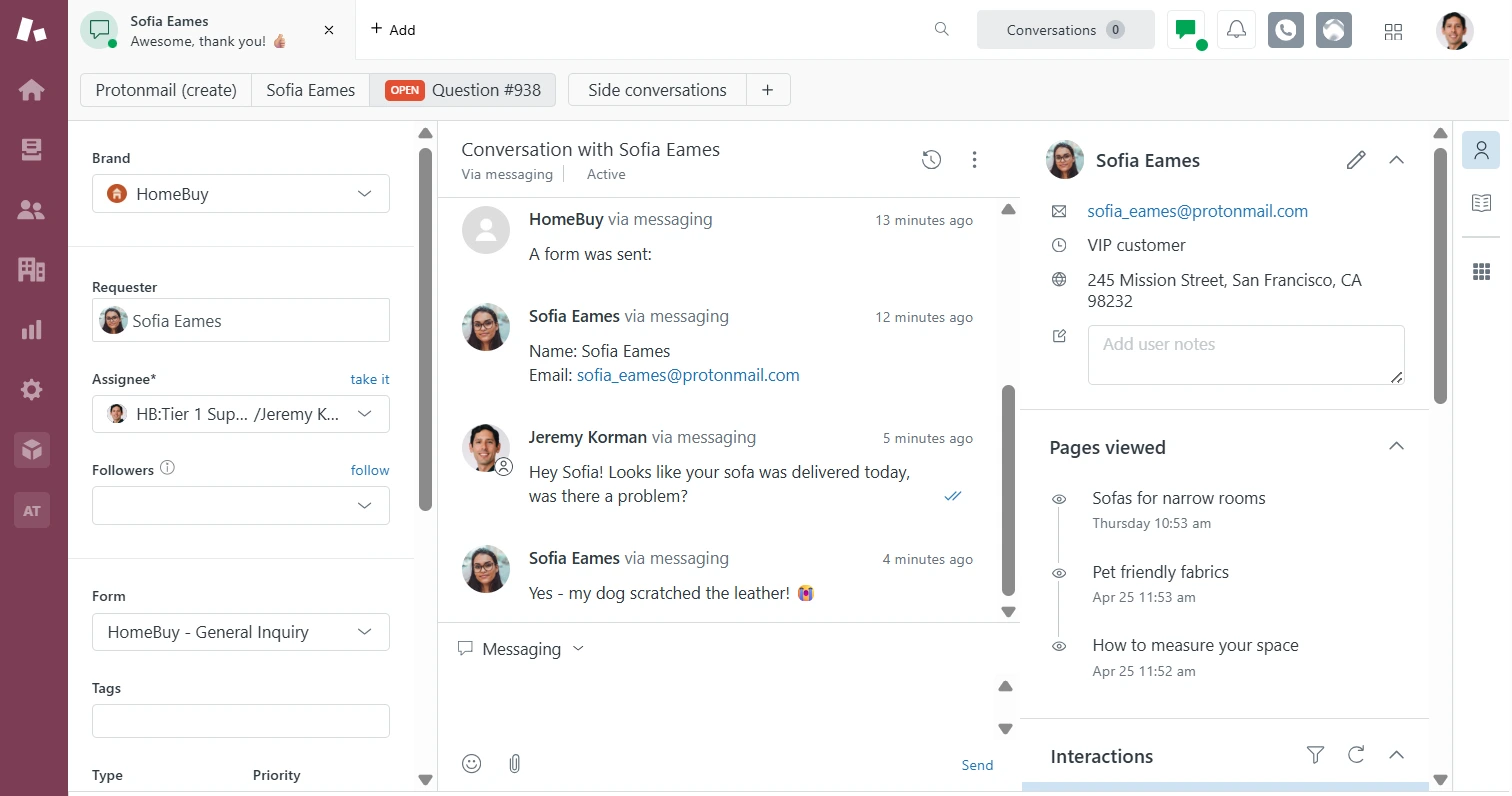
Zendesk is a cloud-based CRM software designed to help businesses manage customer interactions across multiple channels, including email, chat, phone, social media, and self-service portals.
Zendesk Pricing: Starting from $25/user/month.
Zendesk Key Features:
- AI Agents: Automates customer interactions.
- Messaging & Live Chat: Provides customer support across multiple channels such as web, mobile, and social media.
- Workflow Features: Ensures service processes run faster, more efficiently, and more consistently with the help of data analytics.
- Ticket Management: Simplifies customer issue resolution by tracking, organizing, and closing customer complaint tickets.
- Routing Intelligence: Automatically routes tickets to the most appropriate agent.
- Analytics Reports: Transforms customer data into valuable business insights.
Pros
- Simple and user-friendly interface, suitable for both small and large teams.
- Supports scalability as the business grows.
- Offers omnichannel solutions.
- Rich integrations with various business platforms and supporting softwares.
Cons
- Requires a fair amount of time to learn, especially for new users who are unfamiliar with complex systems.
- Primary focus is on customer support, making it less ideal for businesses that need a CRM with more comprehensive sales features.
Why Choose Zendesk?
Best CRM Software Recommendations Comparison
The following is a comparison table of the best CRM software recommendations for your business.
Use Left/Right arrow keys to scroll horizontally.
| Software Name | Key Features | Target Business Size | Industry | Pricing |
|---|---|---|---|---|
| Mekari Qontak | Pipeline Management, Workflow Automation, AI Chatbot, Omnichannel Integration, Ticket Management, Report Builder | Small, medium to enterprise businesses | All industries: education, finance, healthcare, retail, logistics, FMCG, tour & travel | Starting from Rp400,000 per user/month |
| Salesforce CRM | Marketing Automation, Multi-App Integration, Performance Analytics | Mid-size to large businesses | Financial services, healthcare, retail, government, manufacturing | $25 per user/month |
| Zoho CRM | Sales Automation, Team Management, Analytics Reports | Small businesses and SMEs | Retail & e-commerce, property, financial services, professional services, manufacturing | Rp690,000 per user/month (monthly billing, Enterprise plan) |
| Bitrix24 | Call Center Management, Recurring Sales Tracking, Team Collaboration | Small to mid-size businesses | Legal, retail, travel, logistics, restaurants | $19 per user/month |
| HubSpot CRM | Live Chat & Chatbot, Sales Management, Marketing Automation | Small to mid-size businesses | Technology companies, marketing agencies, consultants, e-commerce, startups | $45/month |
| Pipedrive | Visual Pipeline, Activity Tracking, Sales Automation | Small to mid-size businesses | Real estate, travel, non-profit organizations | US$19 per user/month |
| Oracle CX | Cross-Channel Marketing, Customer Data Platform (CDP), Sales Force Automation, CPQ | Enterprise businesses | Communications, financial services, utilities, retail | Contact sales for pricing |
| Freshsales | Call Center Features, Contact & Account Management, Lead Management, Customer Support Portal, Reporting | Small, medium, startups to enterprise | Manufacturing, services, e-commerce | $47 per user/month (Pro plan) |
| Apptivo | Lead Management, Invoicing & Billing, Custom Reporting | Small to mid-size businesses | Professional services, consulting, construction | $30/user/month (Premium plan) |
| Monday CRM | Sequences, Email Composition, Call Logging, Customizable Pipelines | Small businesses, startups to large enterprises | Creative agencies, technology, nonprofits, government organizations | $15 per seat/month |
| Microsoft Dynamics 365 CRM | Sales Automation, Project Management, Real-Time Analytics | Large businesses and enterprise | Manufacturing, financial services, public sector | $65.00 per user/month (Enterprise plan) |
| SAP CRM | Sales Funnel Management, Sales & Marketing Automation, Customer Service Automation, SAP Module Integration, Analytics Reports | Mid-size to large businesses | Manufacturing, retail, banking, telecommunications | Rp2,266,470 per user/month |
| SugarCRM | Sales Workflow Automation, Sales Forecasting, Campaign Management, Project Management, Social CRM | Small to large businesses | Insurance, manufacturing, telecommunications | US$59 per user/month |
| Insightly | Sales Pipeline & Lead Management, Lead Tracking, Workflow Automation, Project Management, Performance Dashboard & Reporting | Small to mid-size businesses | Professional services, consulting, non-profit organizations | $30/user/month |
| Zendesk | Messaging & Live Chat, Workflow Features, Analytics Reports, Ticket Management | SMEs to enterprise | E-commerce, SaaS, customer service across all industries | $25/user/month |
- Feature data, pricing, and all information in this table are sourced from publicly available data on each software provider’s official website.
- Please note that pricing, plans, and features are subject to change at any time.
- We recommend visiting each provider’s official website directly to get the latest pricing updates and plan details that best suit your business needs.
Tips for Choosing the Best CRM Application for Your Business
Here are some tips for choosing the best Customer Relationship Management (CRM) software to drive long-term business revenue growth.
1. Choose Based on Your Business Scale and Needs
Not all CRM platforms are created equal. Some are designed for small businesses, while others are built for large enterprises. You should avoid purchasing a CRM with features that are too advanced and expensive if you only need the basics.
For example, a small company may only need a simple CRM to manage contacts and follow-ups. Meanwhile, mid-size to large businesses typically require a more complete feature set, such as a sales pipeline, e-commerce integration, and analytics reports.
2. Align It with Your Team’s Workflow
The best CRM is one that can adapt to the way your team works, not the other way around. Ideally, you should choose a software that interface aligns with your team’s working style.
Beyond that, you should also look for software that lets you configure pipelines, dashboards, and workflows to match your business processes. This will make implementation smoother and drive faster team adoption.
3. Pay Attention to Flexibility and Integration
To support ease of use and achieve the best results, your CRM software should not operate in isolation. This flexibility is crucial for keeping data centralized without constantly switching between softwares.
Make sure the CRM you choose can connect with other tools you’re already using, such as the WhatsApp Business API and accounting software.
4. Test Automation and Specialized Features
Automation is the key to saving time and improving efficiency. You can try out various features, such as follow-up automation and lead scoring. These features help your team prioritize the most important prospects.
In addition, pay attention to industry-specific features that are relevant to your business, for example, e-commerce integration for retail or project management tools for agencies.
5. Consider Long-Term Costs
Before making a purchase decision, also factor in the long-term costs as the number of users (user/seat) or feature requirements grows.
Choose a CRM that supports scalability so that your investment remains proportional to the value it delivers over the long term.
Get the Best CRM Software Solution from Mekari Qontak
That concludes our comprehensive list of CRM software recommendations, along with tips on how to choose the right one. Make sure you select a CRM software that is flexible, appropriate for your business scale, and comes from an official, trusted provider.
You no longer need to feel overwhelmed, today, many companies offer convenient and reliable CRM software solutions in Indonesia, such as Mekari Qontak.
Mekari Qontak’s CRM Software features provide an end-to-end solution capable of connecting with Omnichannel Software and other business softwares.
Mekari Qontak’s CRM system technology can also help businesses drive revenue growth, improve productivity, and enhance customer service.
So what are you waiting for? Consult your needs with us and try Mekari Qontak for free today!
Frequently Asked Question About Best CRM Software (FAQ)
How is customer data kept secure within a CRM software?
How is customer data kept secure within a CRM software?
Using a trusted CRM software will ensure the security of your customer data. For example, Mekari Qontak comes equipped with a data-based system security framework that is ISO 27001 certified and meets international standards.
How much does a subscription to the best CRM software cost?
How much does a subscription to the best CRM software cost?
Costs vary depending on the vendor and feature plan. For example:
- Mekari Qontak starts at around Rp400,000/user/month
- Salesforce CRM starts at around $25/user/month
- Zoho CRM is around Rp690,000/user/month
CRM software pricing is subject to change, so it is recommended to check the vendor’s website directly for the latest updates.
What are the best CRM application recommendations for small businesses and SMEs?
What are the best CRM application recommendations for small businesses and SMEs?
For small businesses or SMEs, you should look for a CRM application that is affordably priced, easy to use, and focused on core features.
Mekari Qontak, Bitrix24, HubSpot CRM, and Less Annoying CRM are all excellent choices. Several of these applications offer essential features at competitive price points.
Find out more about using CRM for small businesses and SMEs.
Are there any top CRM software recommendations for large businesses and enterprises?
Are there any top CRM software recommendations for large businesses and enterprises?
Absolutely. For large-scale businesses, you can use Mekari Qontak as an intelligent customer platform solution, Microsoft Dynamics 365 for businesses looking to unify the Microsoft ecosystem, or Epicor CRM for the manufacturing and distribution sectors.
What does the CRM software implementation process look like within a company?
What does the CRM software implementation process look like within a company?
The CRM software implementation process in a company generally involves several stages, as follows:
- Planning Stage: Selecting the CRM application that best fits your business.
- Preparation Stage: Gathering and organizing all customer data.
- Training Stage: Providing training and information to the team members who will be using the CRM application.
- Post-Implementation Stage: Once the CRM is up and running, monitor usage and performance on a regular basis.
Can Customer Relationship Management (CRM) software be used across all types of industries?
Can Customer Relationship Management (CRM) software be used across all types of industries?
Absolutely! Many CRM applications are industry-agnostic and can be used in e-commerce, retail, professional services, healthcare, finance, education, and manufacturing. Some CRM platforms also offer specialized features tailored to specific industries.
Do all CRM applications support integration with WhatsApp and other platforms?
Do all CRM applications support integration with WhatsApp and other platforms?
Not all CRM platforms offer WhatsApp integration, but many modern CRM applications, such as Mekari Qontak, Salesforce, and Bitrix24 do support integration with the WhatsApp Business API, Google Workspace, and various other third-party applications.